The Speech to Text App for Windows That Keeps Every Word Private
Speech to Note is a speech to text app for Windows that turns speech into clean, ready-to-paste text right where you're typing. Choose cloud speed or fully offline, on-device transcription — your audio never has to leave your PC if you don't want it to.
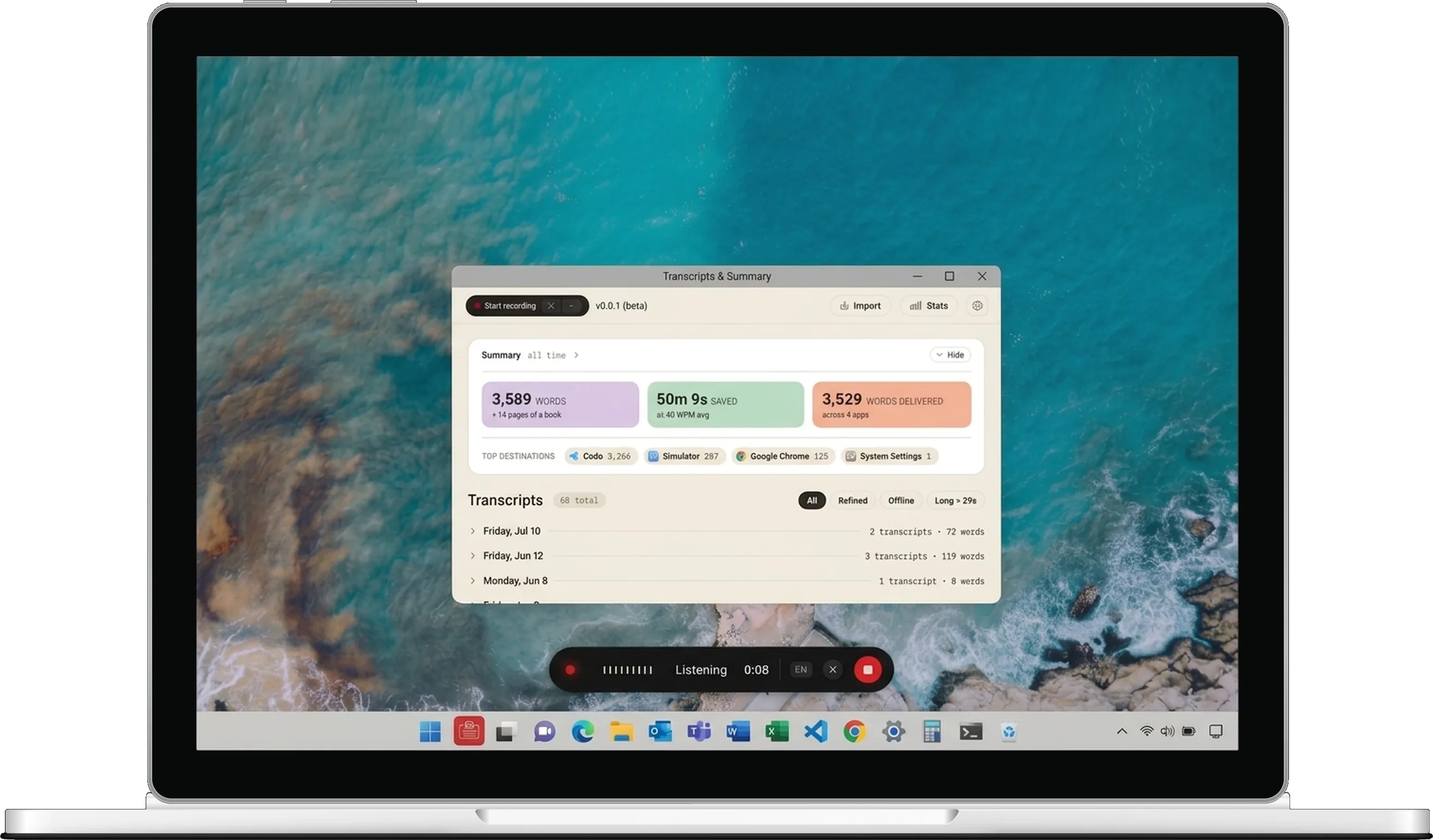
All You Need to Know
to use the Speech to Note Windows App
Prefer a different shortcut? You can change it anytime in the app’s settings.
Three Powerful Features.
One Simple App.
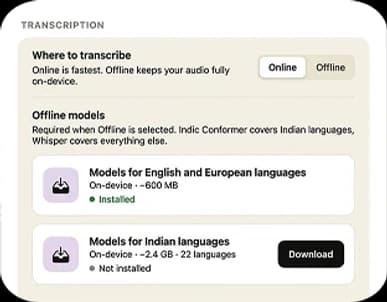
Works Fully Offline
Switch to Offline Mode and transcribe entirely on your PC using an on-device AI model — no internet required, and your audio never has to leave your machine.
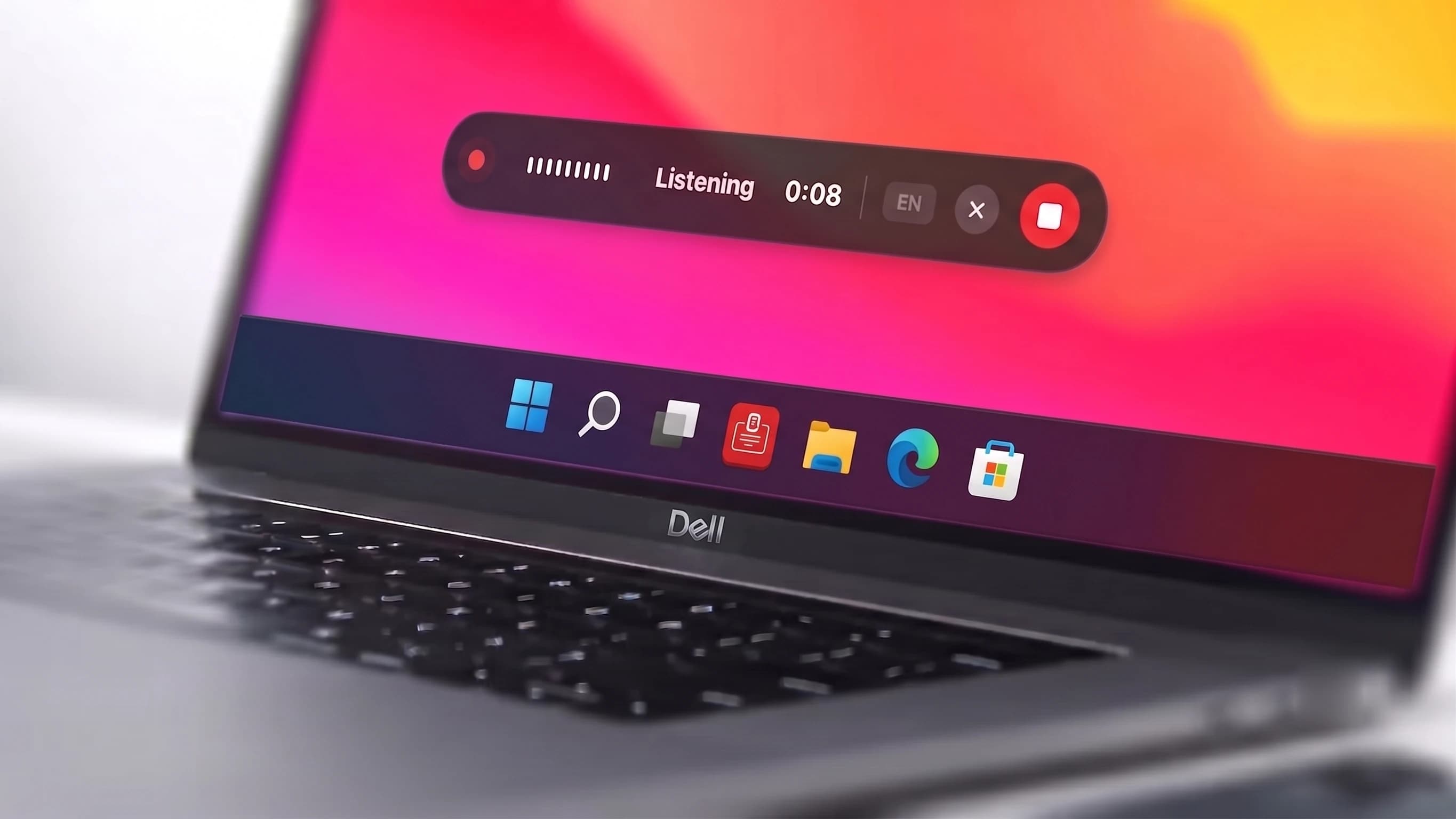
Record & Transcribe Instantly
Hit a hotkey and start speaking. When you stop, your words are transcribed and ready to paste anywhere — emails, documents, Slack, or your favorite note-taking app.
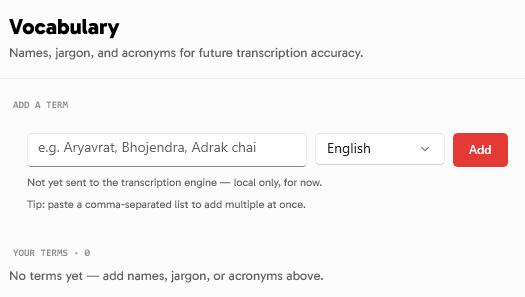
Clean, Refined Text — Automatically
Filler words and grammar get cleaned up automatically before your text lands in your document — ready to paste, no manual editing needed.
Perfect For Every Voice-to-Text Need

Native desktop app for Windows with a global hotkey and one-click paste, right in your workflow
Capture meeting notes, brainstorm ideas, and document sensitive conversations fully offline — nothing leaves your PC unless you choose cloud mode

Turn long recordings into clean, organized notes in seconds — in English or many other languages, even fully offline

Lo que dicen nuestros usuarios
Comentarios reales de usuarios reales sobre su experiencia con nuestro generador de transcripciones
“This app delivers more than I expected, thumbs 👍 to the team. Great App”
Jobby UTEENO
en Product Hunt
“Speech to Note is a revolutionary tool! It effortlessly converts speech into detailed notes, concise messages, and social post captions. It has automated our tasks and saved a lot of time for our team and managers. The AI's precision and speed are exceptional. Highly recommend for anyone wanting to simplify their note-taking process! A must for the client servicing team where your lot of tasks goes in making minutes detailing and assigning tasks. This tool can save a lot of time.”
Isha Mehendiratta
en Product Hunt
“Amazing support and reasonable prices. I'm interested in how language learners can benefit from recording themselves in and out of class and following the transcript as they listen back to their recordings. I discovered that if you ask SpeechtoNote for a translation of the transcript into the same language as the recording, it gives you "a more coherent version". Lots of ways for language learners to improve their speaking”
Chris Fry
en Product Hunt
“I've been using it to start off various kinds of written texts, from emails to blog posts, and it's become a very helpful tool for me. The product team is very dedicated to their users, and there's a lot of good things to look forward to.”
Stefan Buchberger
en Product Hunt
“As a journalist always chasing the next big story, Speech to Note has become an essential tool for me. The app's ability to convert my spoken thoughts into text is exceptionally accurate. Whether I'm conducting interviews, summarizing press briefings, or jotting down quick notes, it's streamlined my workflow and boosted my efficiency. What I love most is how easy it is to use and how quickly it processes my speech. No more worrying about missing key points during conversations. Editing and organizing my notes has never been easier. Huge thanks to Speech to Note for revolutionizing the way I work!”
Saurabh Kulmethe
en Product Hunt
“This is a great summary (tool) I want to be able to support speech note. People love this tool 🔥More than that it's the community 🫂”
Blu bird
en X (formerly Twitter)
Cuenta de un discurso para tomar notas
Voz a texto y notas en todas partes




System Requirements
What you need to run the Speech to Note Windows app.
- Operating system
- Windows 10 version 1809 (build 17763) or later, or Windows 11.
- Processor
- 64-bit (x64) or ARM64 — ARM64 runs through x64 emulation. 32-bit (x86) is not supported.
- .NET runtime
- Not required — the app ships self-contained and bundles its own runtime.
- Microphone
- Required — Speech to Note transcribes what you speak into your mic.
- Internet connection
- Required for cloud transcription and signing in. Once you’ve downloaded an on-device model and switched to Offline Mode, transcription itself no longer needs one.
Speech to Note for Windows is in beta. The same requirements are listed in the v1.0.0 release note.