Help Center
Search…
Delete Your Account
If you decide to leave Speech to Note, follow these steps:
Go to "Delete" section
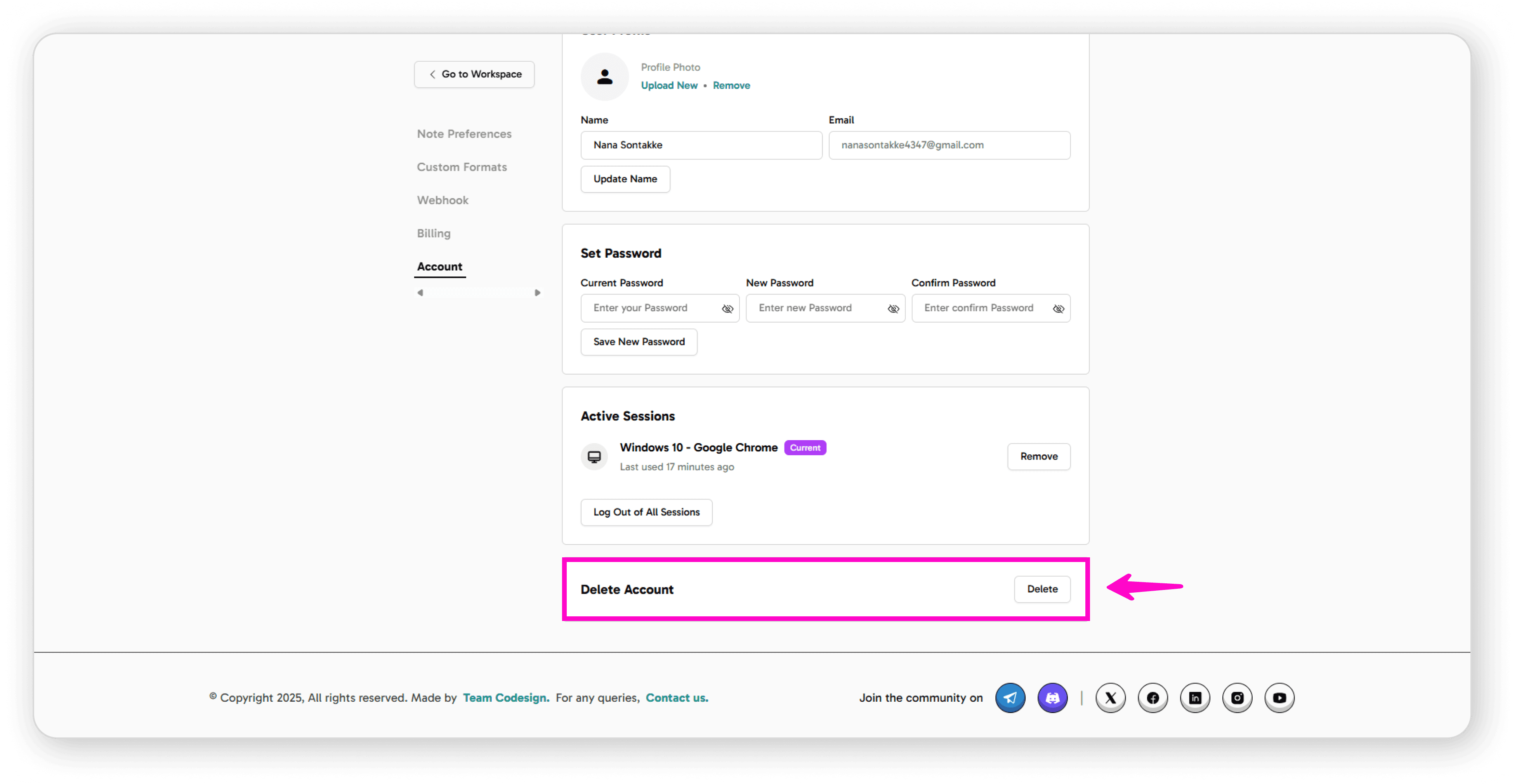
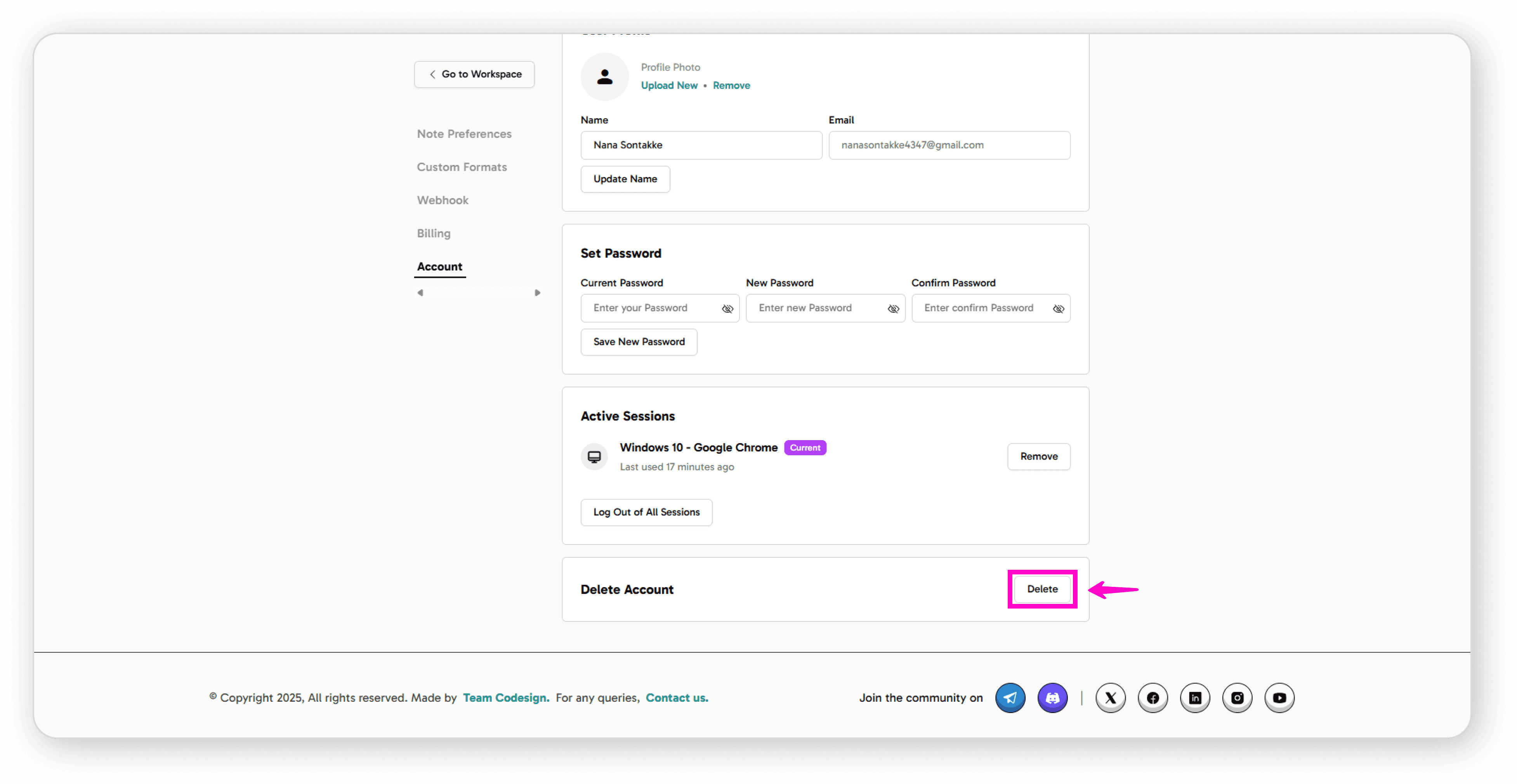
Click the "Delete" button
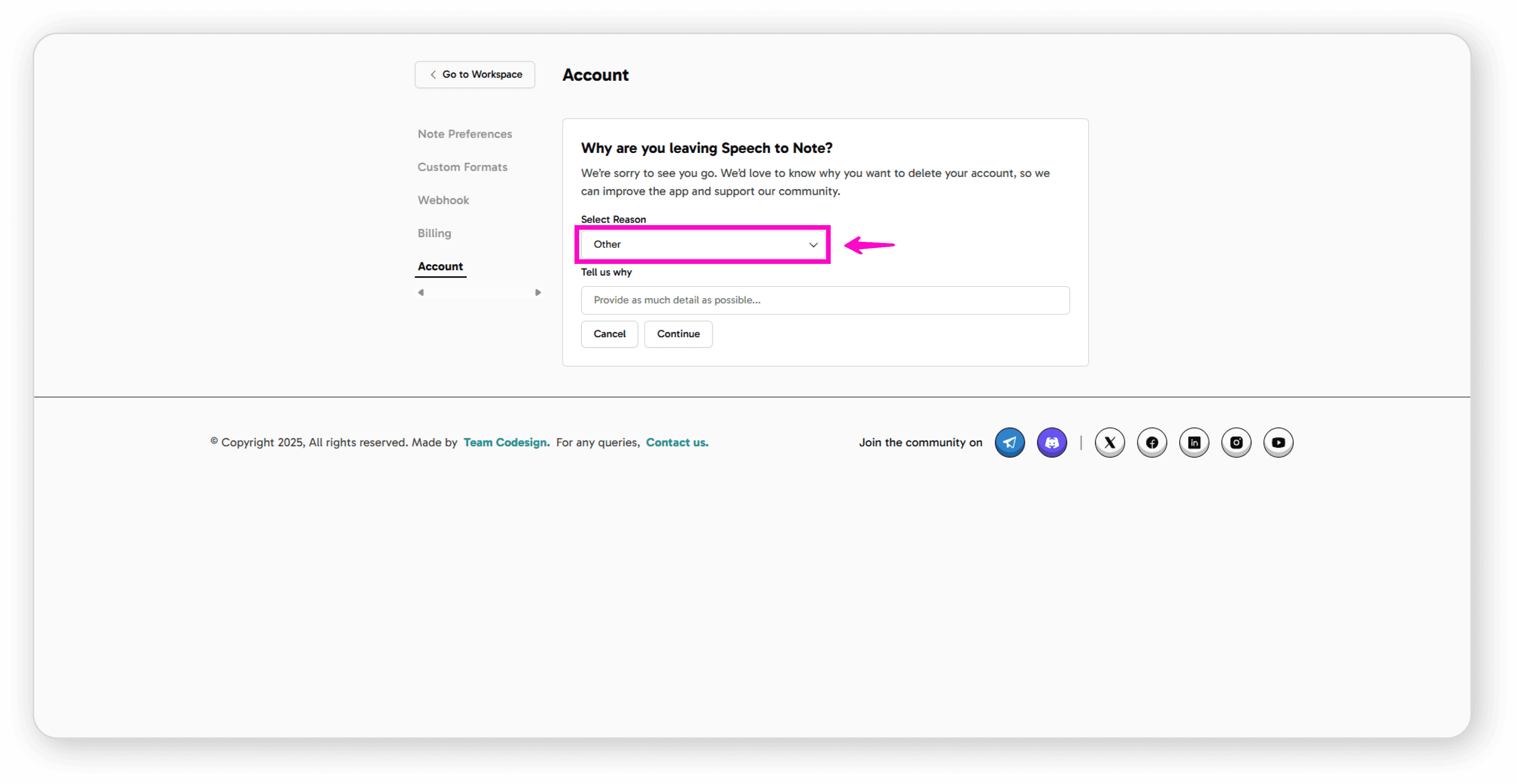
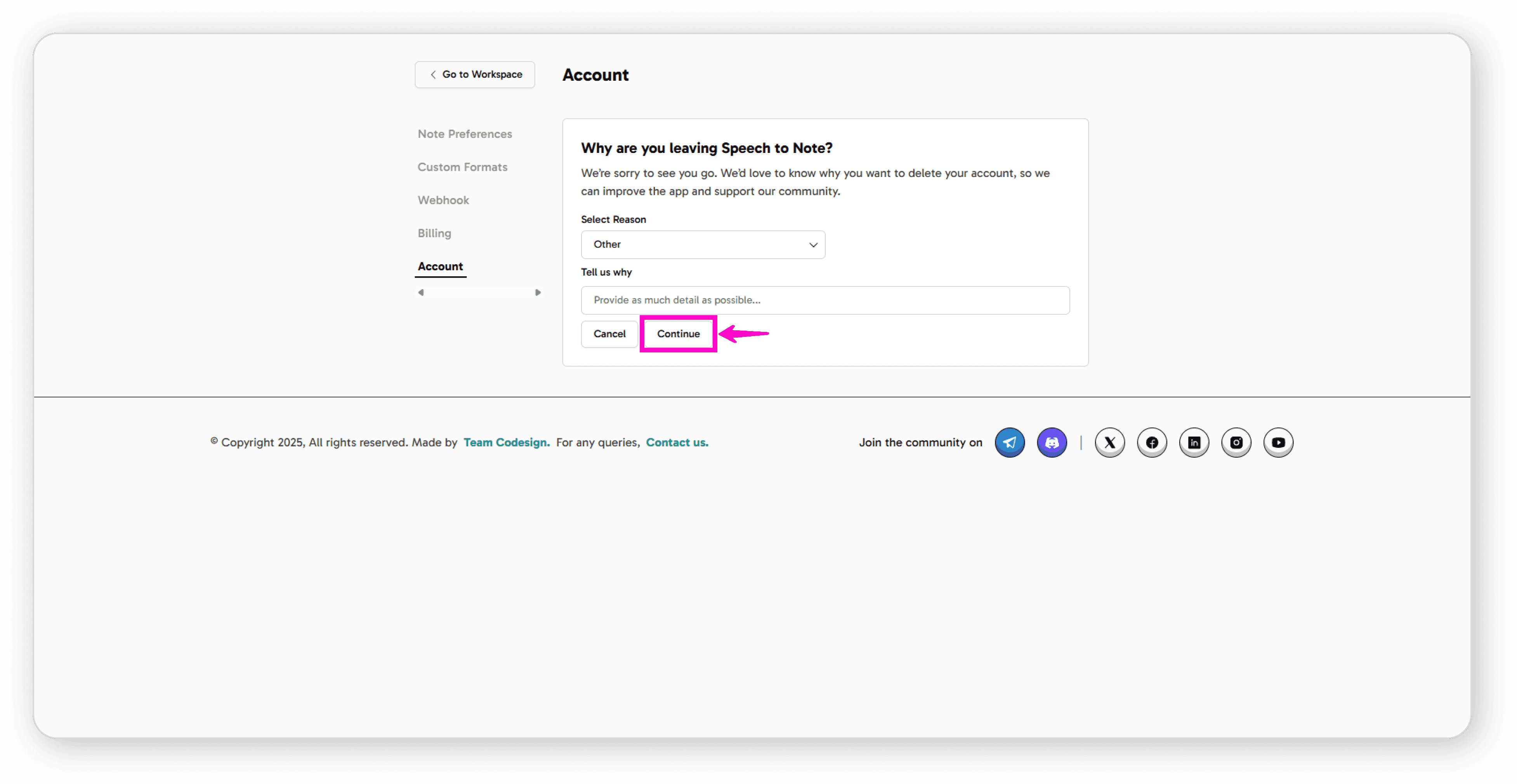
Select a reason for leaving from the available options (or choose "Other" to provide your own reason)
Write your feedback in "Tell us why"
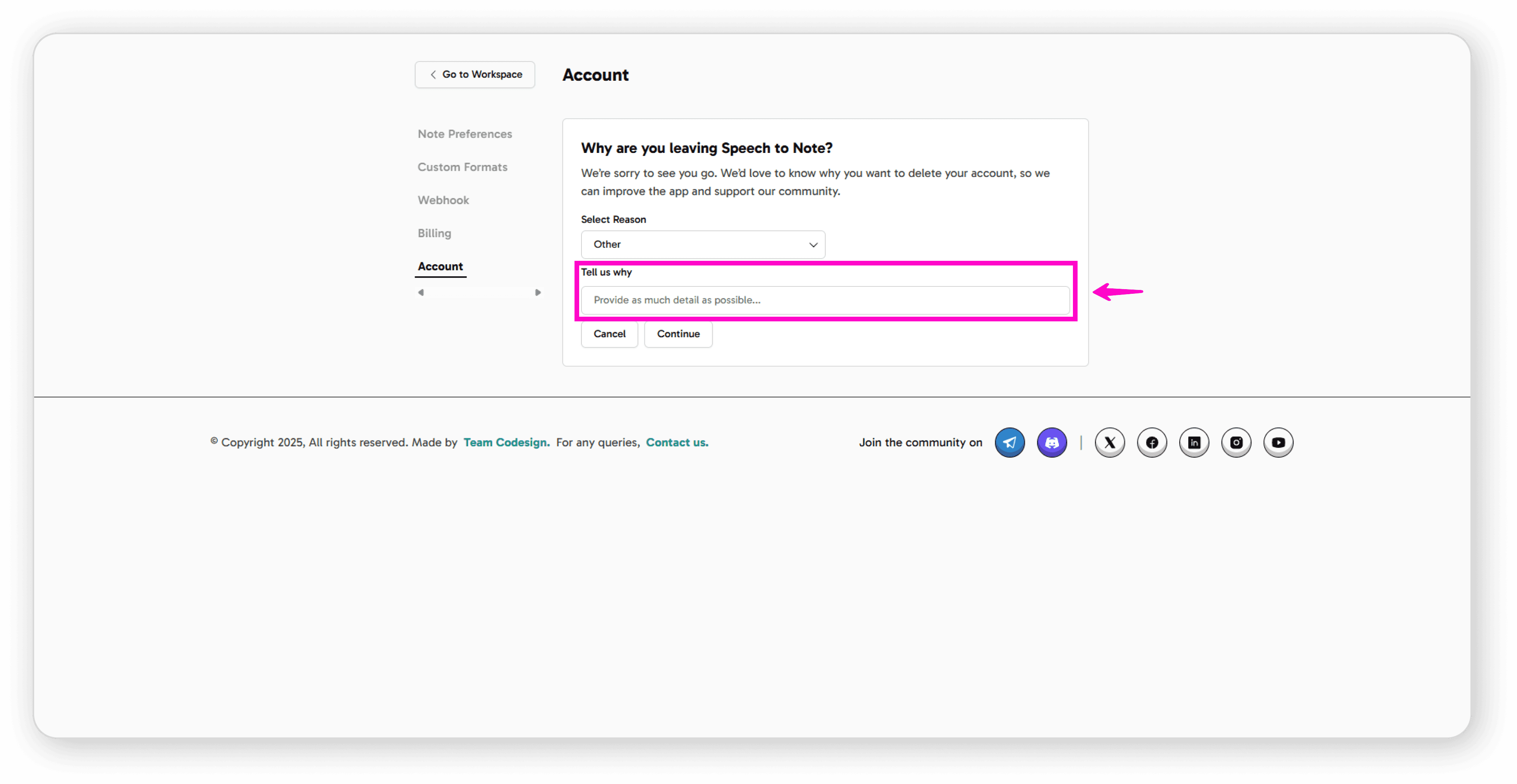
Click "Continue"
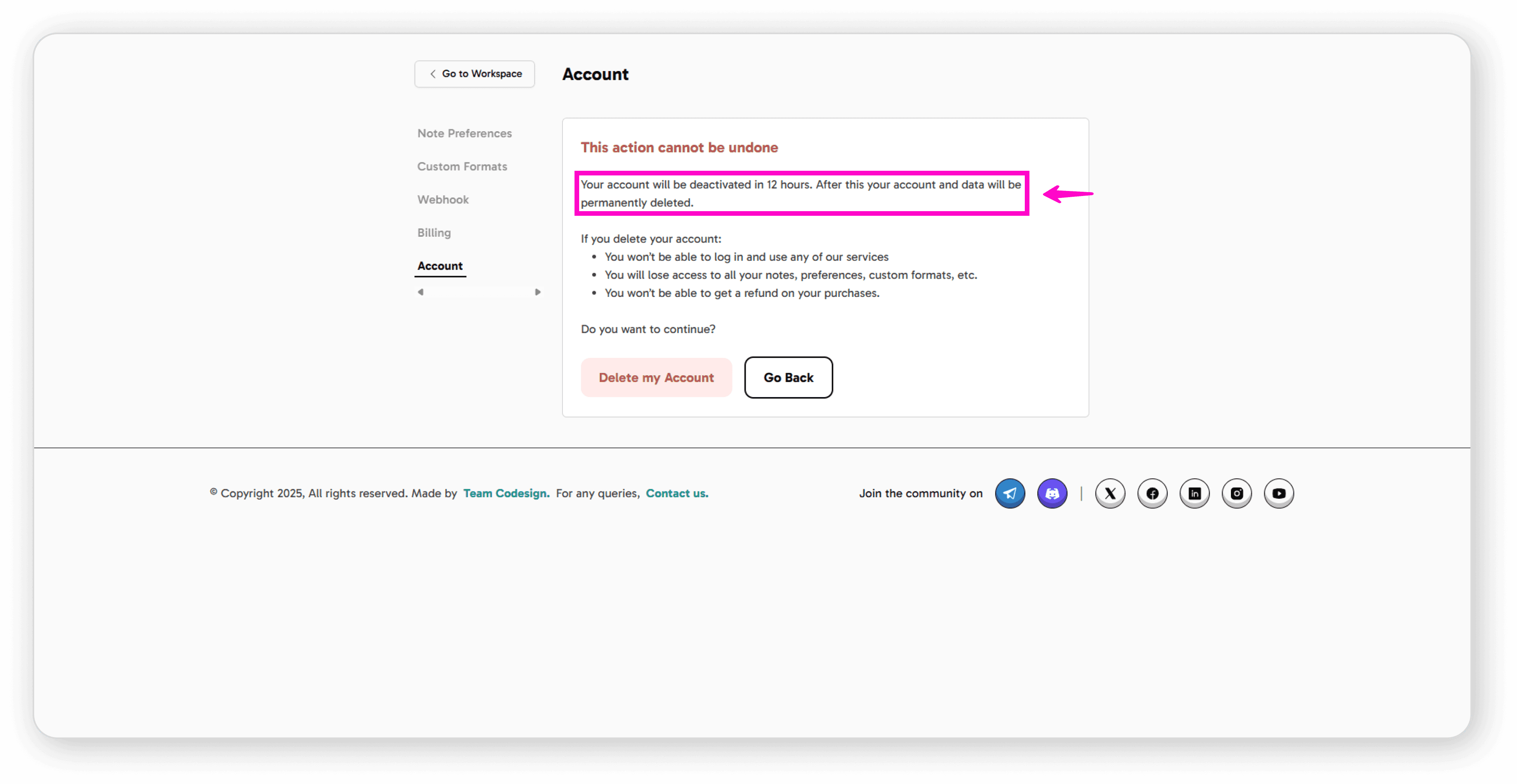
Important Warning: You'll see an alert message with critical information:
Your account will be deactivated in 12 hours
After 12 hours, your account and data will be permanently deleted
This action cannot be undone
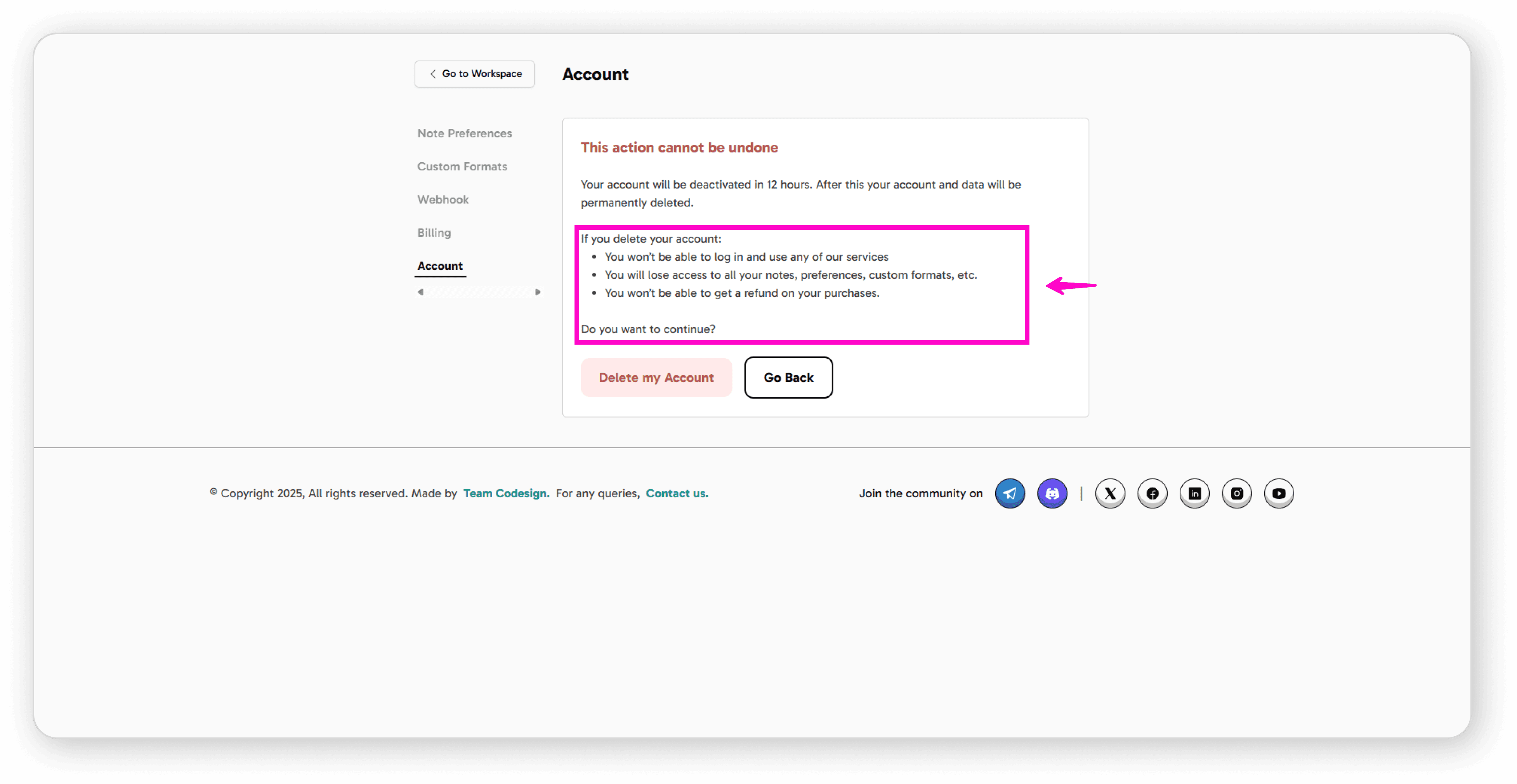
What You'll Lose:
Access to all services and ability to log in
All your notes, preferences, and custom formats
No refunds will be issued for purchases
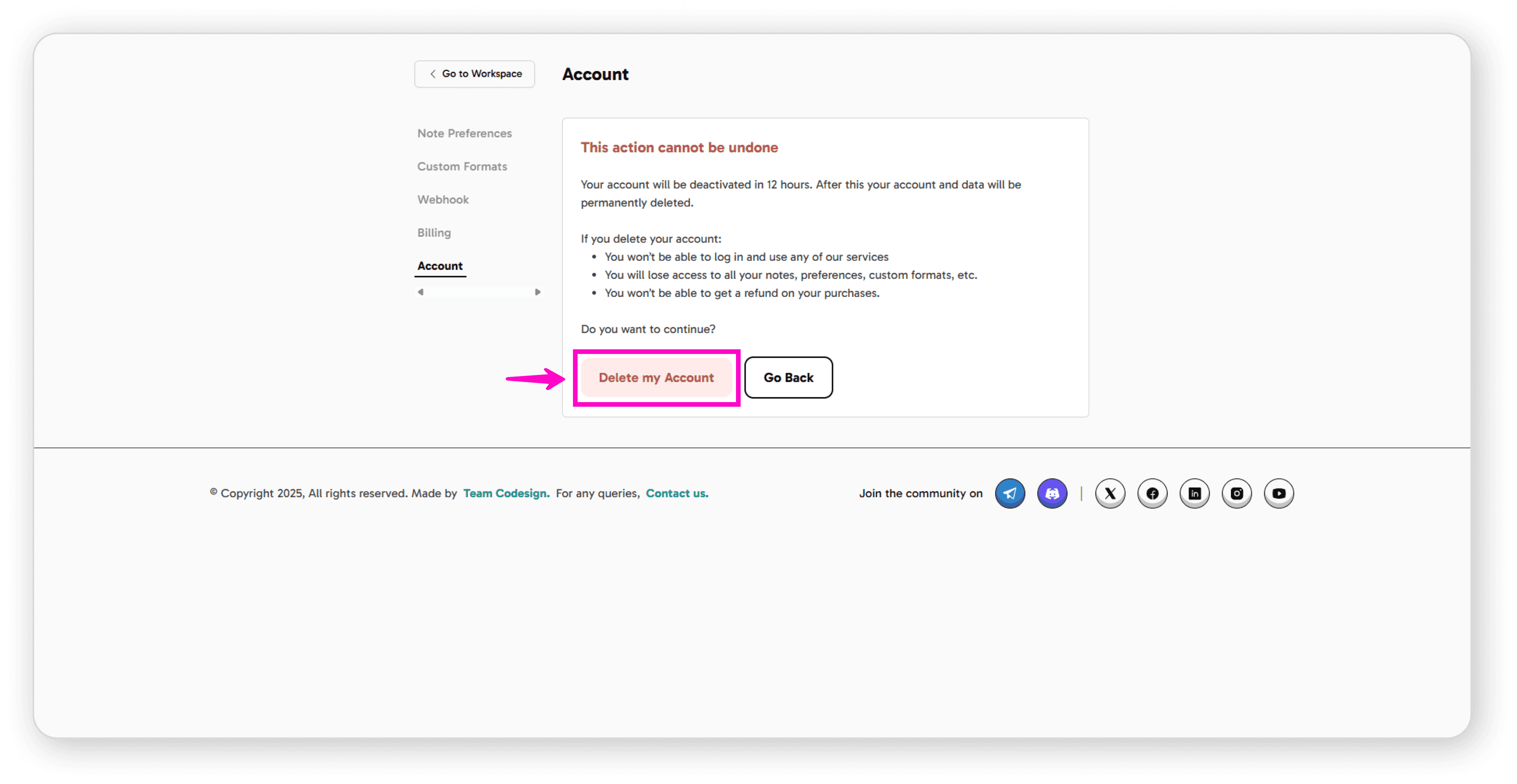
Final Steps:
Click "Delete My Account" if you want to proceed
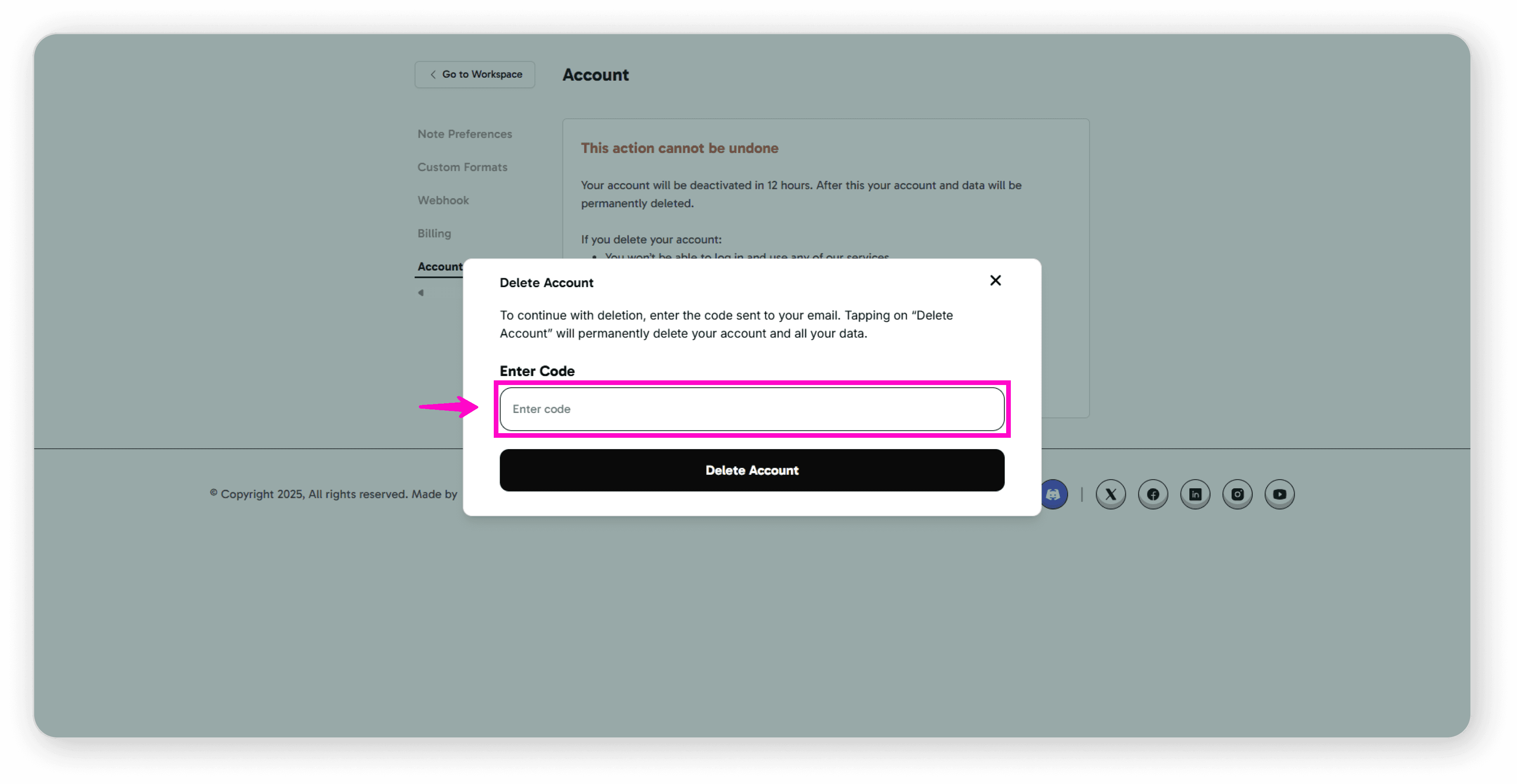
Enter the verification code sent to your email
Confirm by tapping "Delete Account"
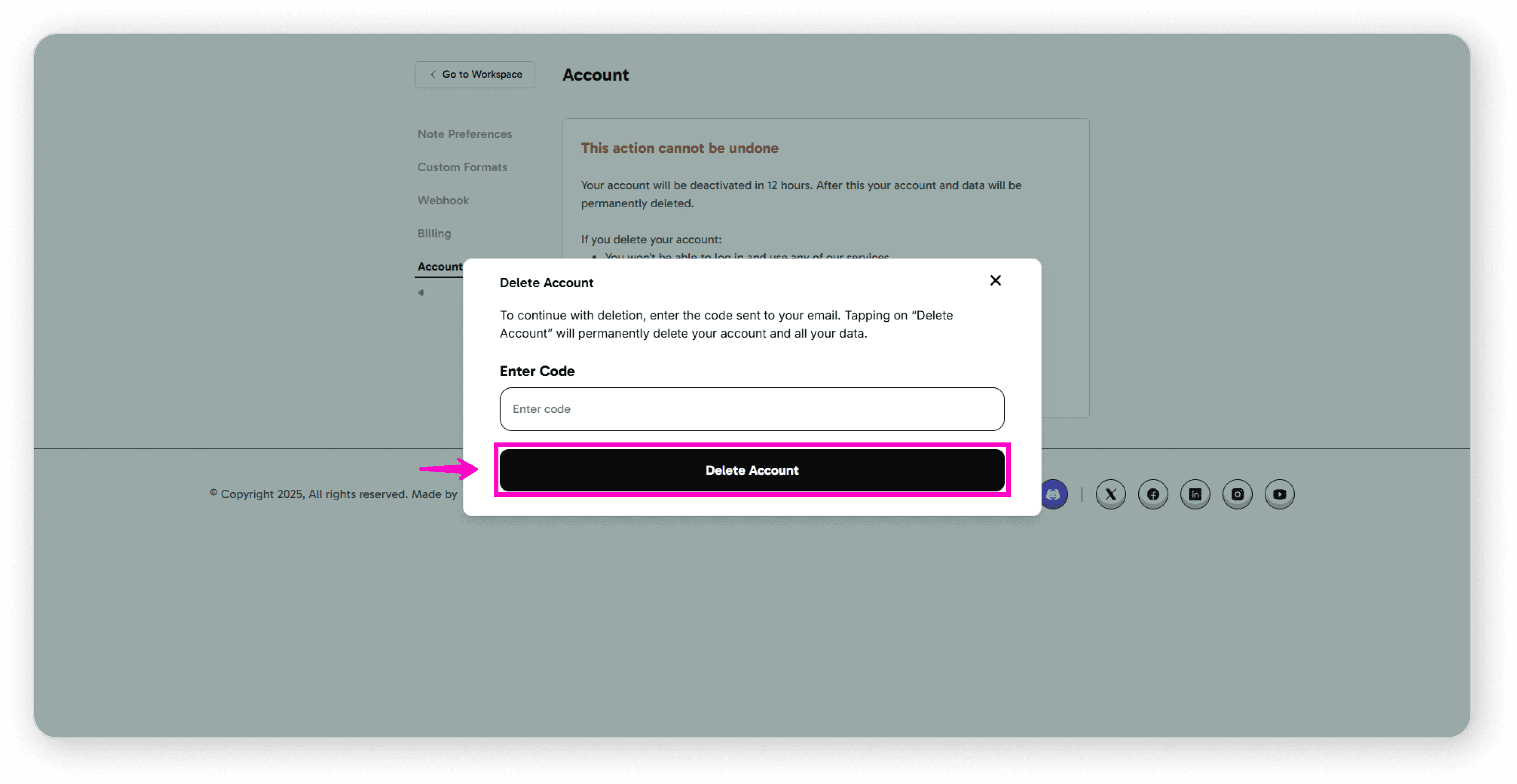
Your account and all data will be permanently removed.





