Help Center
Search…
Exporting Notes
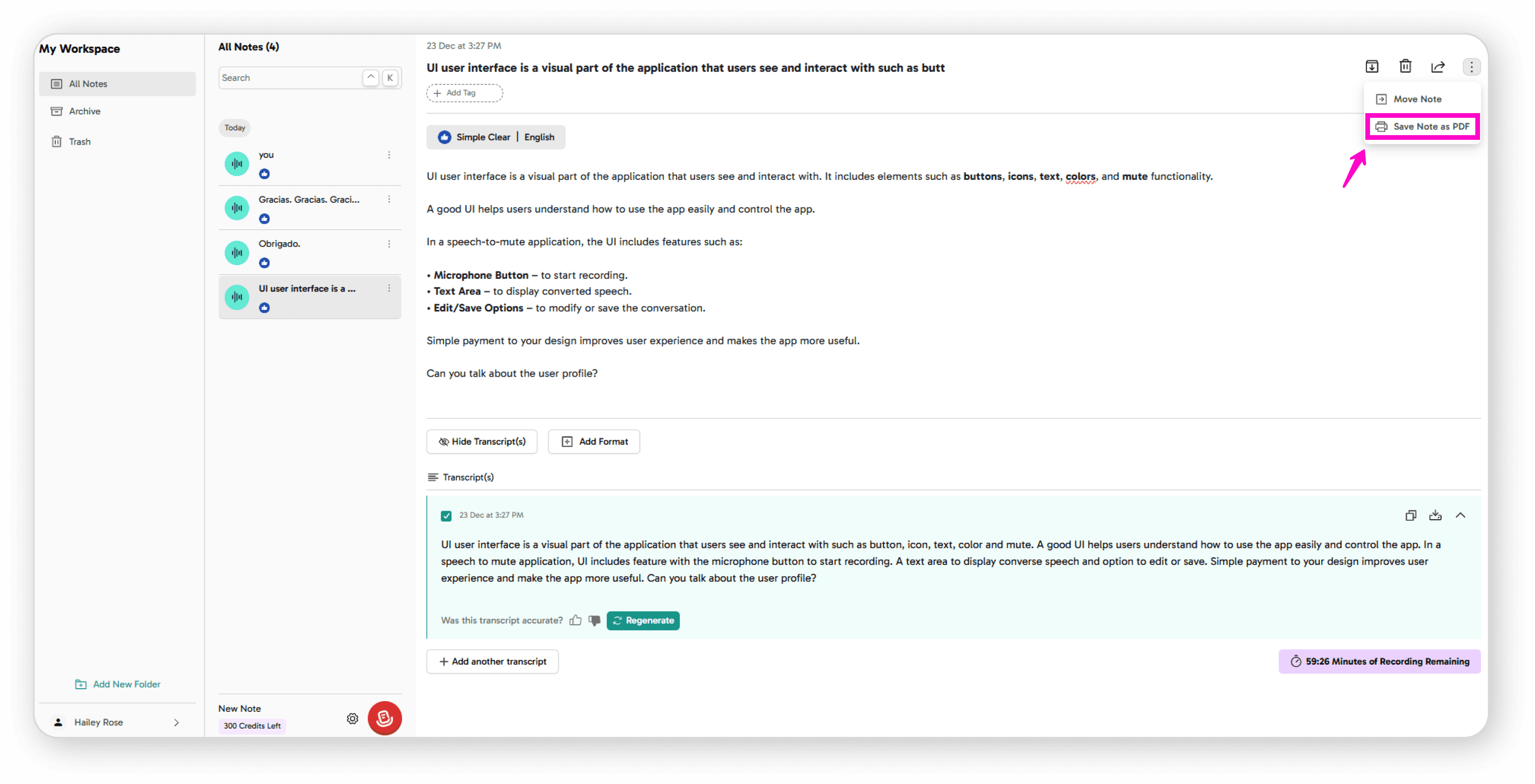
Save as PDF: Click "Save note as PDF" to export
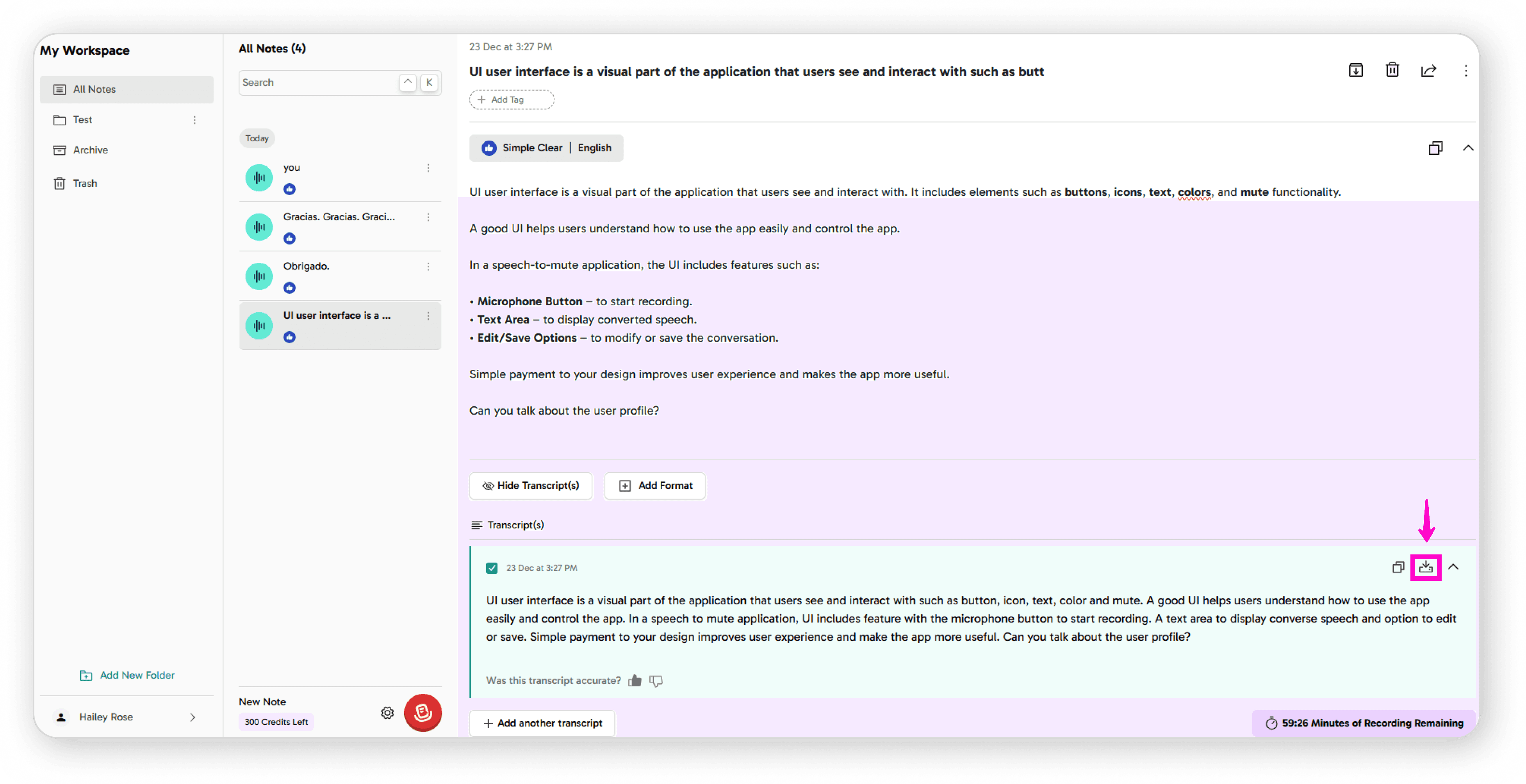
Download: Save notes to your local device
Improving Transcripts
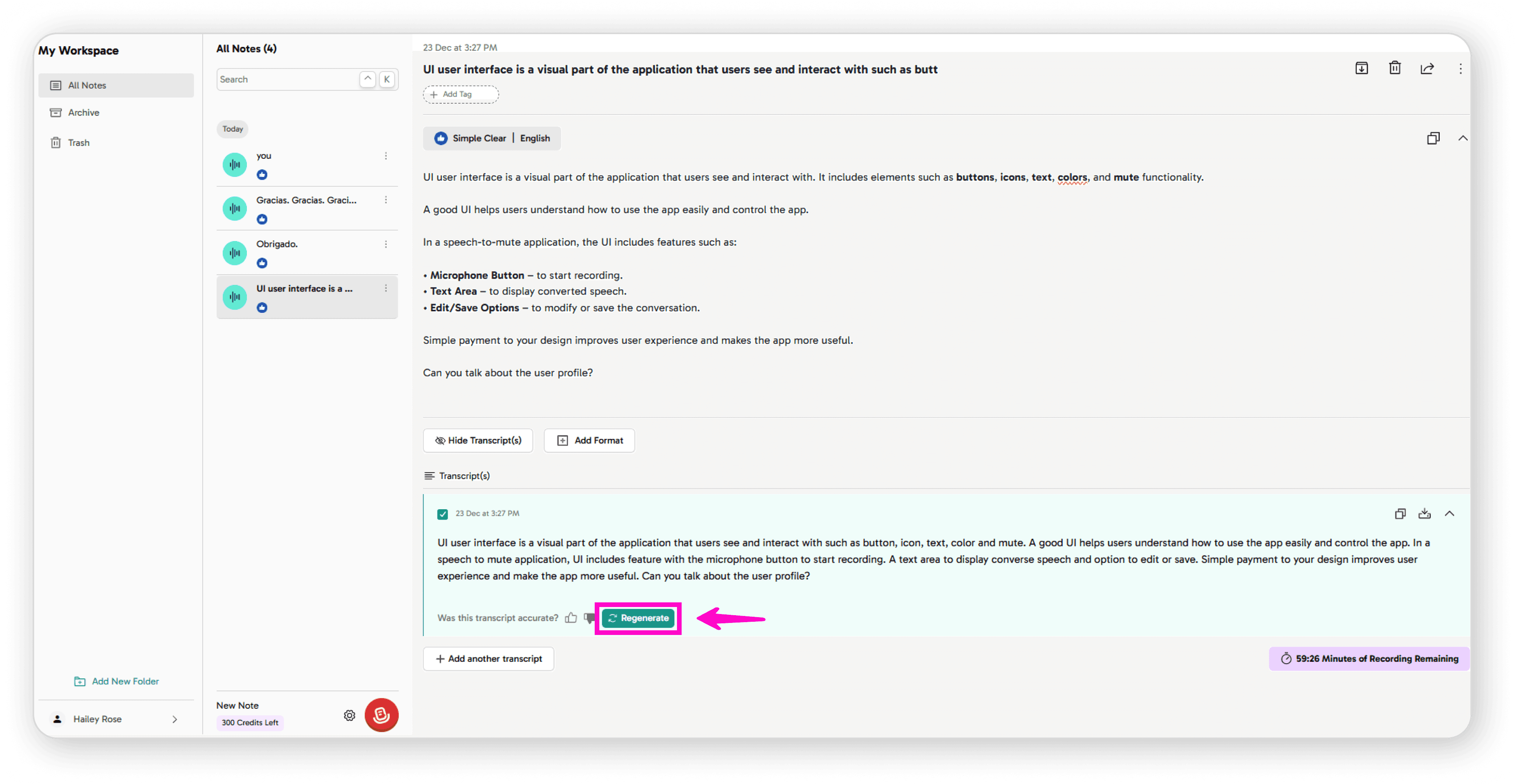
If the audio quality wasn't perfect, click Regenerate Transcript
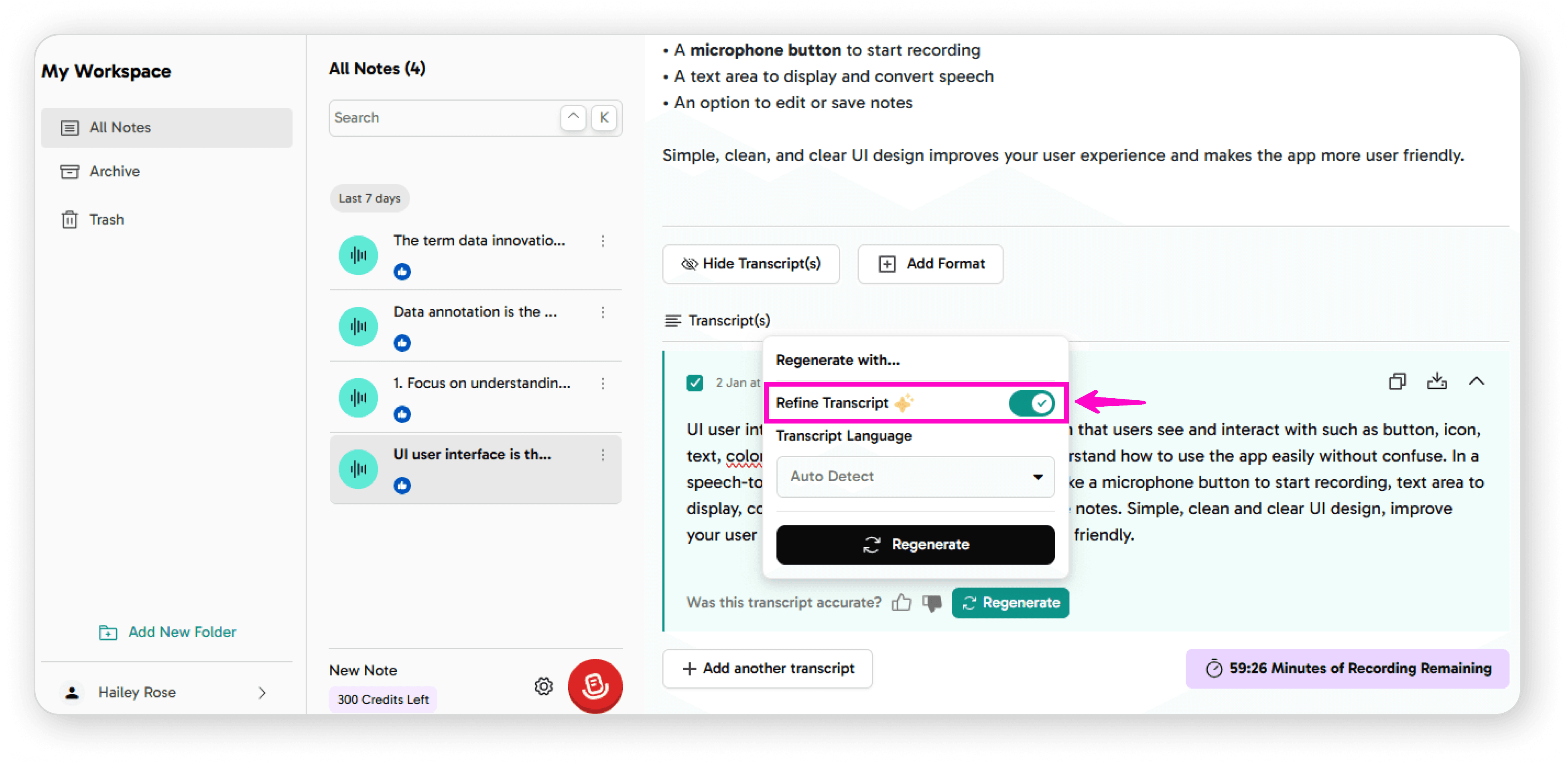
Click to Refine
Click the Refine Transcript button
The system will reprocess your audio to improve accuracy
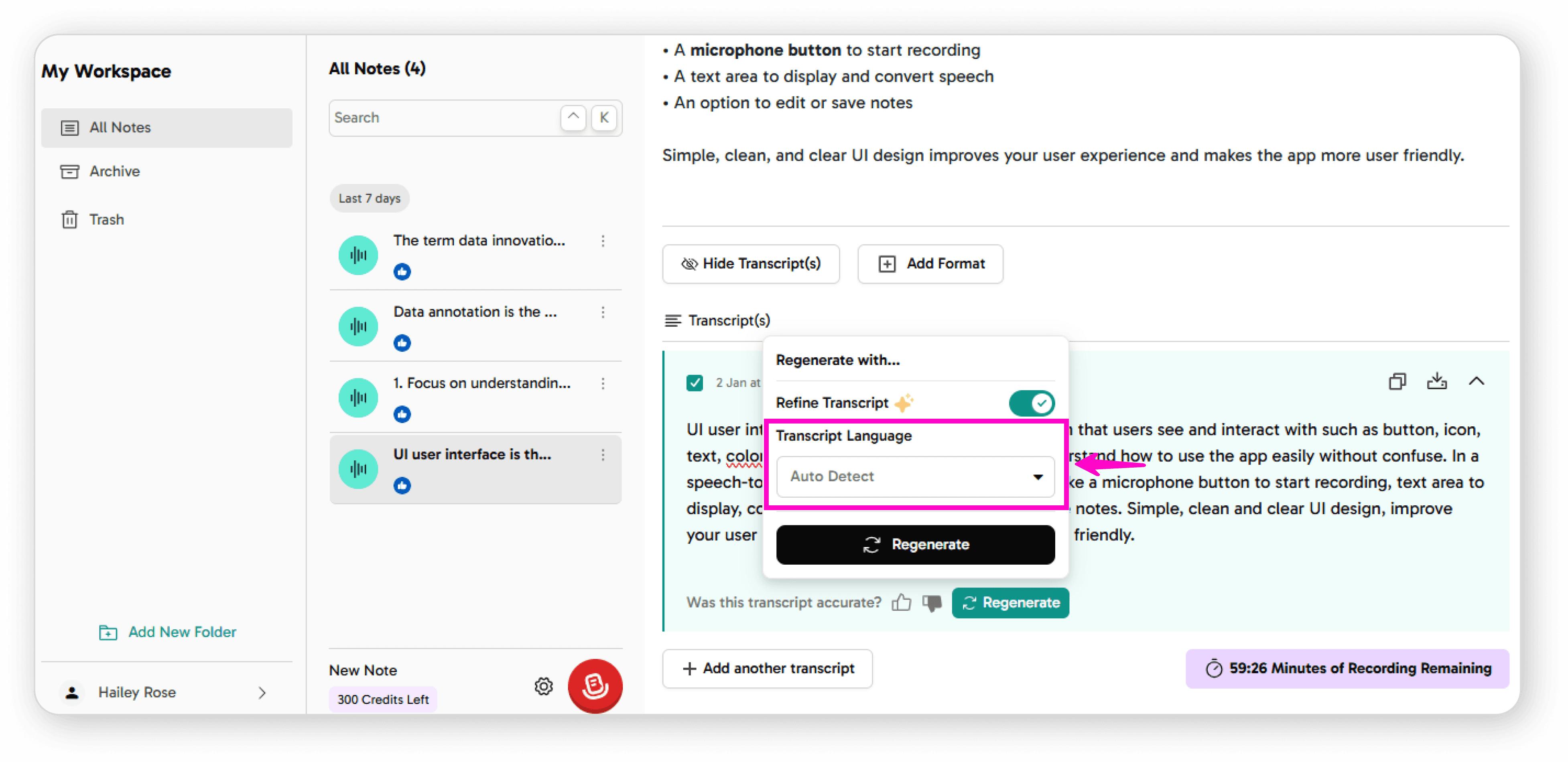
Select your transcript language from the available options
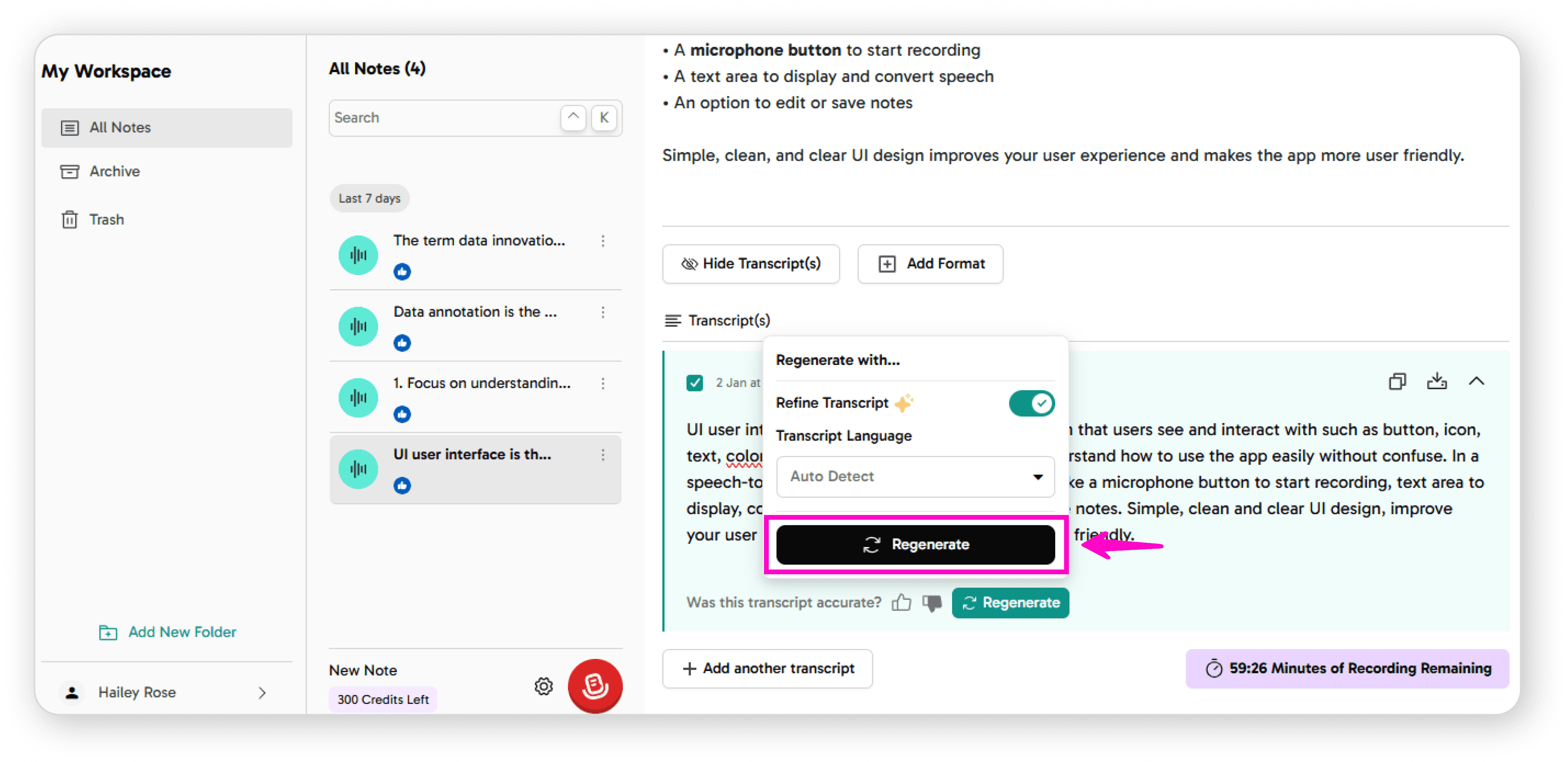
Click Regenerate to process the audio again
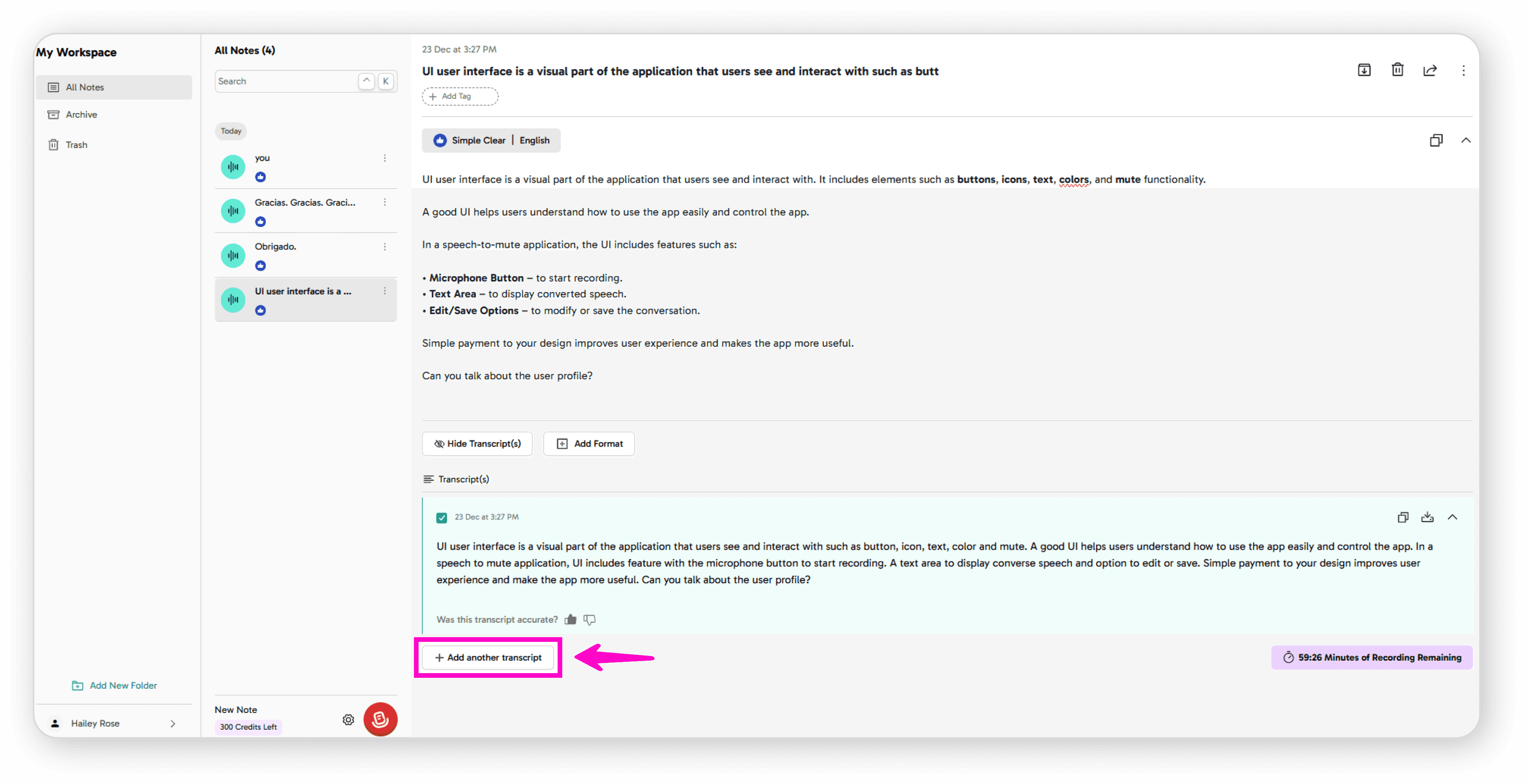
You can also add additional transcripts to the same note