Help Center

Search…

Get Started

Recording Notes

Managing Notes

Folders & Organization

Preferences & Settings

Billing & Plans

Account Settings

Get Started

Get Started

Recording Your First Note 

Once you reach the record screen: 

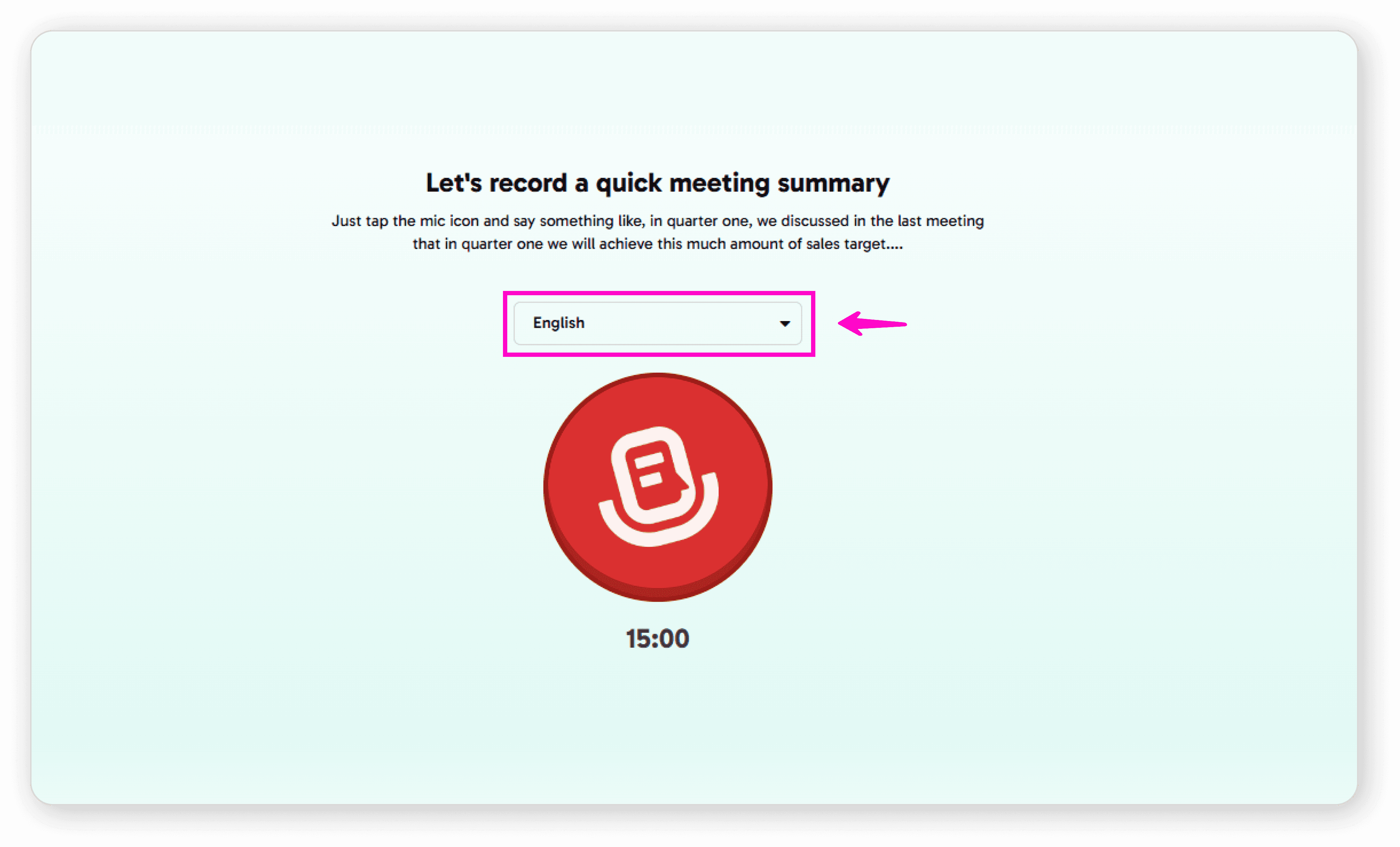
Select your preferred language from the dropdown 
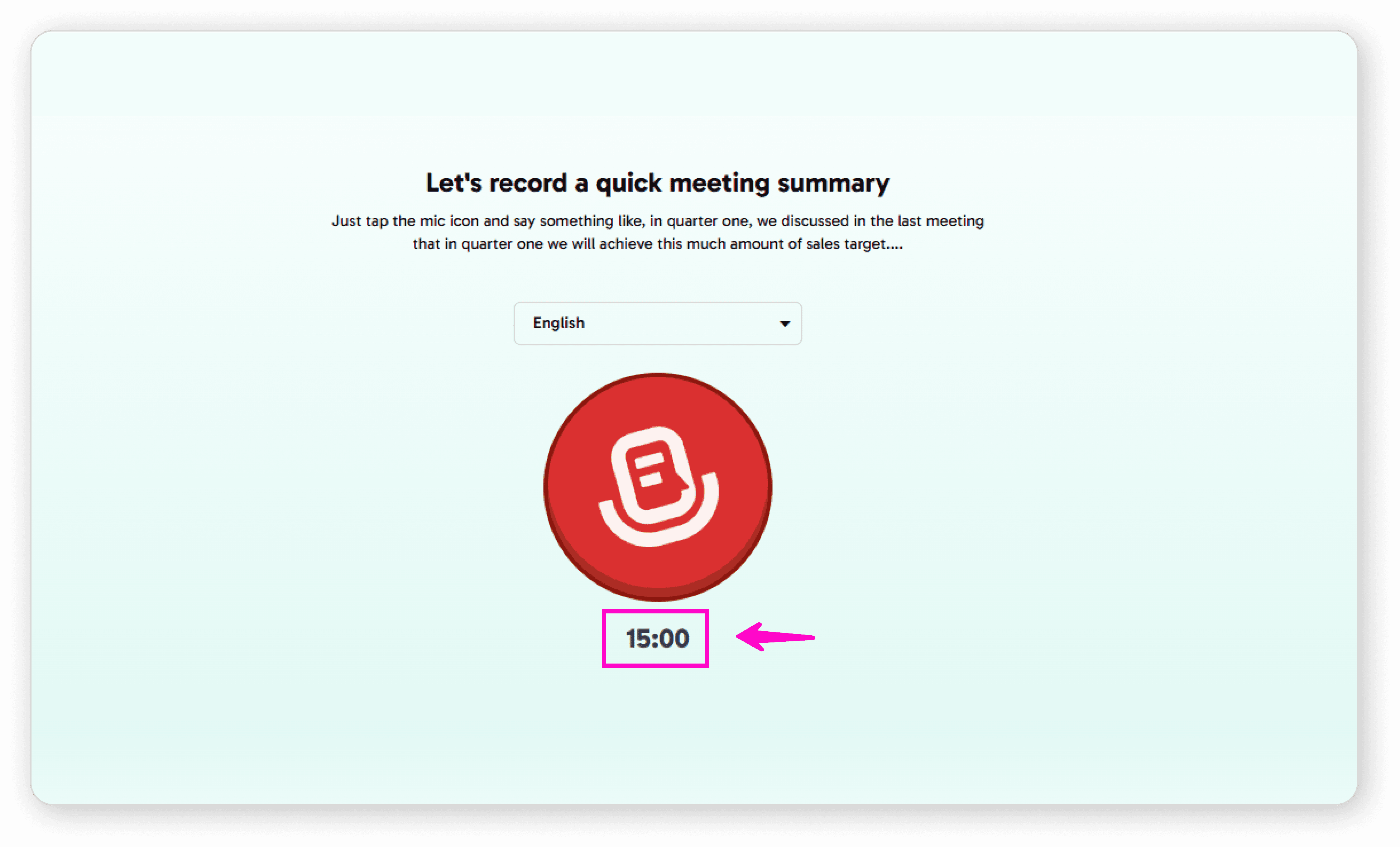
Check your available minutes (displayed below the mic icon) 
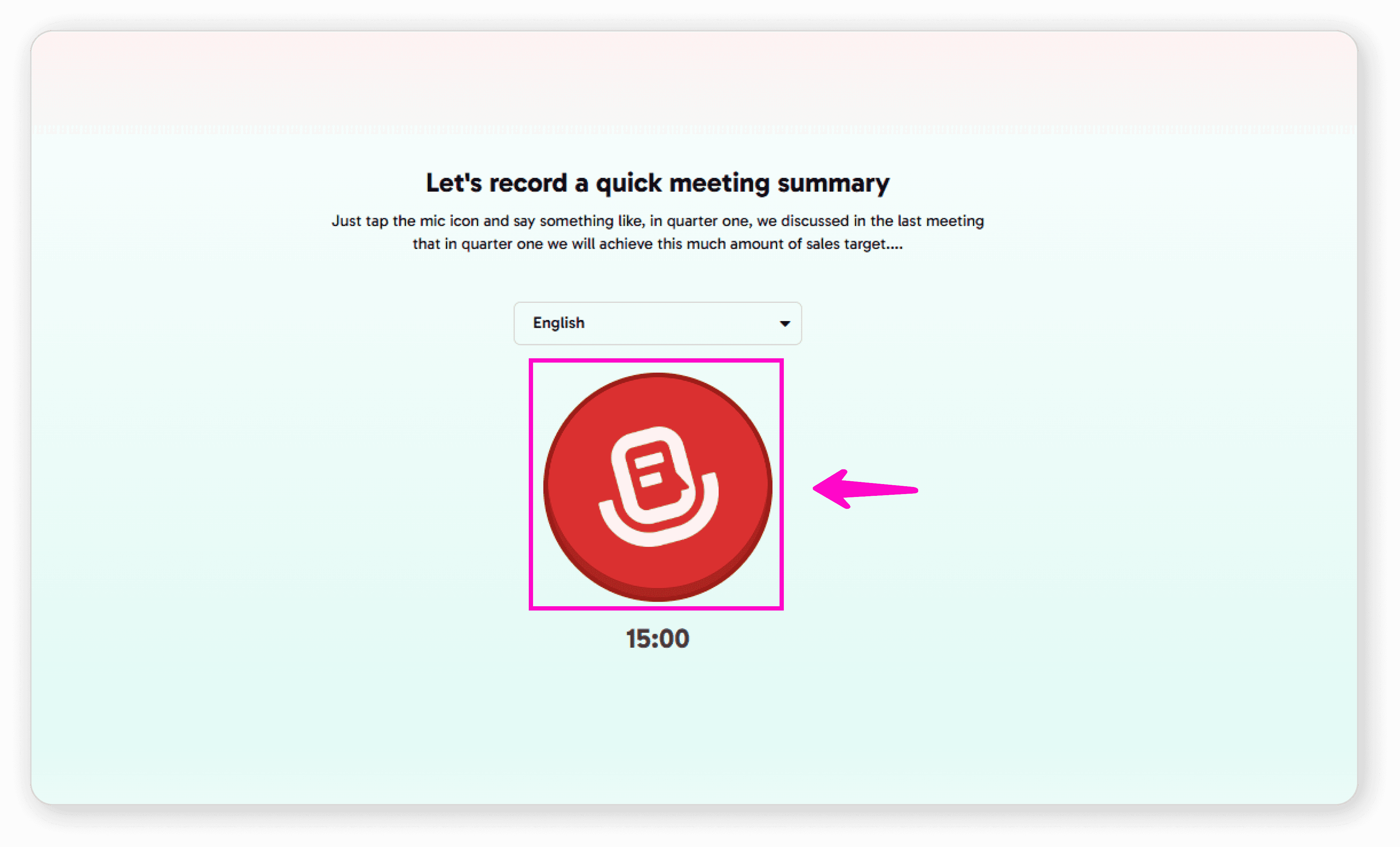
Tap the microphone icon and start speaking 
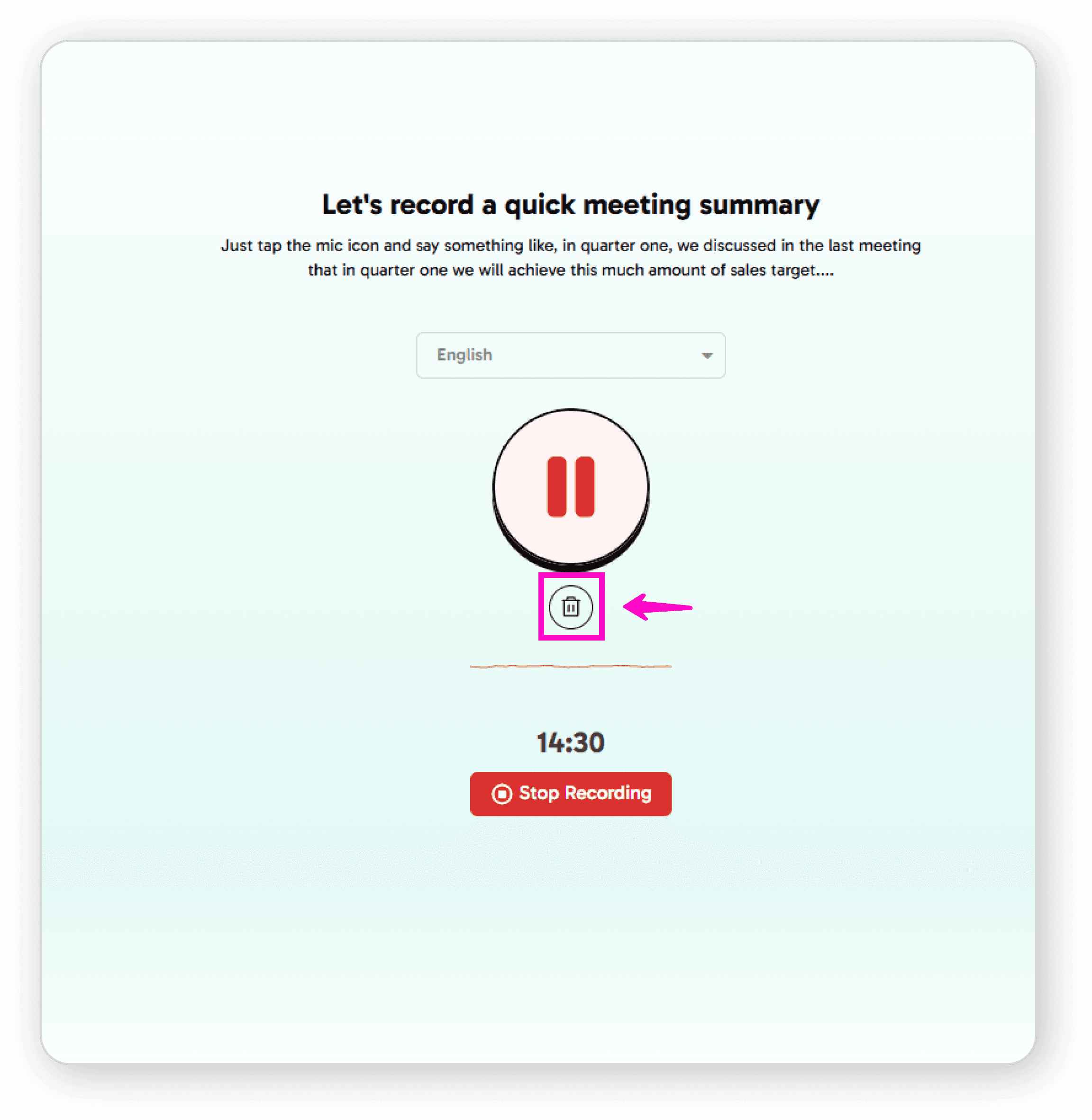
During Recording: 

Use the pause button to pause or continue recording 
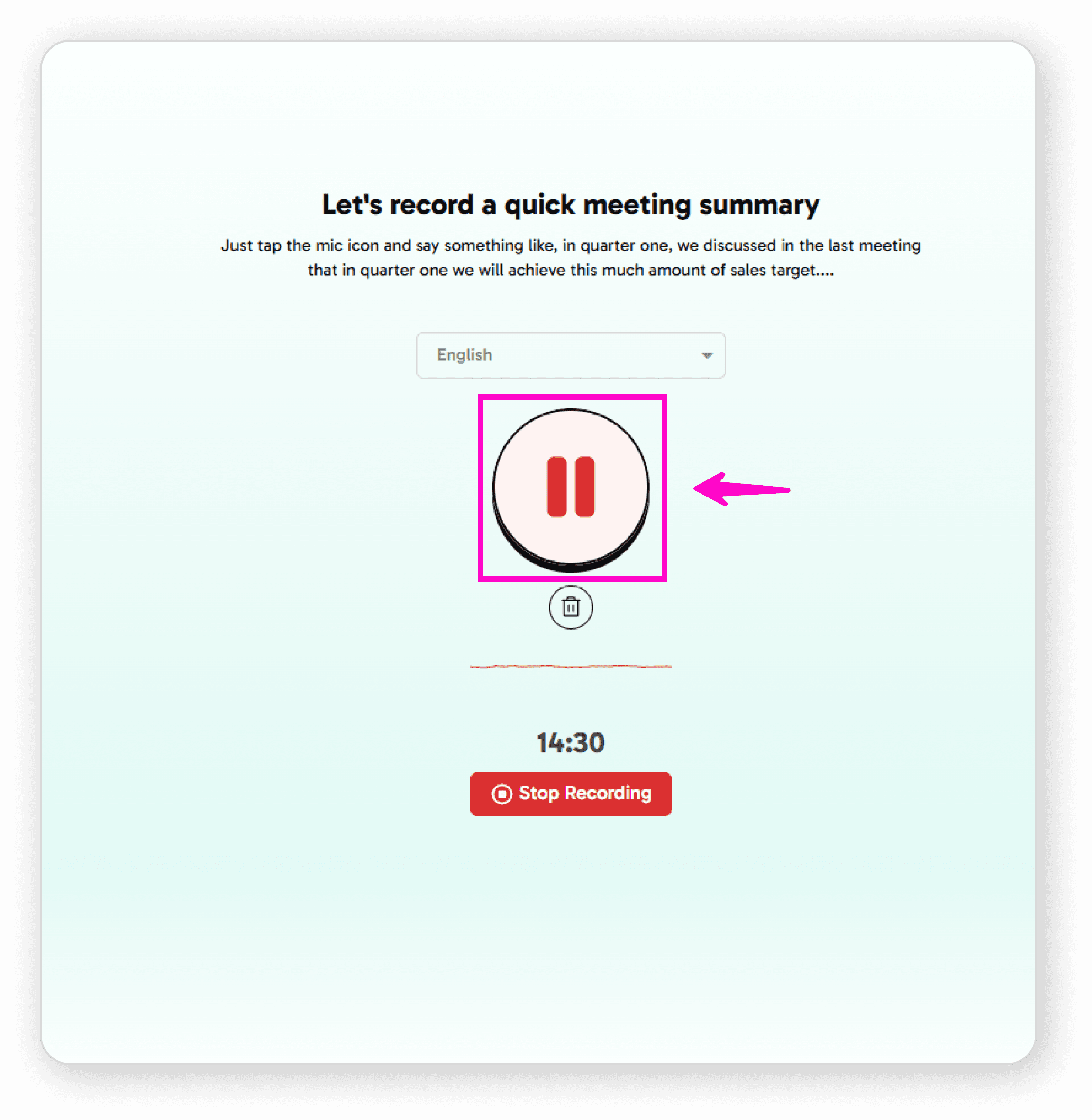
Use the delete button to discard the current recording 
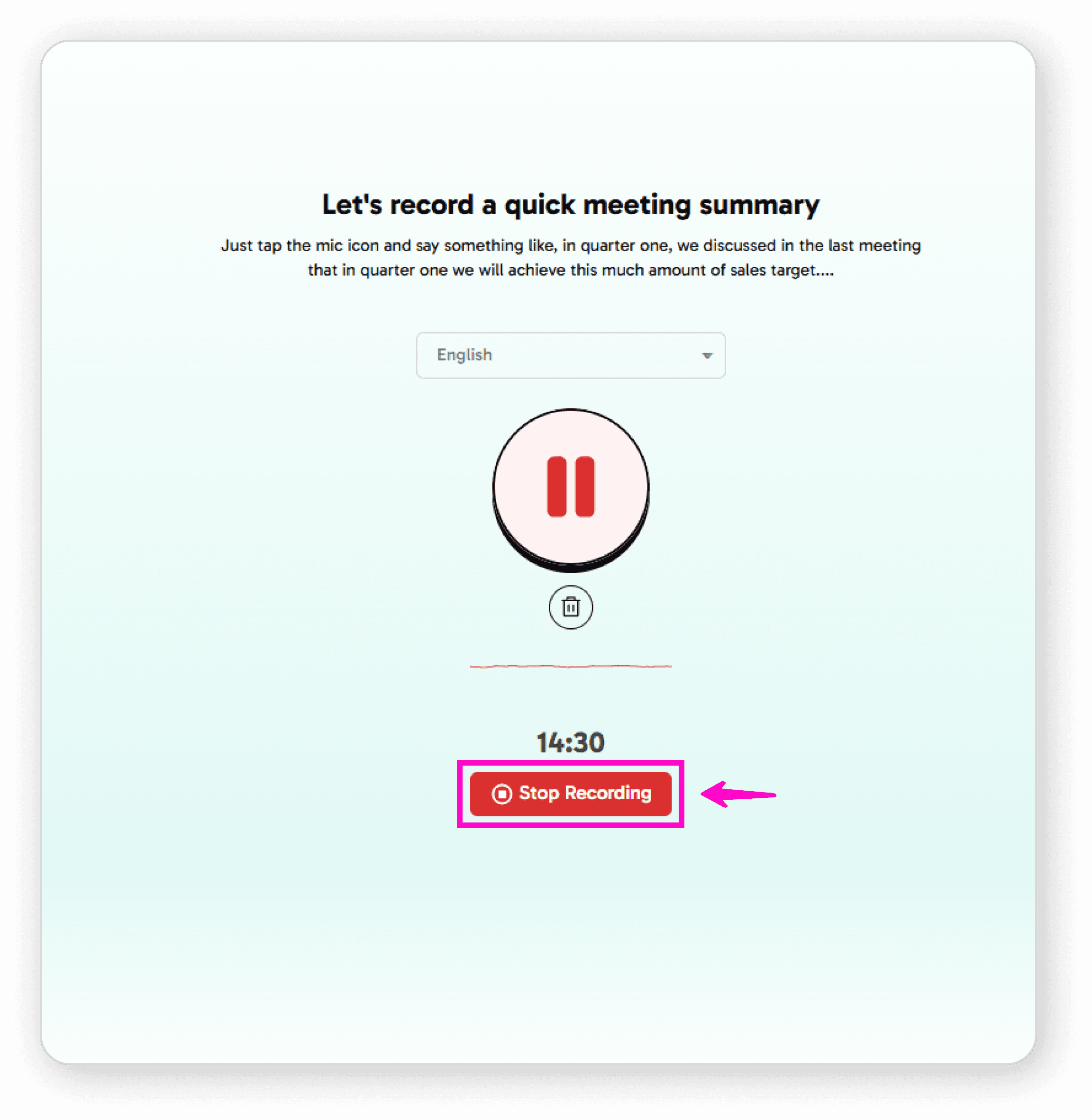
Press stop when you're finished 
After Recording 

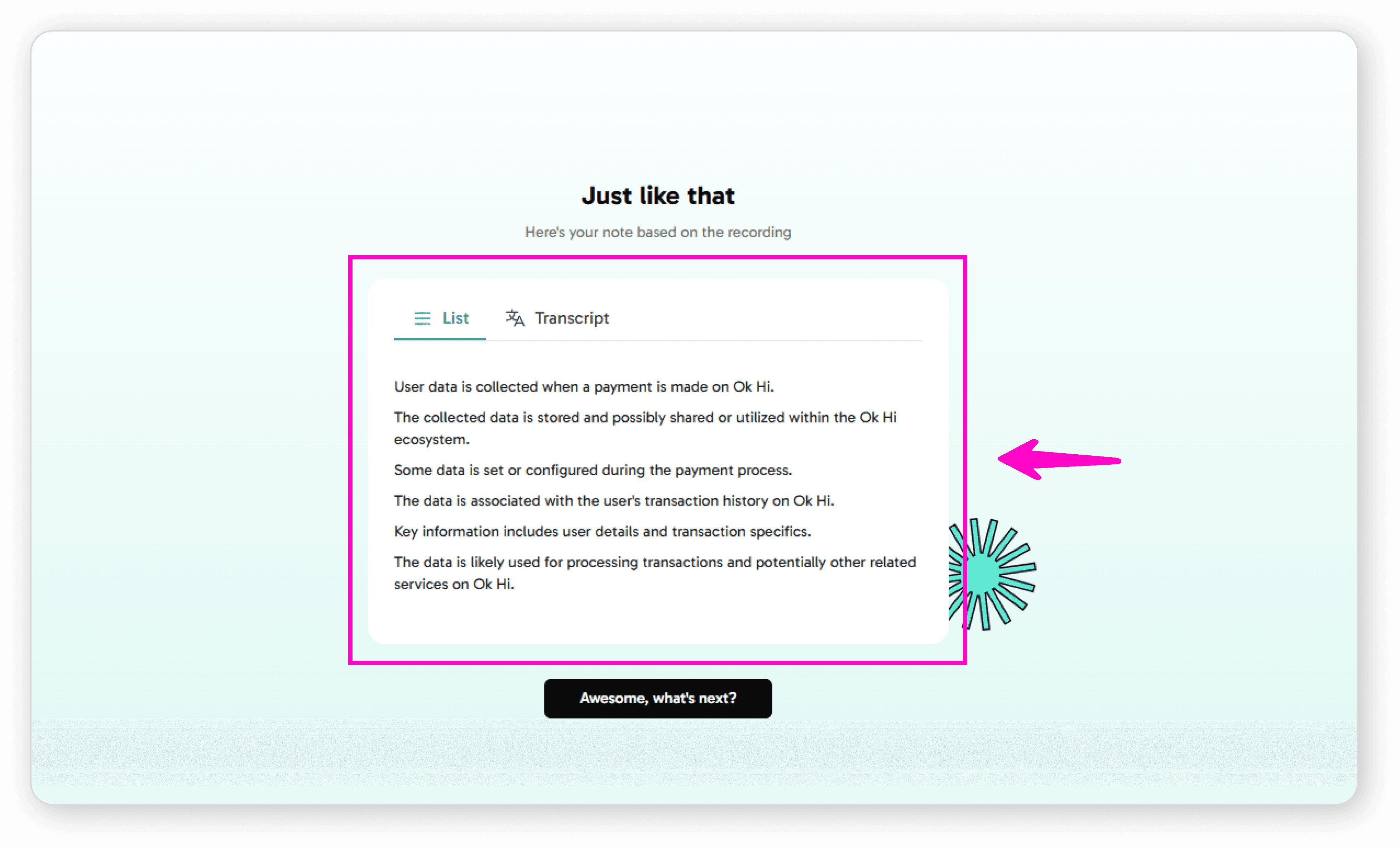
After stopping your recording: 

You'll see your audio converted to text format on the record screen 
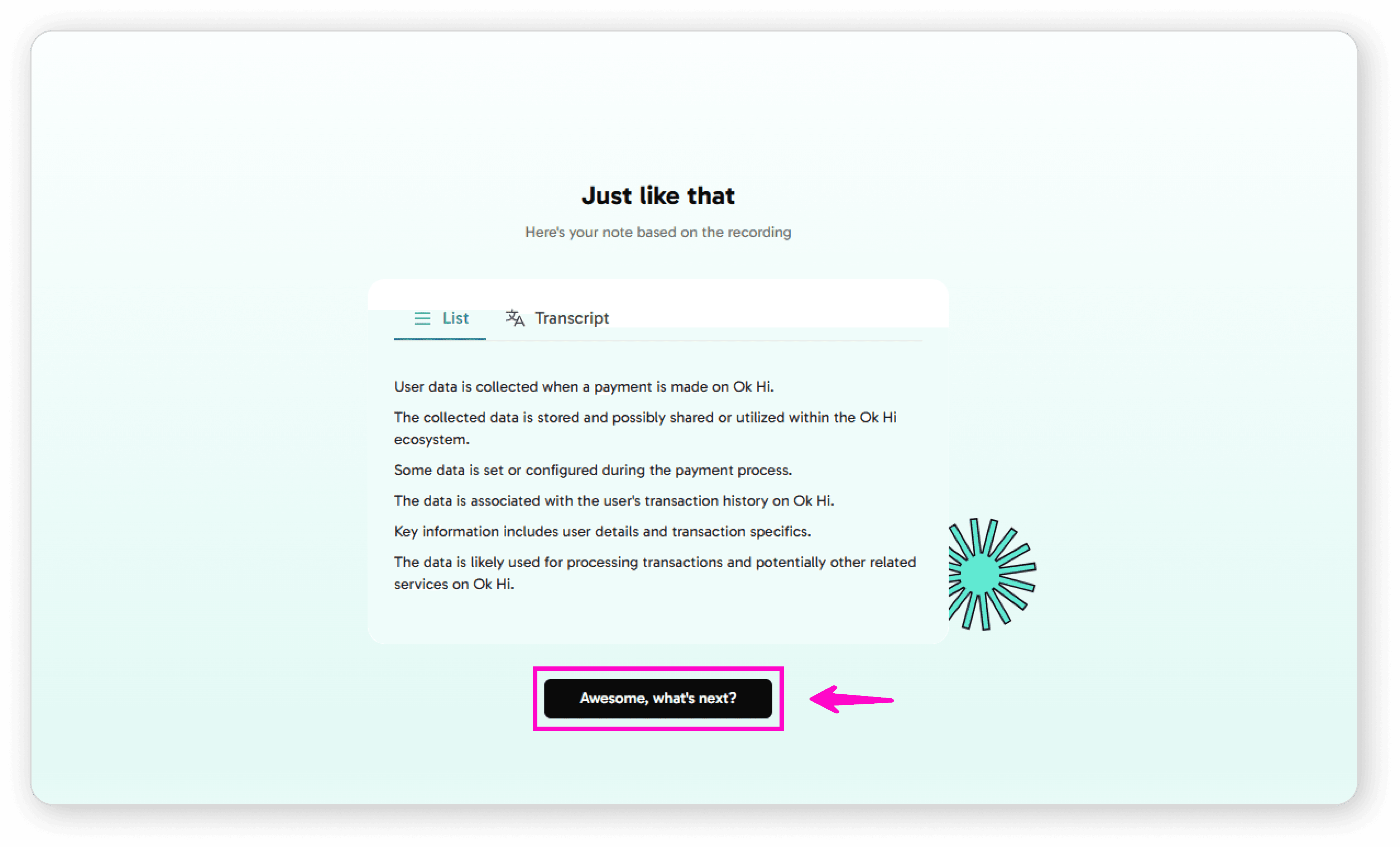
Click "Awesome, what's next?" 
Review your benefits and unlocked features 

Instantly transform spoken words into organized summaries with AI.

©

2026

Speech to Note. All rights reserved

Made with ❤️ by Team Codesign | View our Privacy Policy & Terms.

Follow Us

Instantly transform spoken words into organized summaries with AI.

©

2026

Speech to Note. All rights reserved

Made with ❤️ by Team Codesign

View our Privacy Policy & Terms.

Follow Us

Instantly transform spoken words into organized summaries with AI.

©

2026

Speech to Note. All rights reserved

Made with ❤️ by Team Codesign

View our Privacy Policy & Terms.

Follow Us

