Help Center
Search…
Organizing Notes
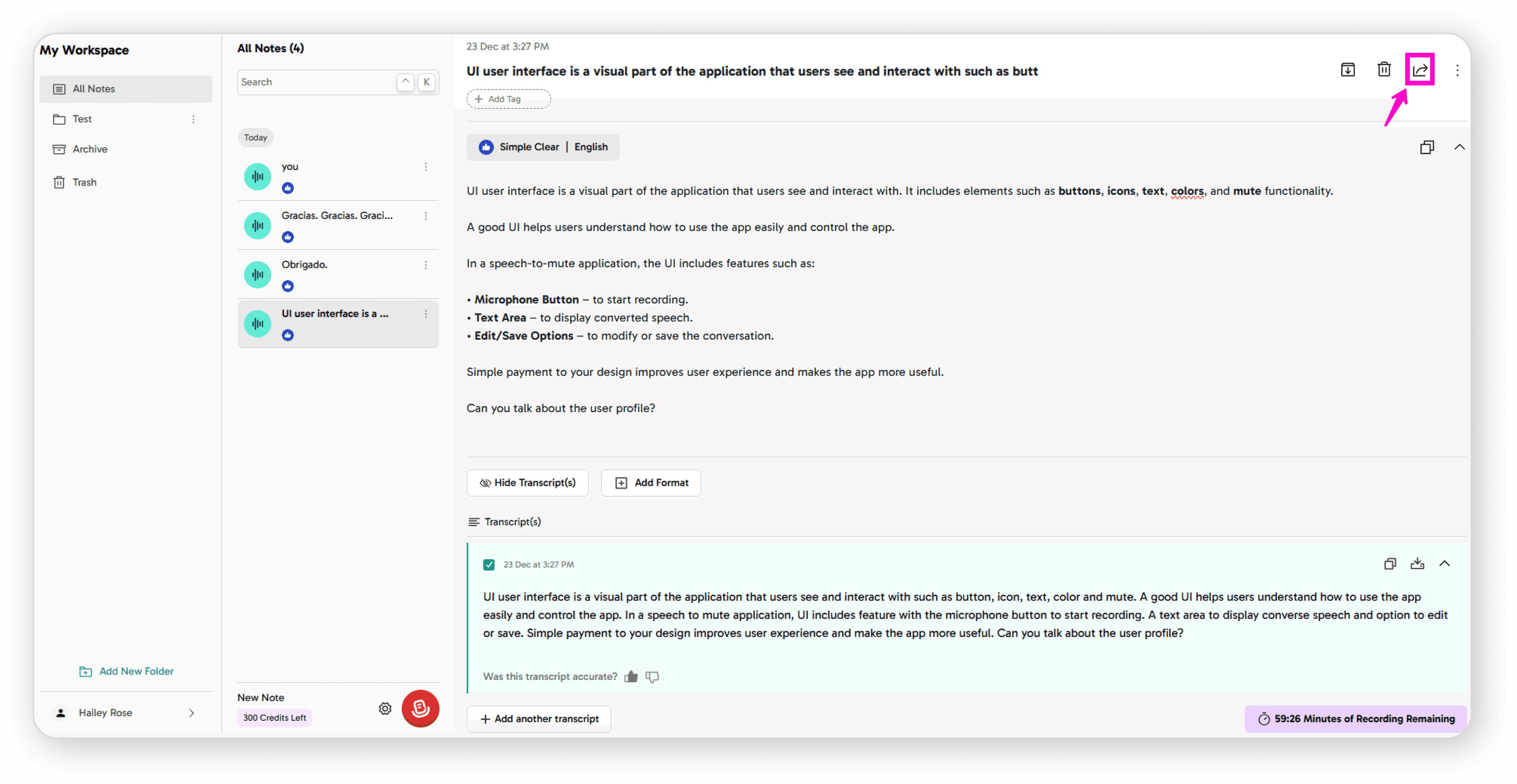
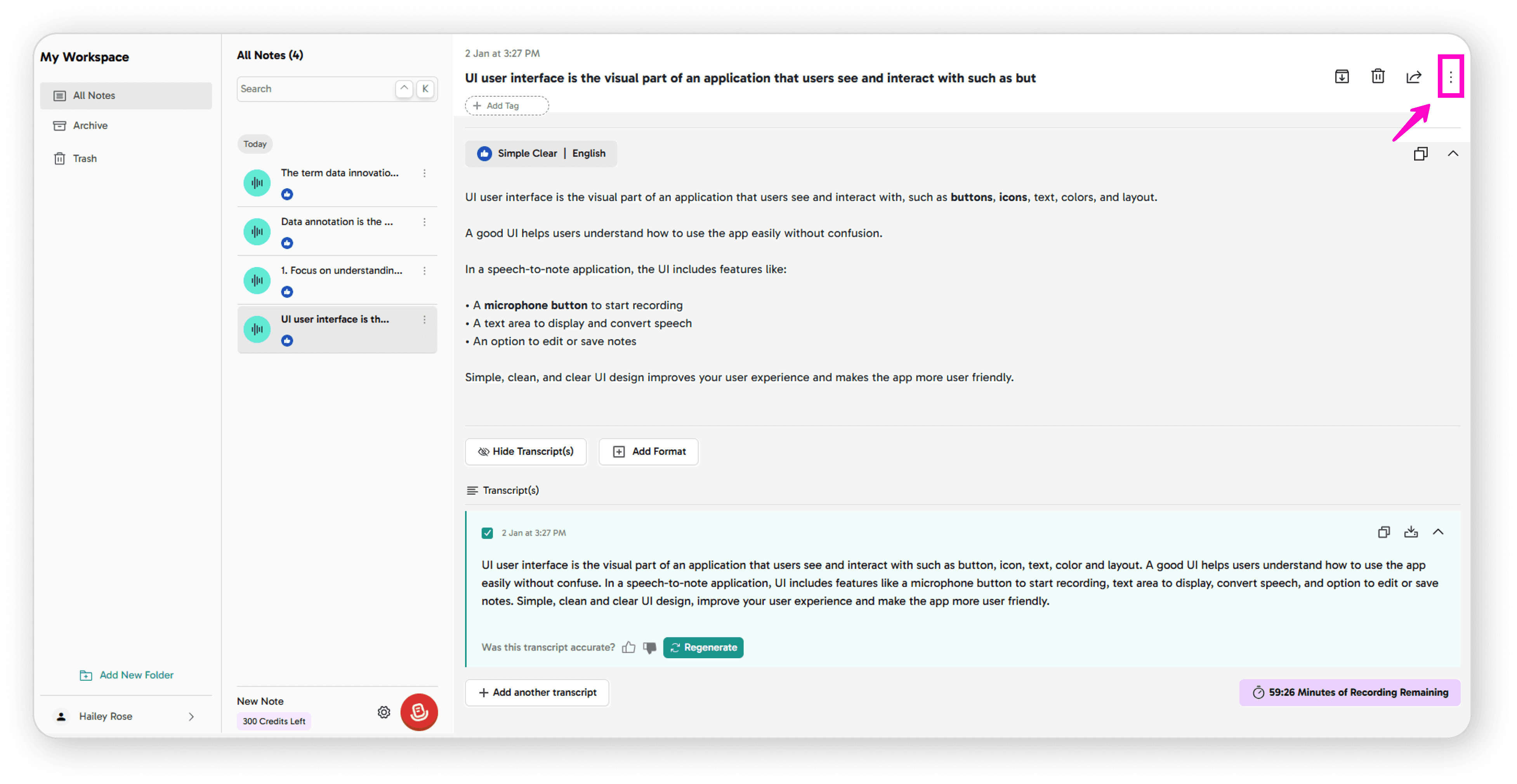
Click the 3-dot menu for more actions:
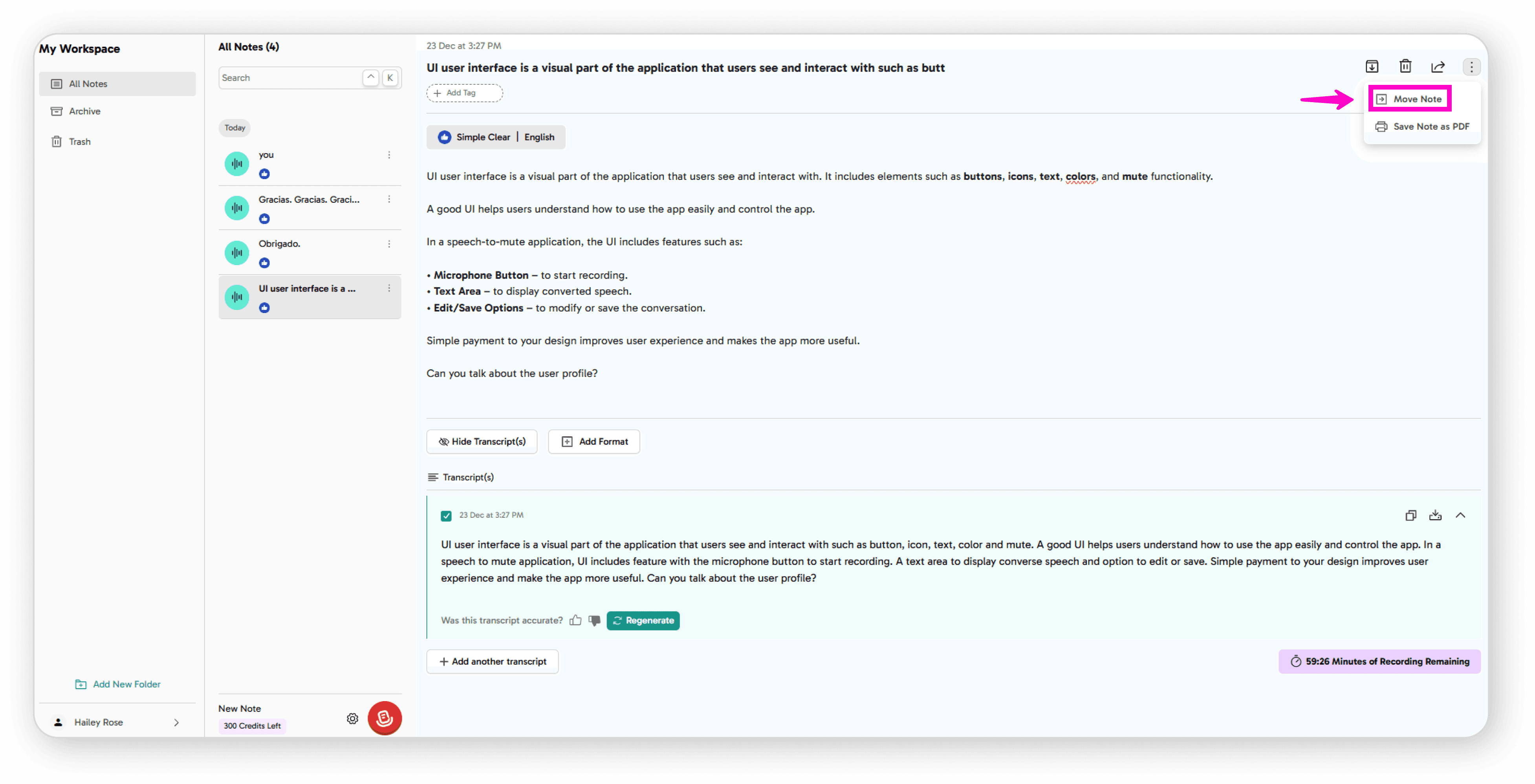
Move Note: Select a folder from the move screen to relocate your note
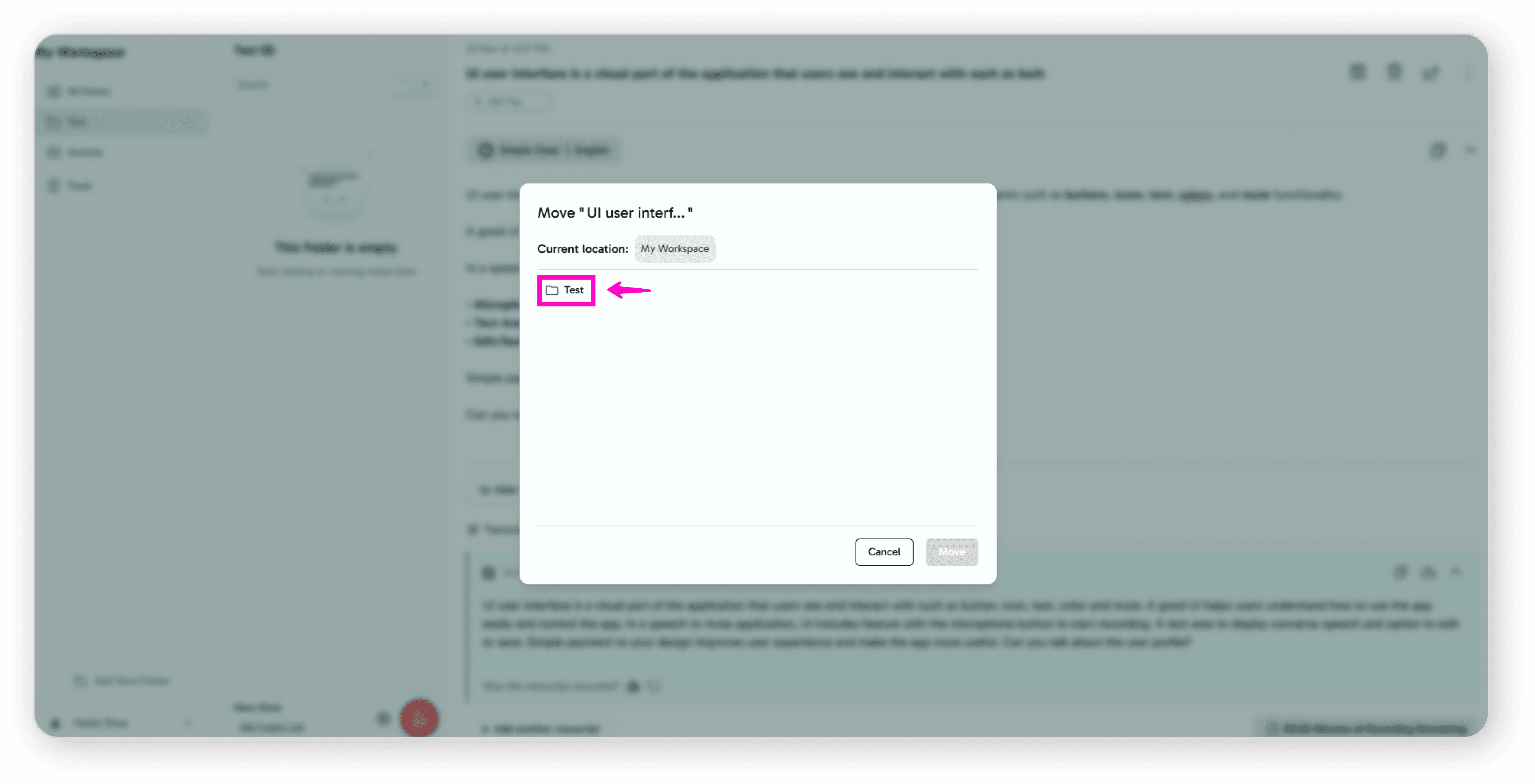
Select any folder name
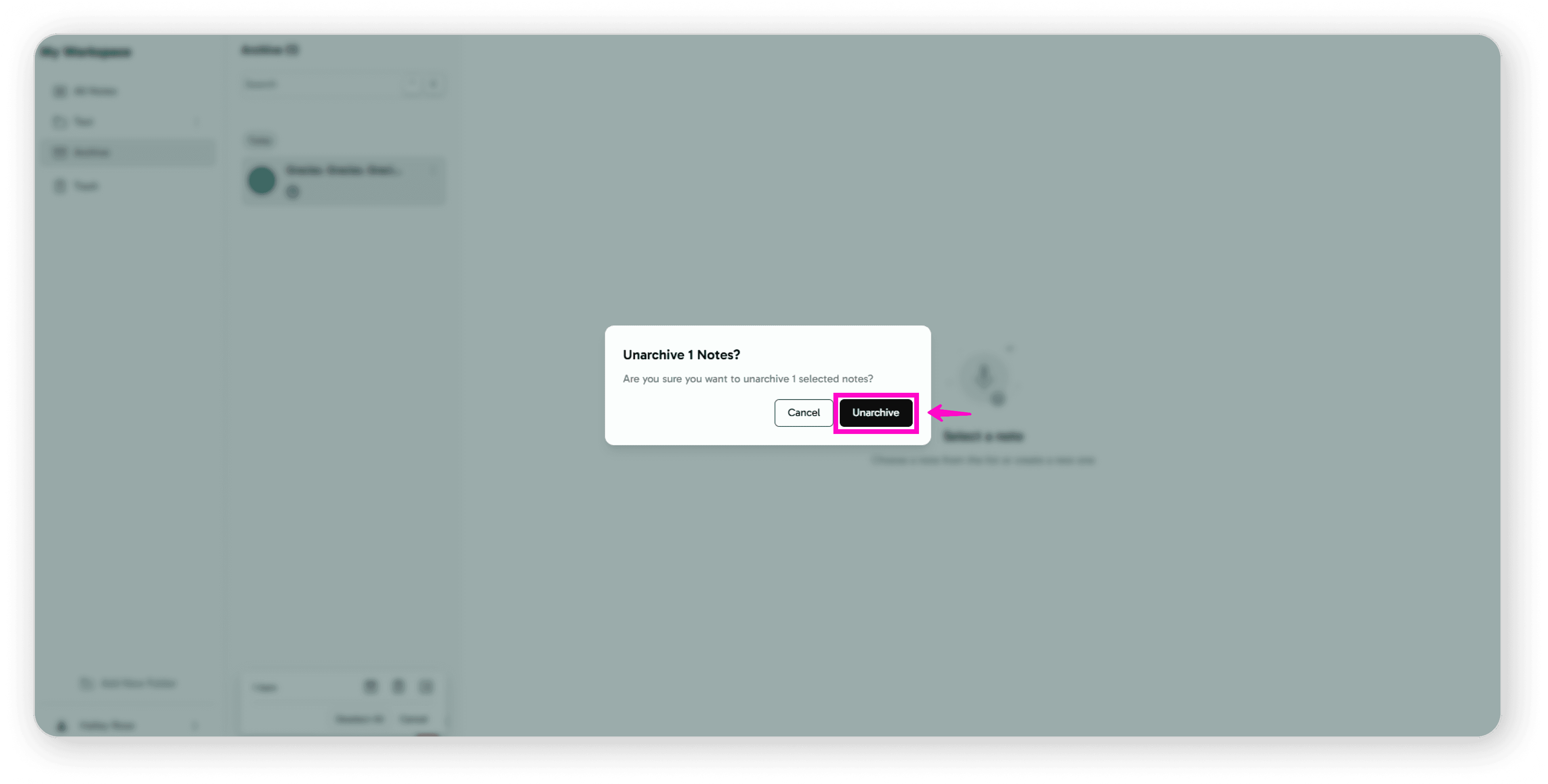
Archive: Click the archive icon
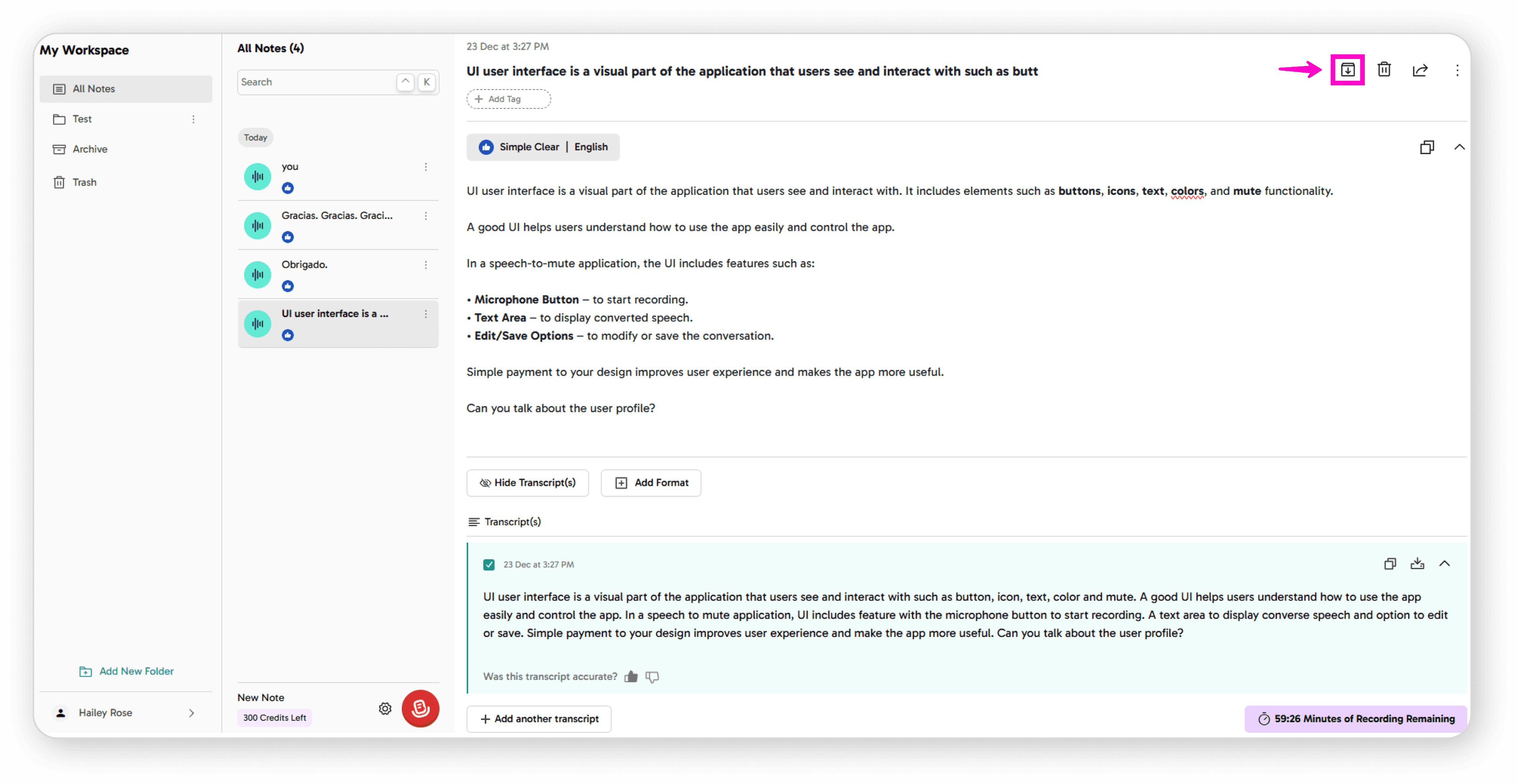
to store notes you want to keep but not see regularly
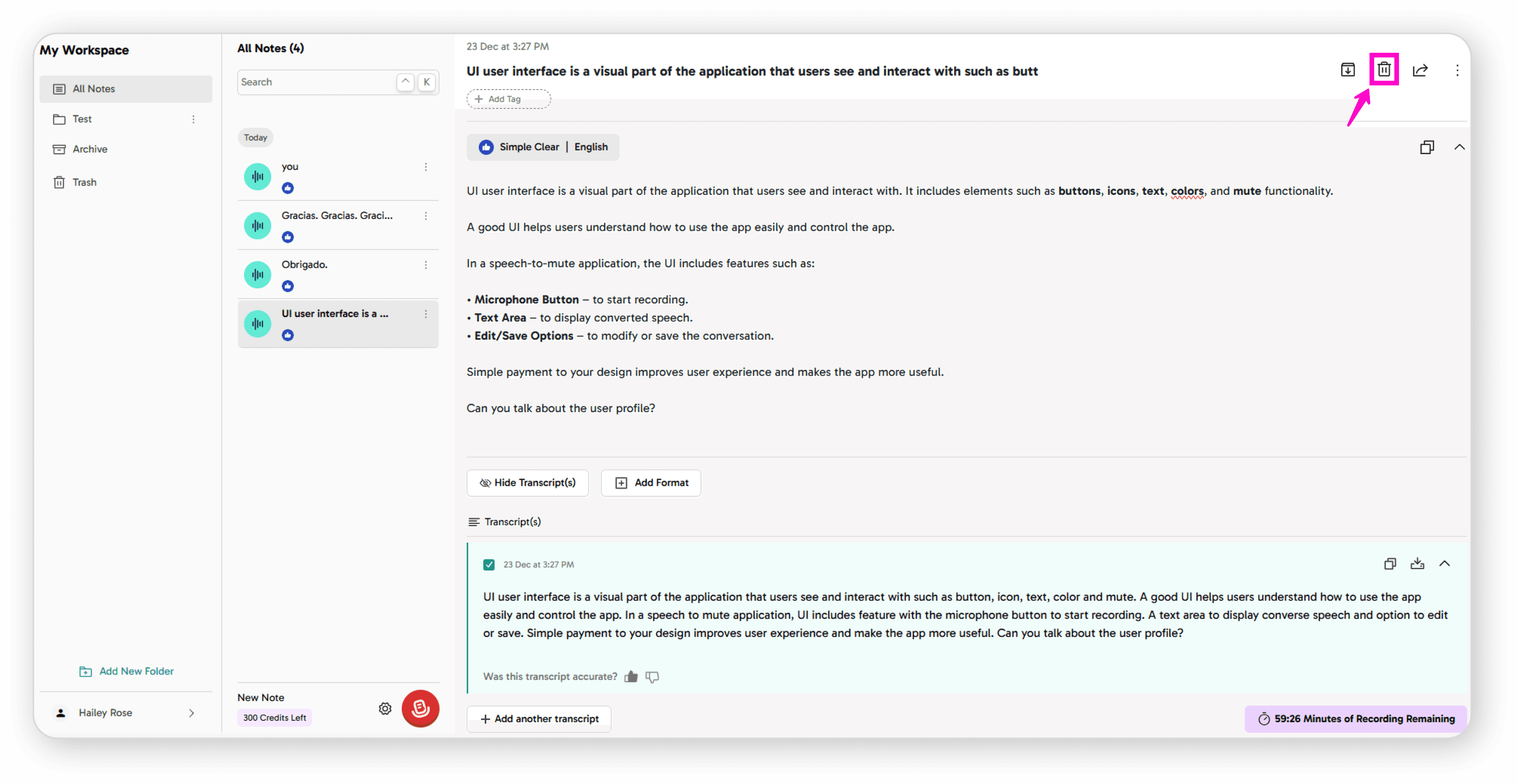
Delete: Click the delete icon to permanently remove notes
Share: Share notes with others for collaboration