Help Center
Search…
Renaming a Note
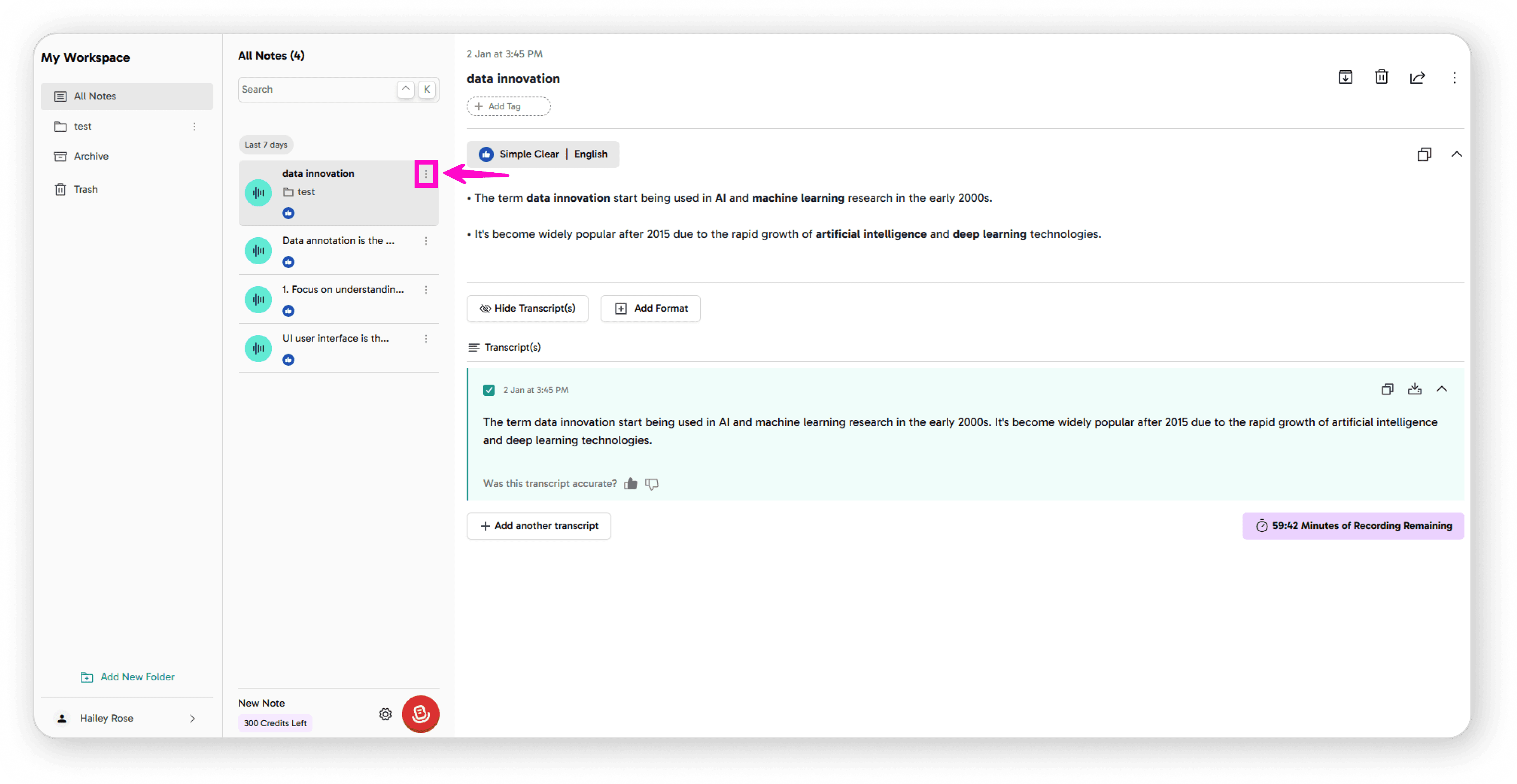
Click on the 3-dot menu next to your note
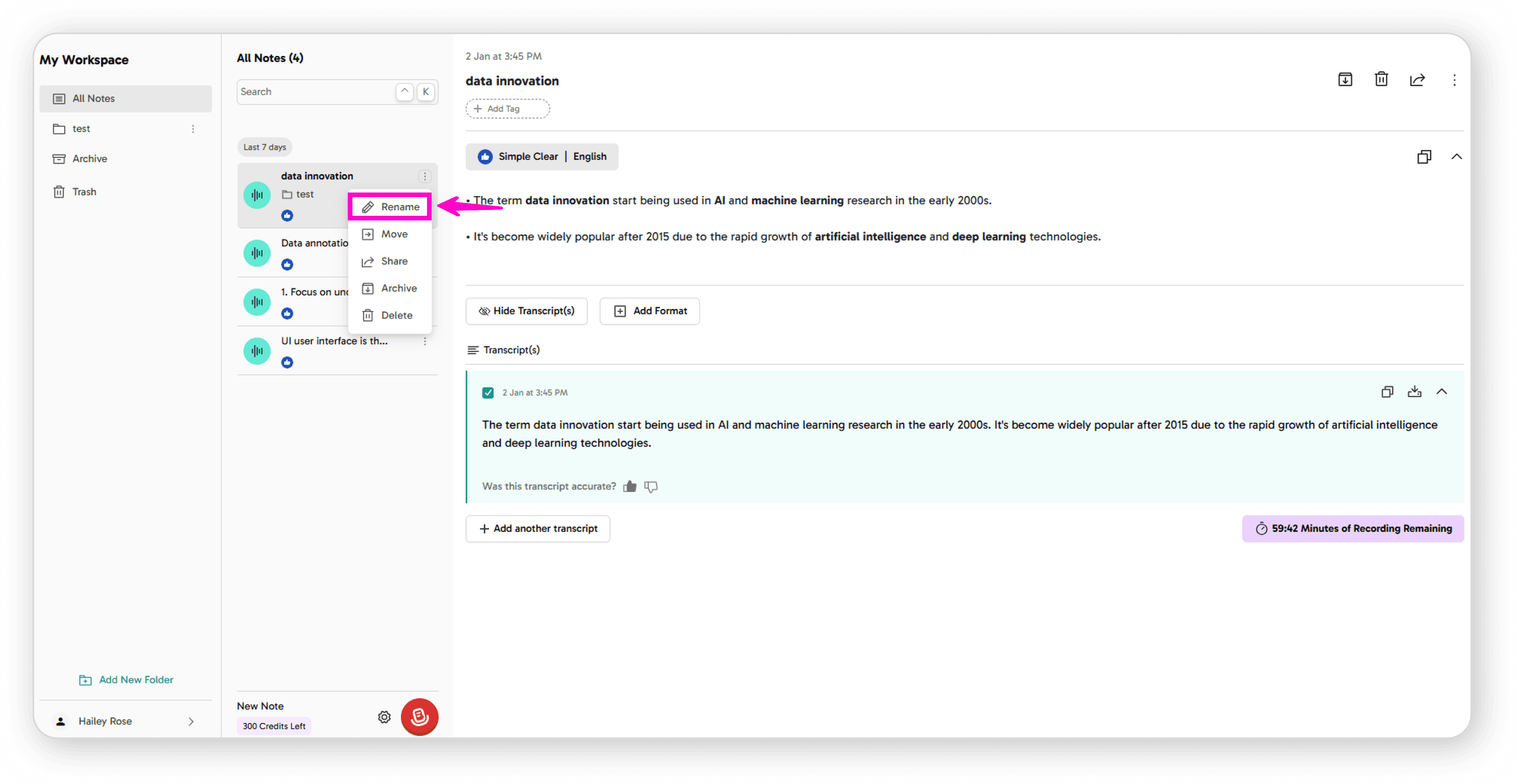
Click on the Rename icon
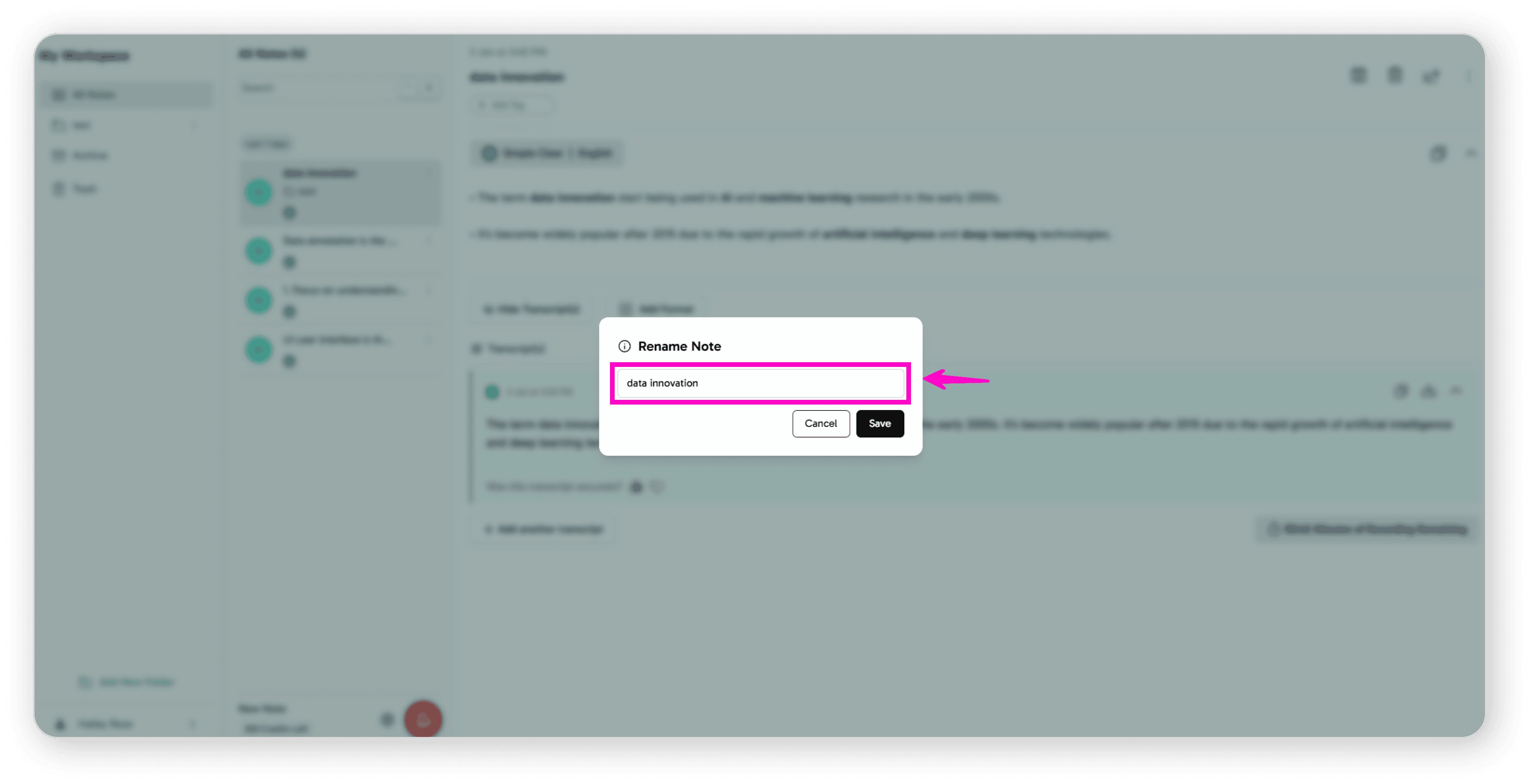
Type your new note name
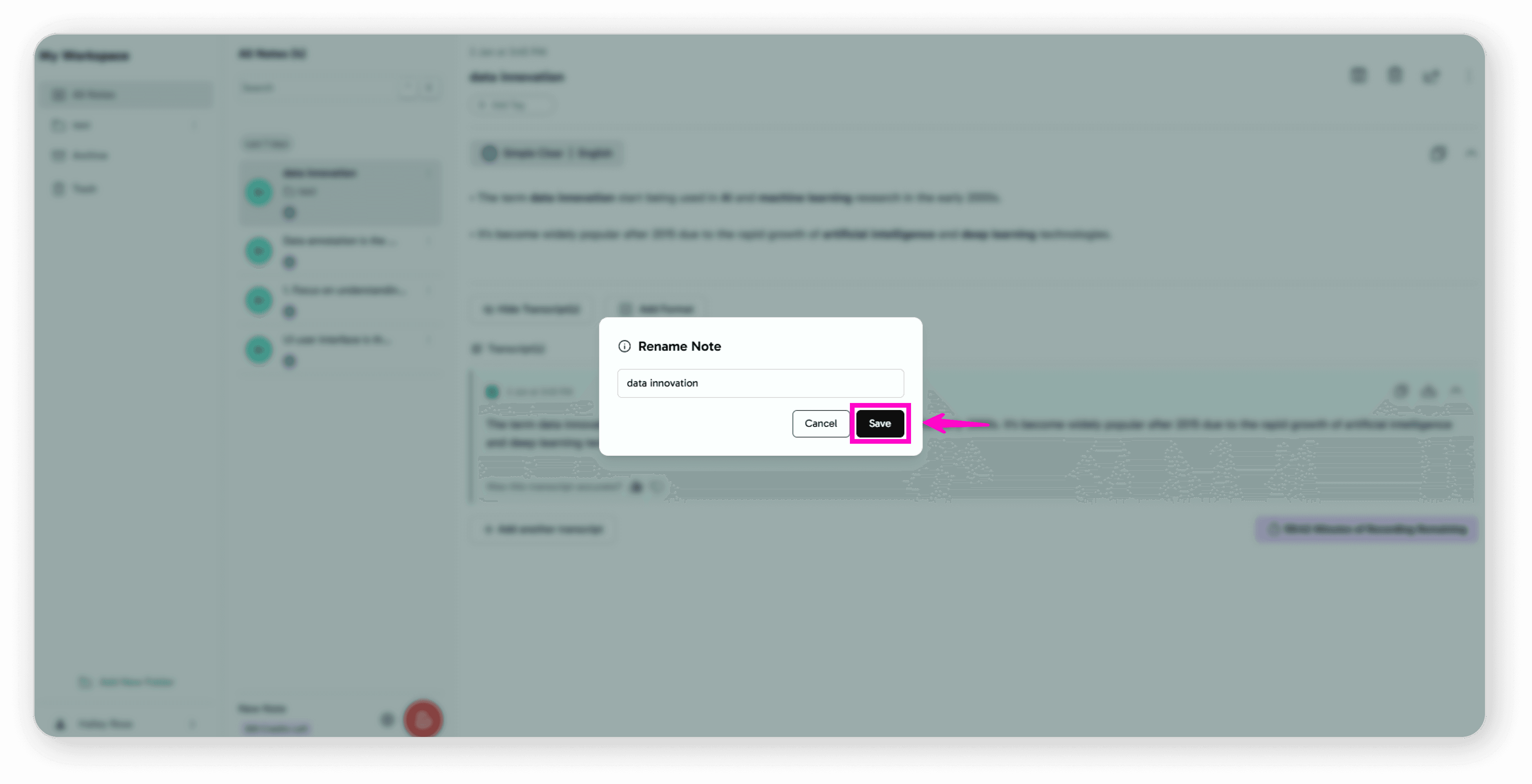
Click the Save button
Your note has been successfully renamed!
Help Center
Search…
Click on the 3-dot menu next to your note
Click on the Rename icon
Type your new note name
Click the Save button
Your note has been successfully renamed!





