Help Center
Search…
Moving a Note to Trash
You have two options to delete:
Option 1: From Note List
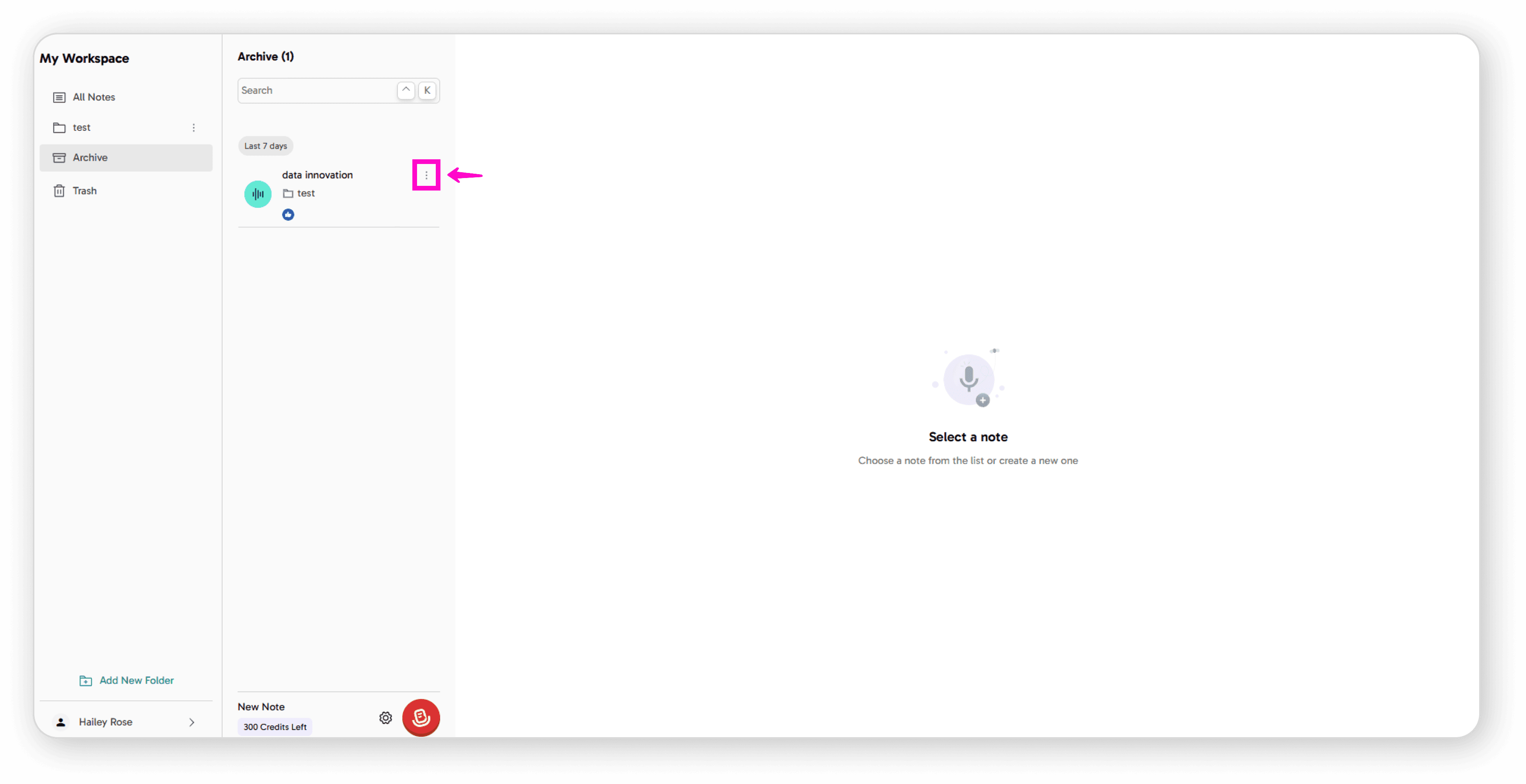
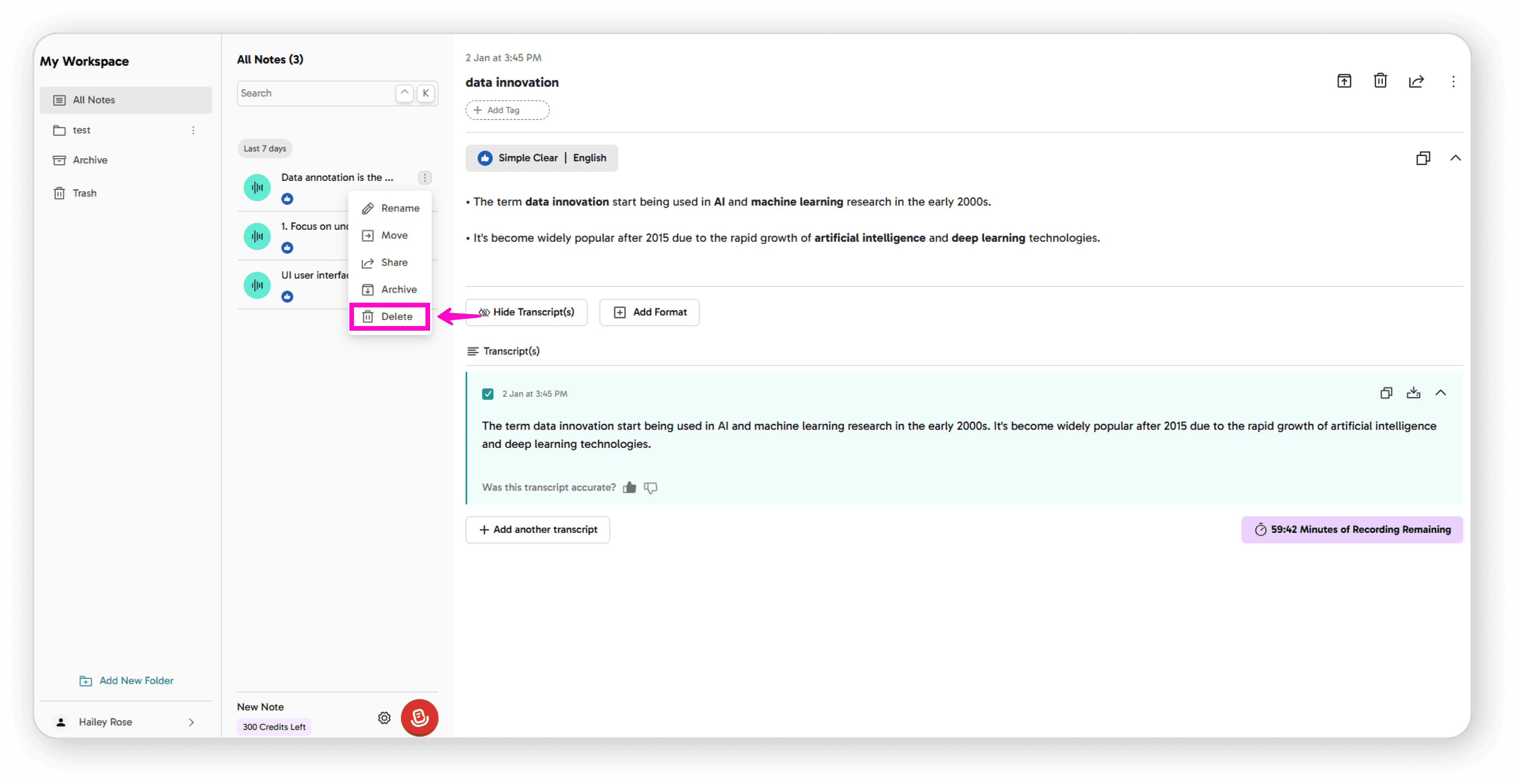
Click the 3-dot menu next to the note
Click Delete
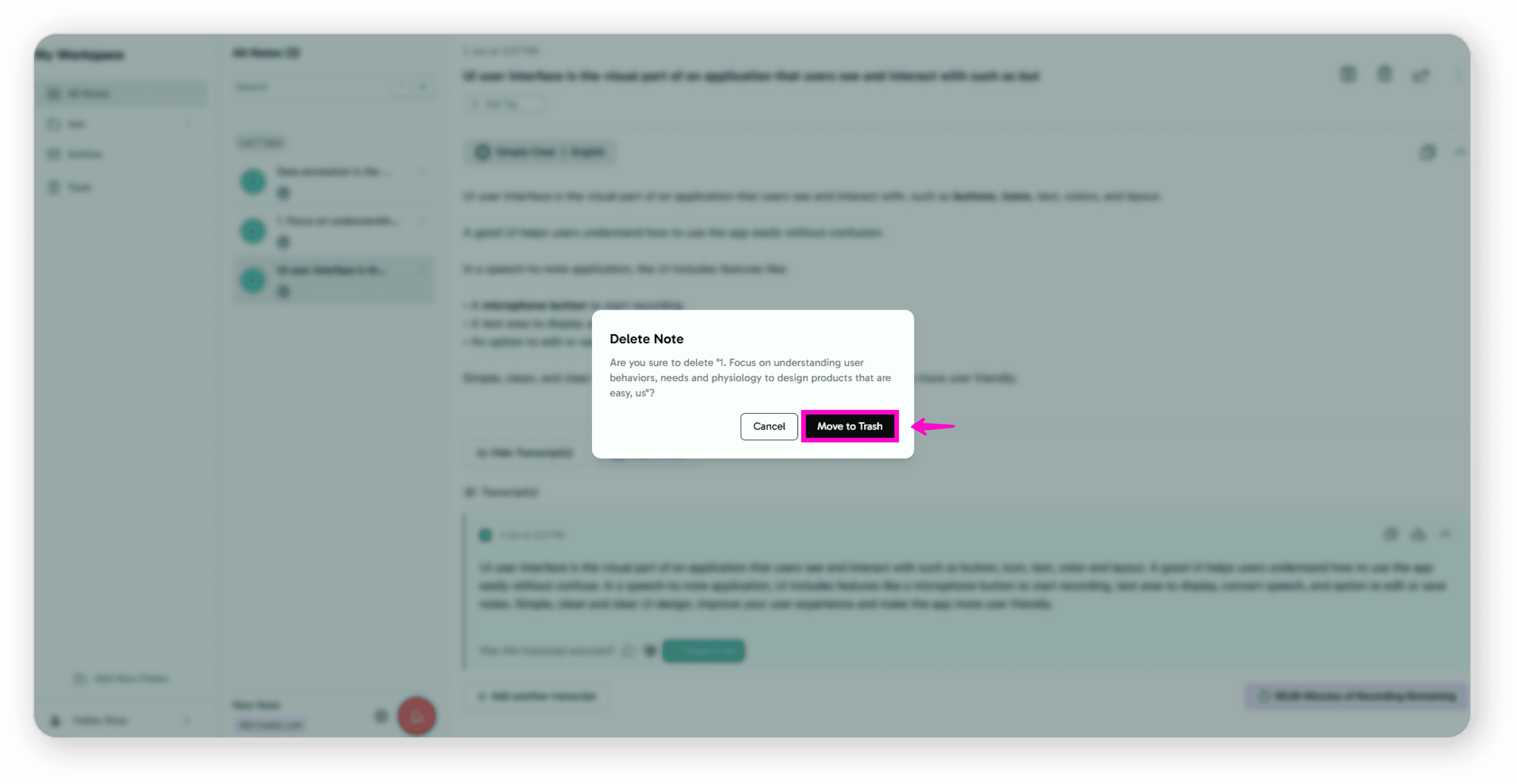
Confirm by clicking Move to Trash
Option 2: Within the Note
Open the note you want to delete
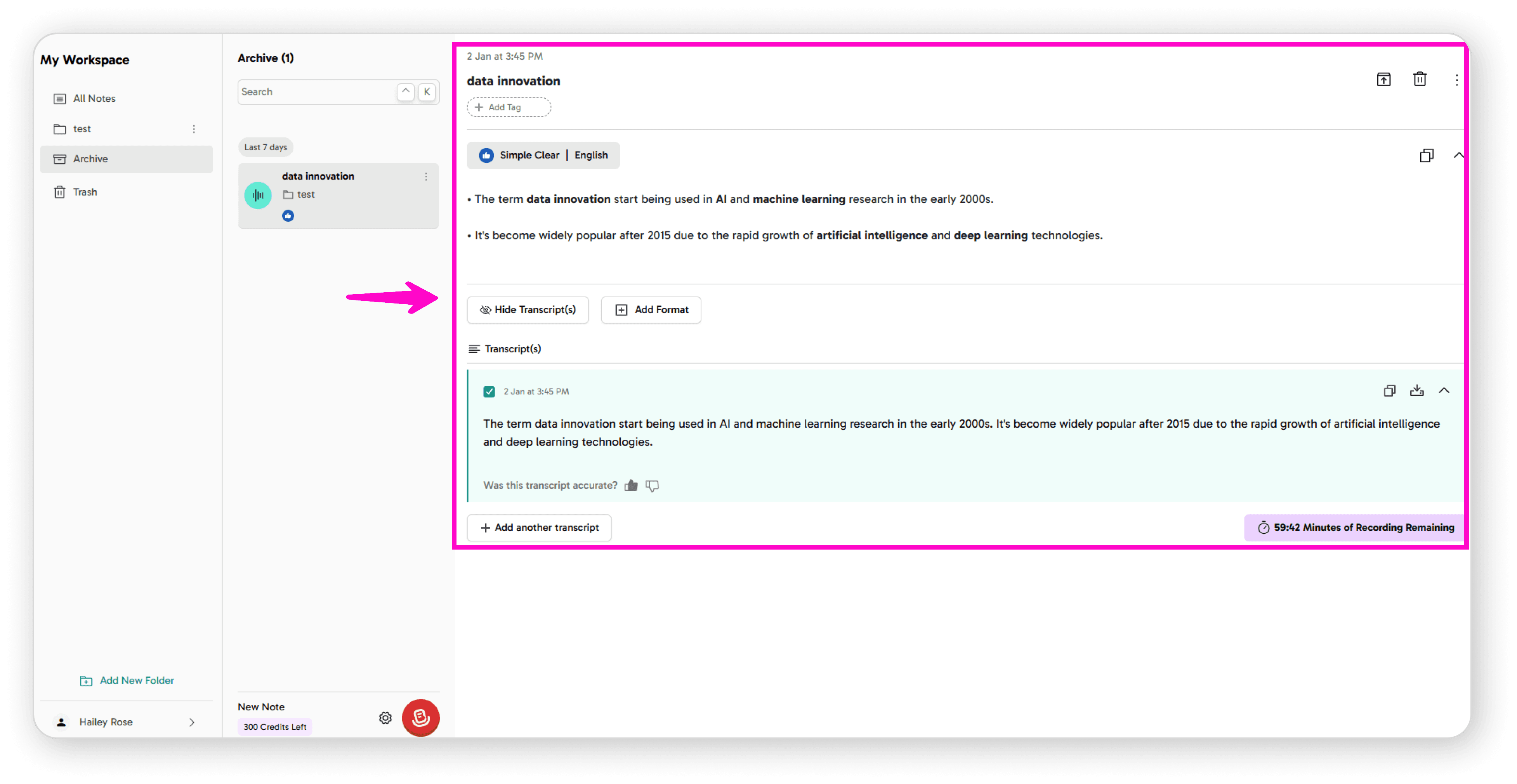
Click the Delete icon
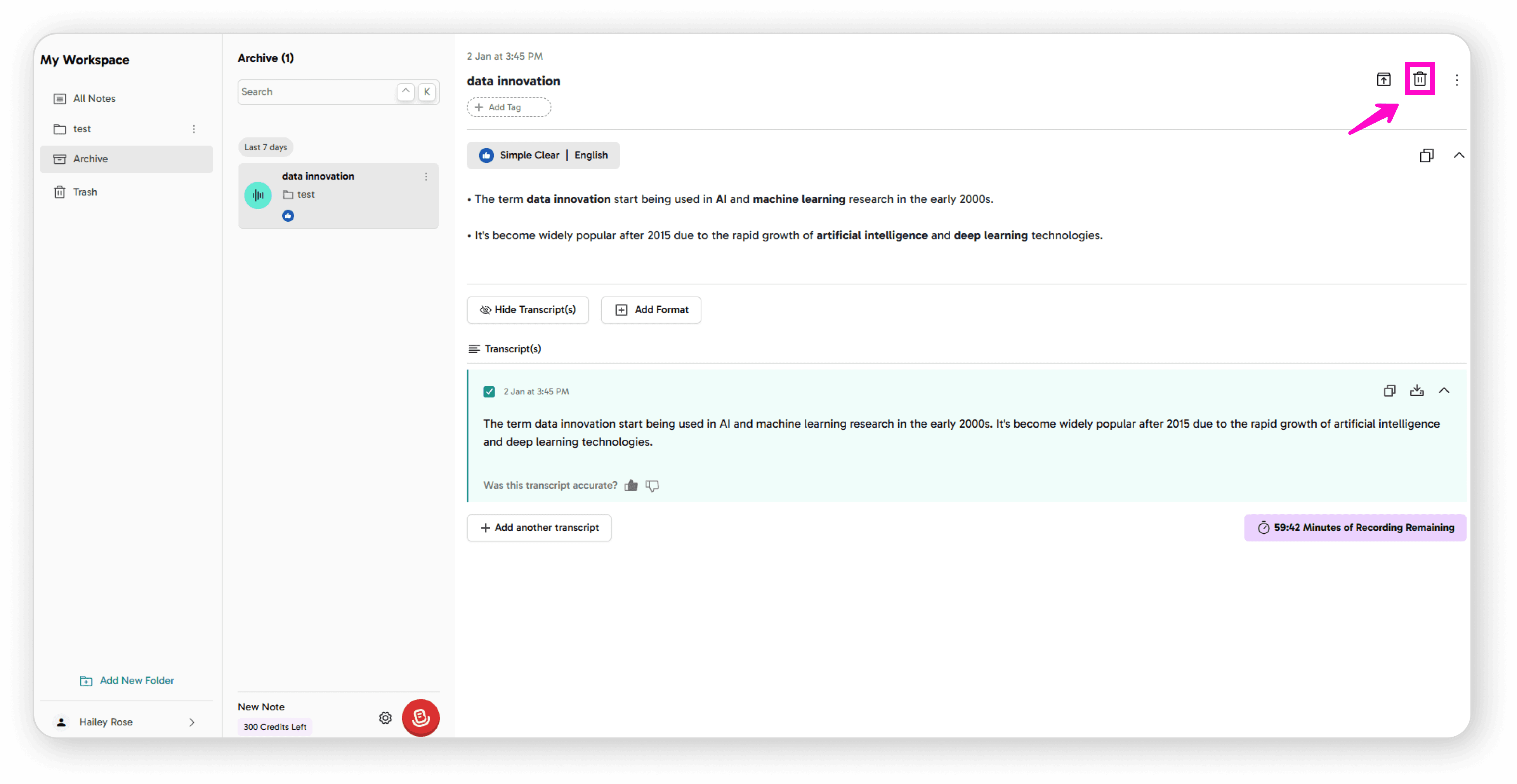
Confirm by clicking Move to Trash
Your note will be moved to the Trash folder.
Restoring a Note from Trash
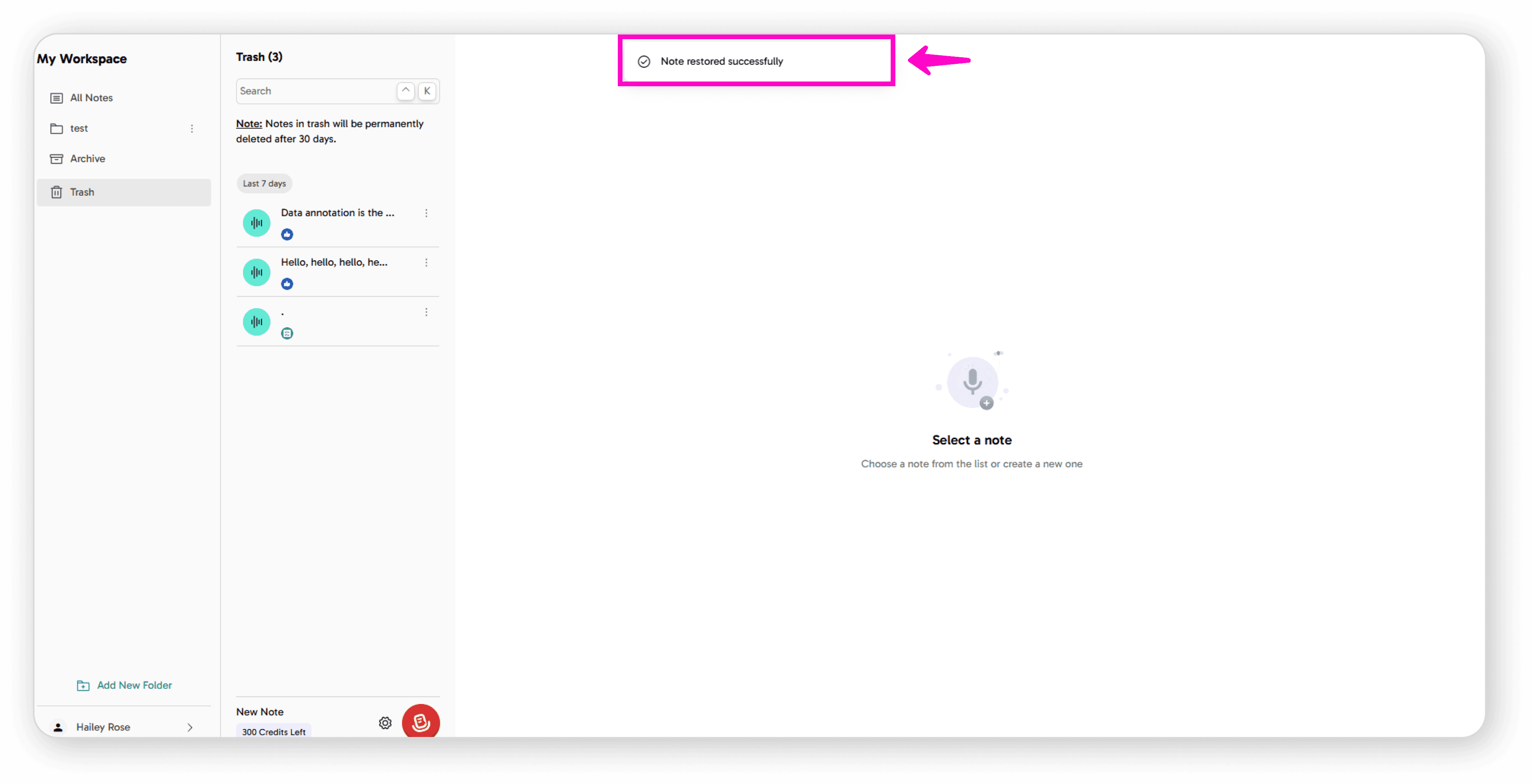
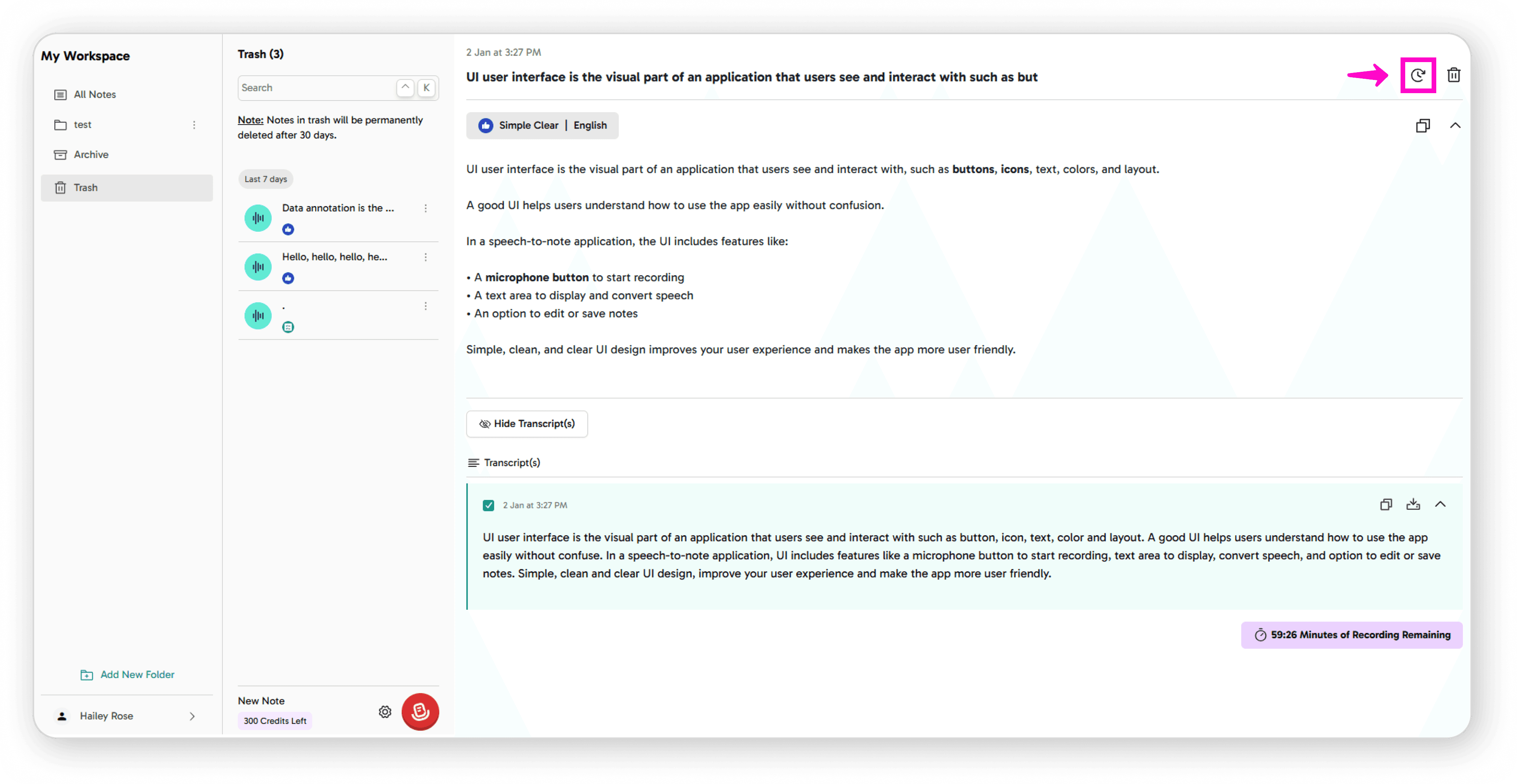
Go to your Trash folder
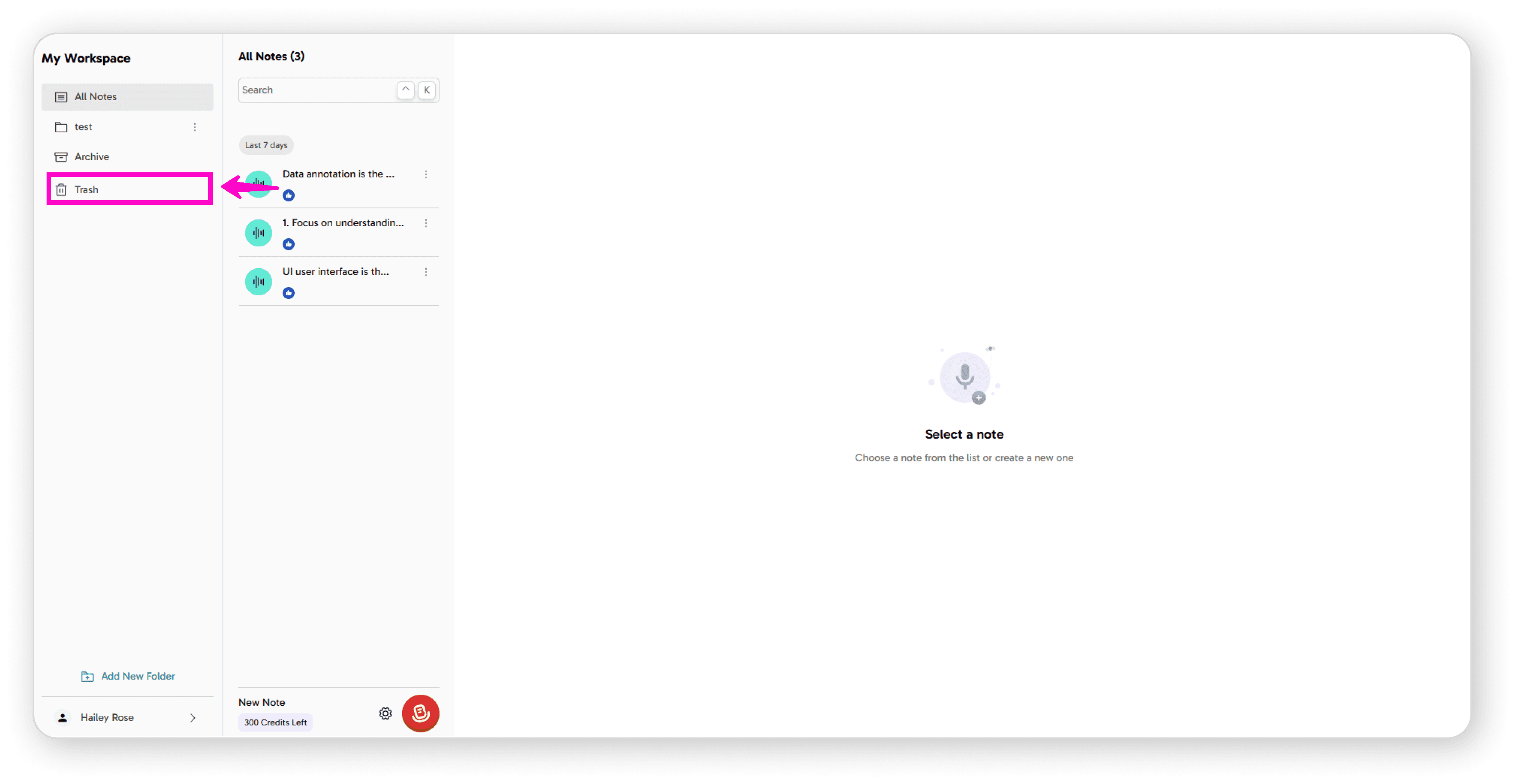
Click on the note you want to restore
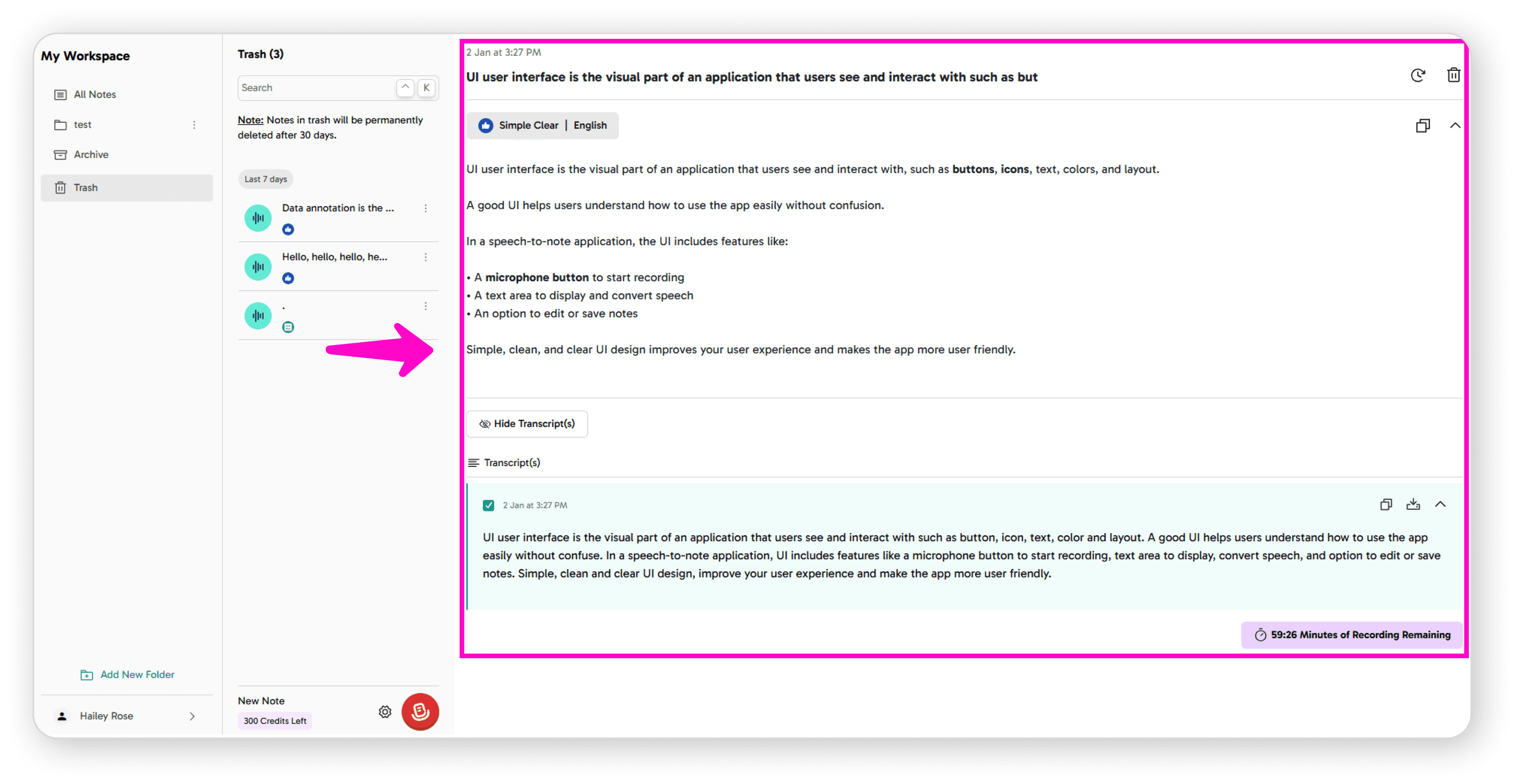
Click the Restore icon
Confirm by clicking Restore
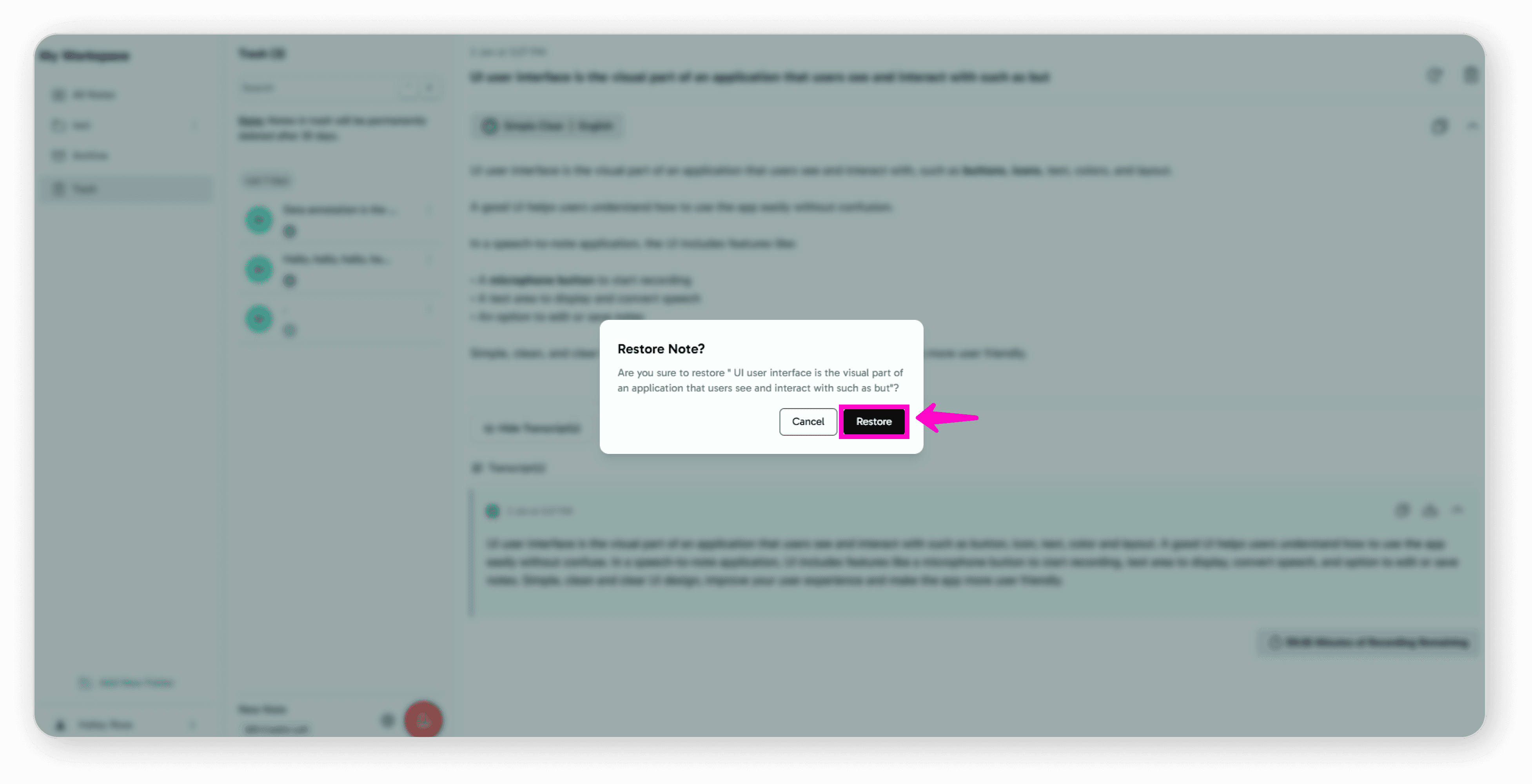
Your note will be restored to its original location.