User Profile
View and update your profile information.
Managing Your User Profile
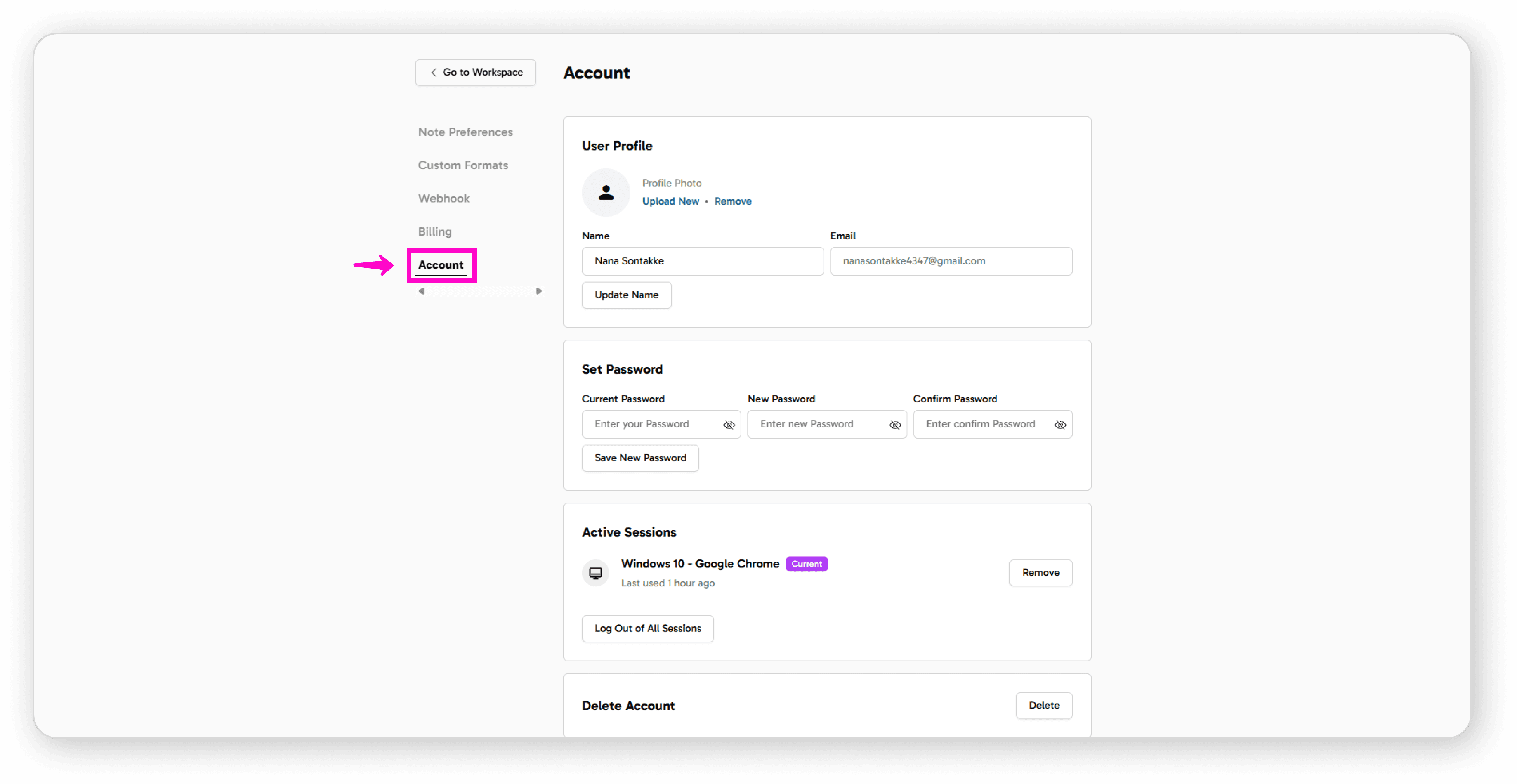
Upload a Profile Image
Navigate to your User Profile
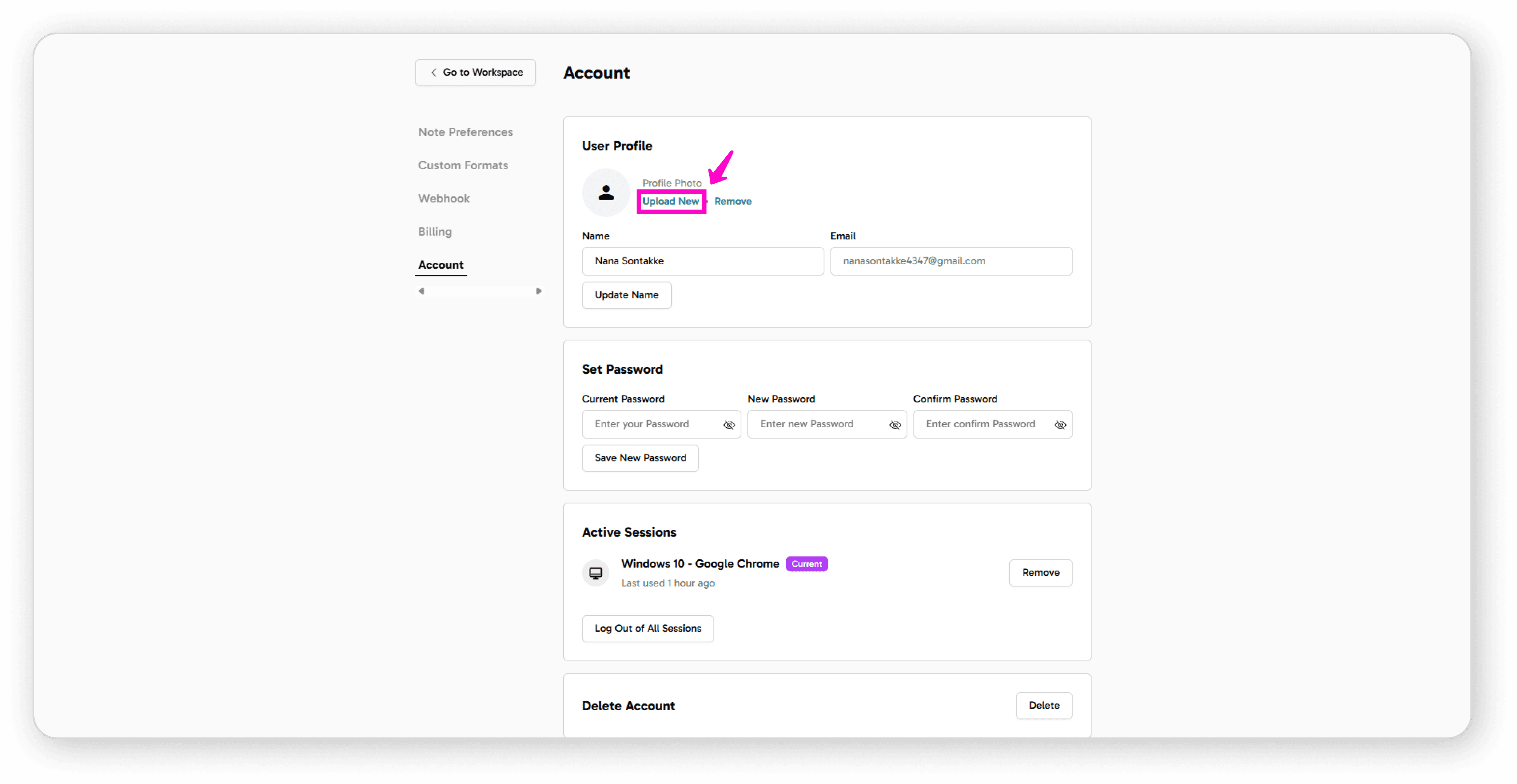
Click on "Upload New"
Select the image you want from your device
Click "Upload"
Your new profile image will now be visible
Remove Your Profile Image
Click "Remove" below your current profile image
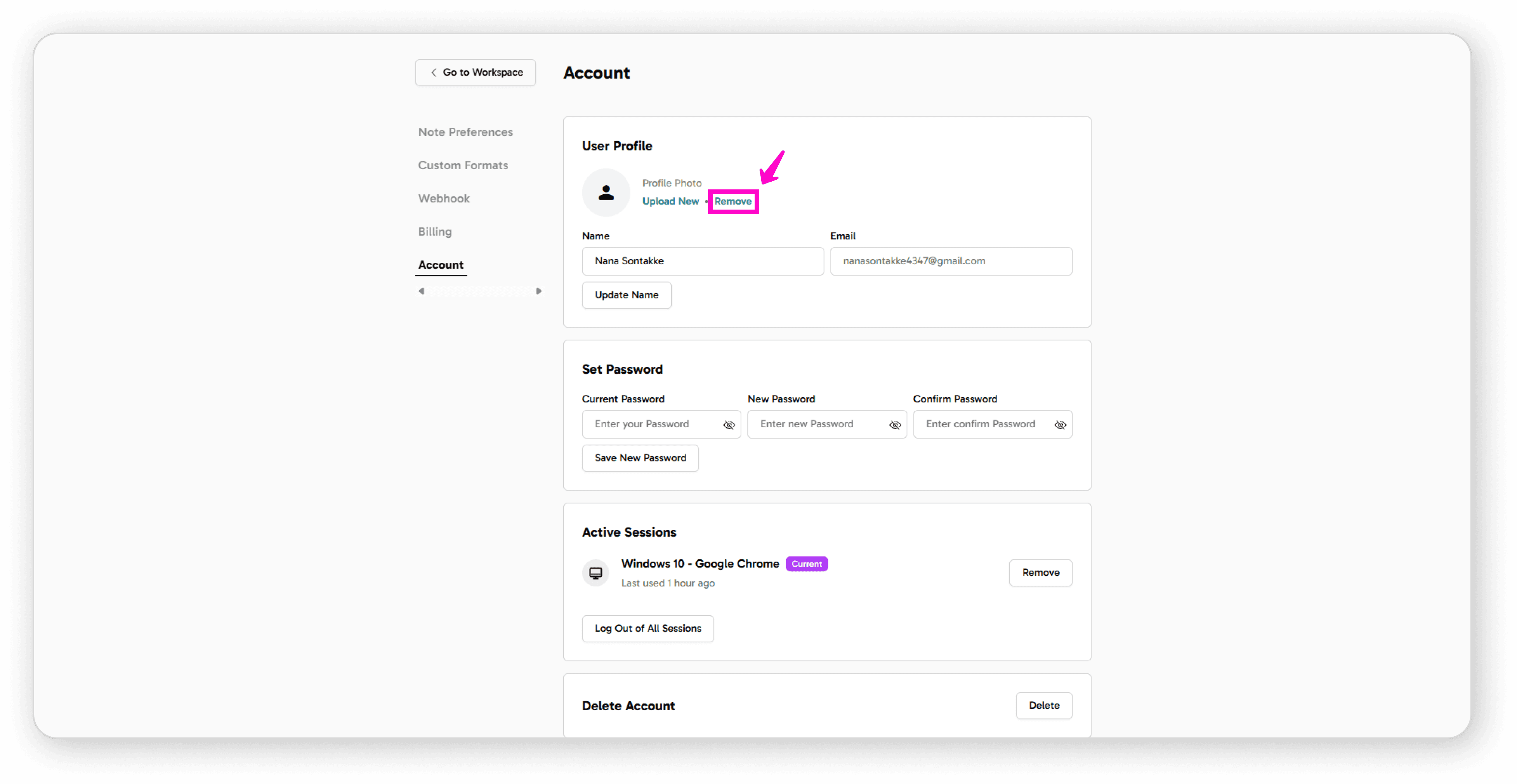
Confirm the removal
Update Your Personal Information
View your name and email ID in your profile
To change your name, click "Update Name"
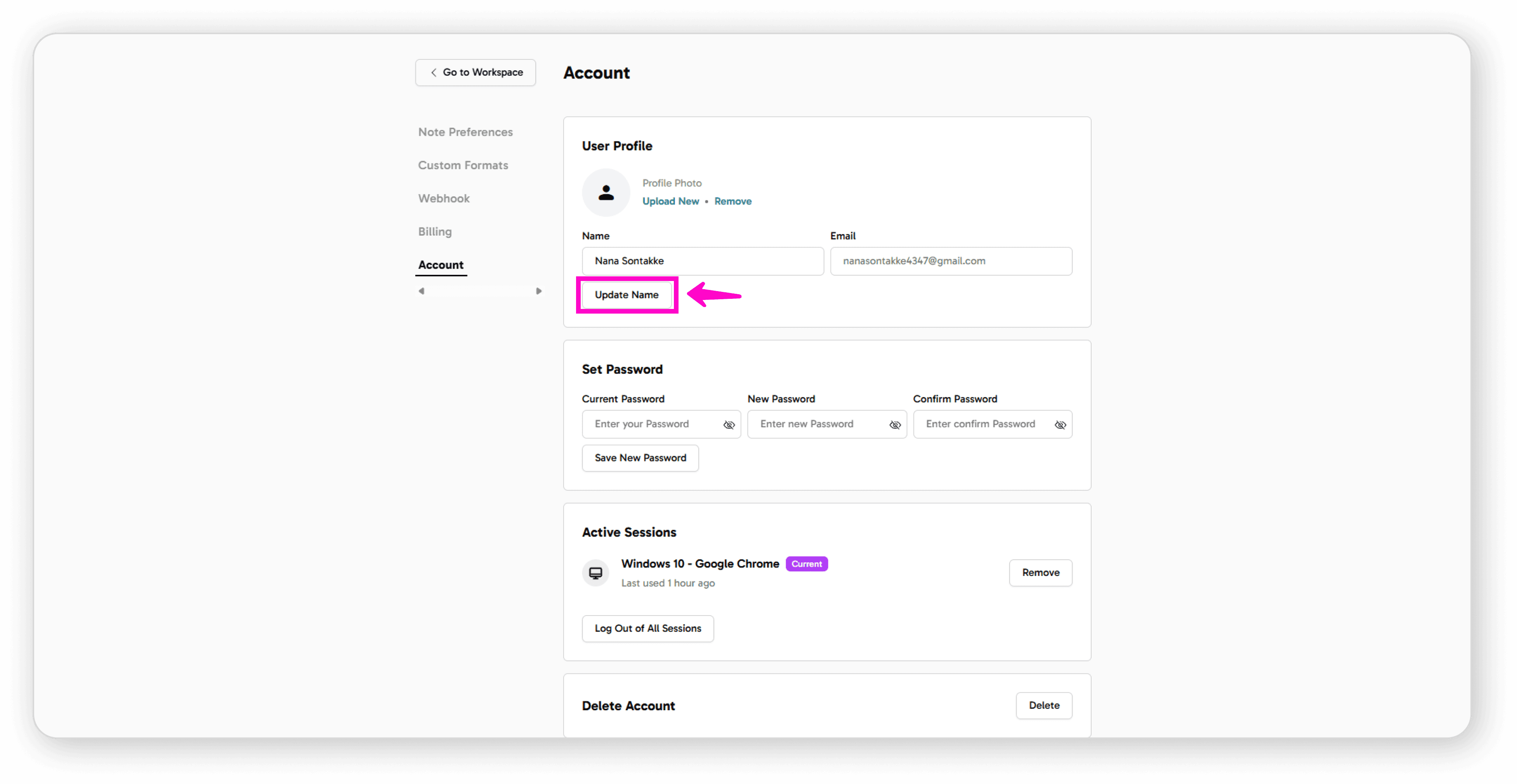
Make your changes and save