Move Notes to Folders
Move existing notes into folders.
How to Move Notes to a Folder
Moving your notes into folders is simple and helps keep everything organised. Follow these easy steps:
Steps to Move a Note
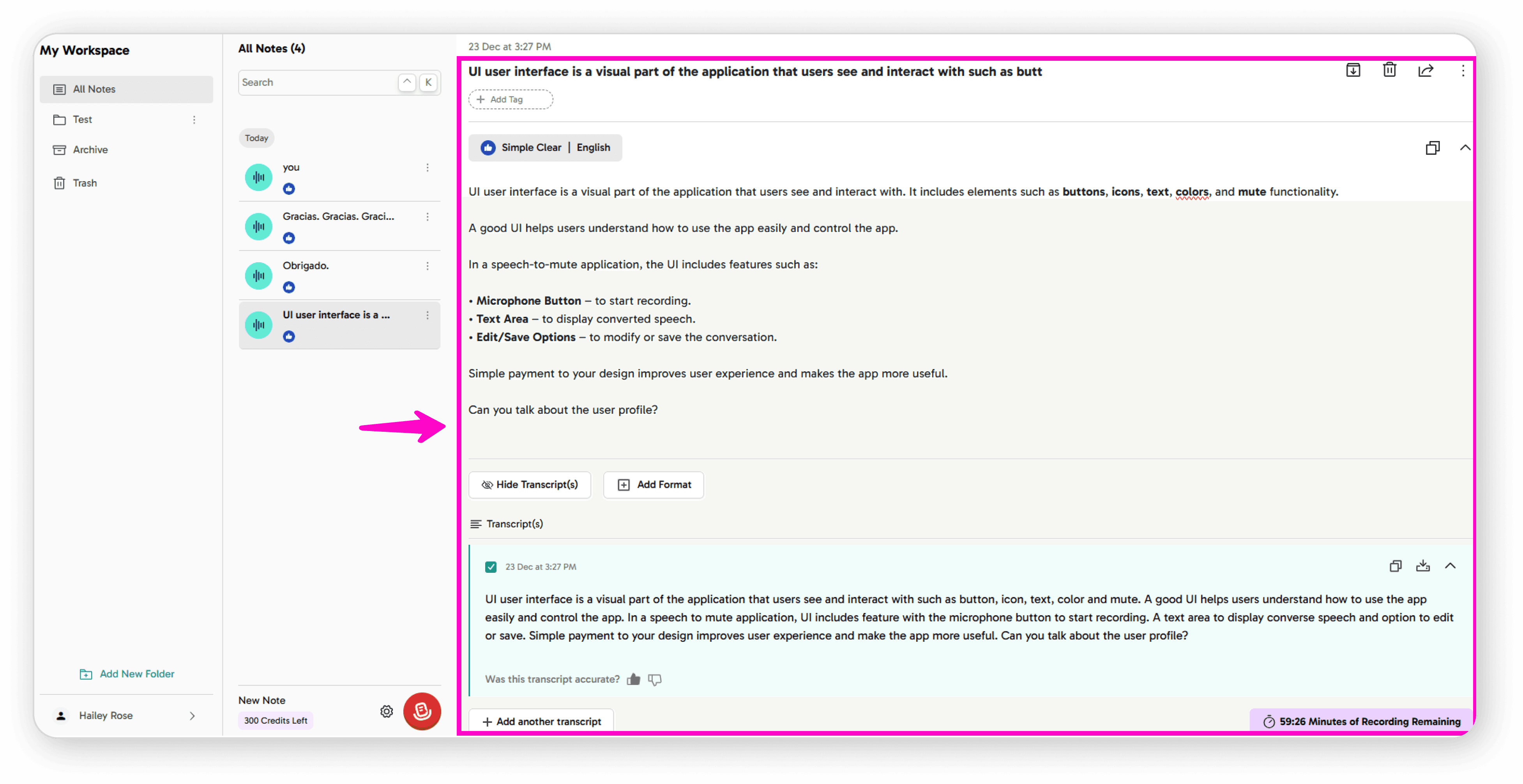
Select Your Note
Click on the note you want to move
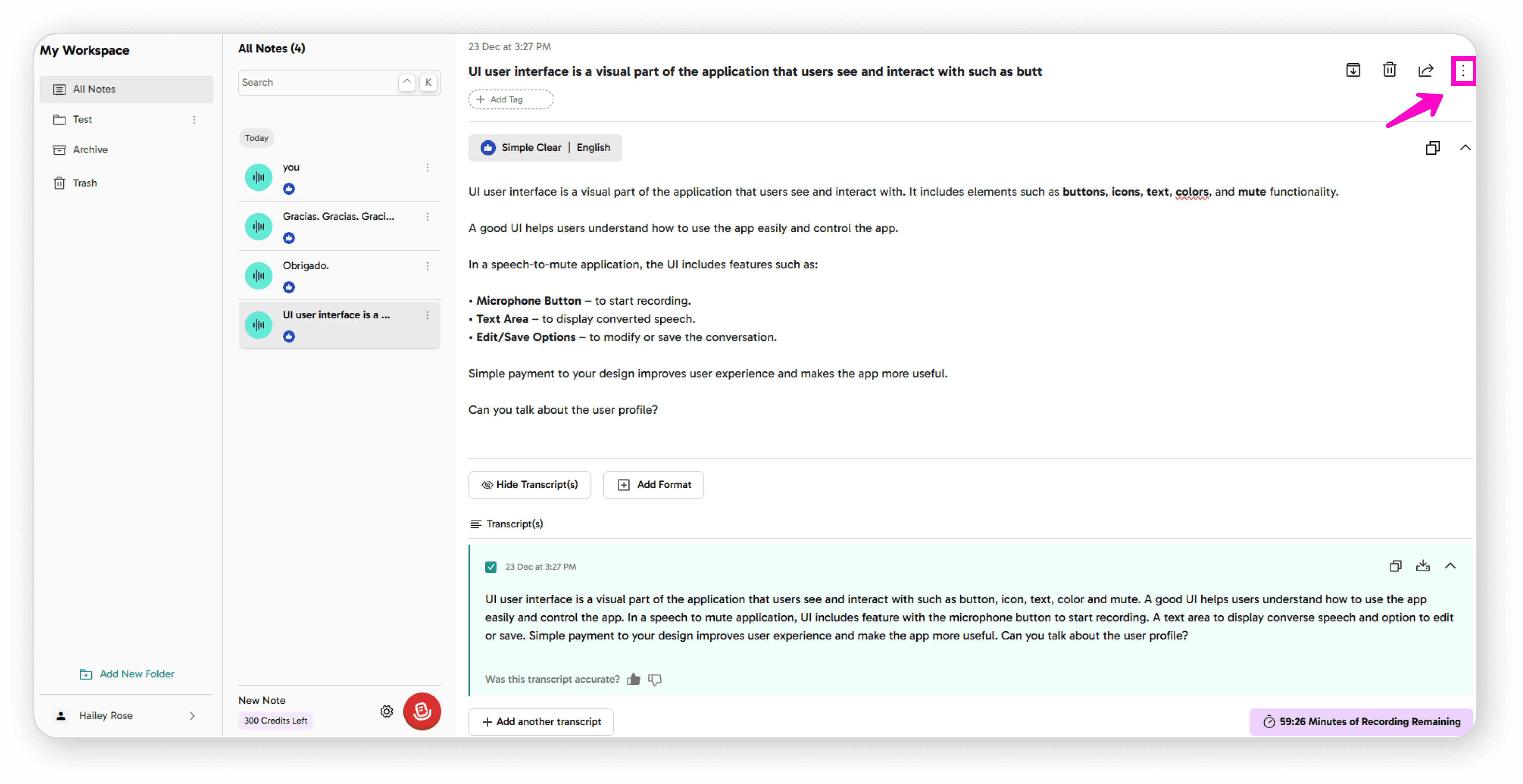
Open the Options Menu
Click on the 3-dot icon (⋮)
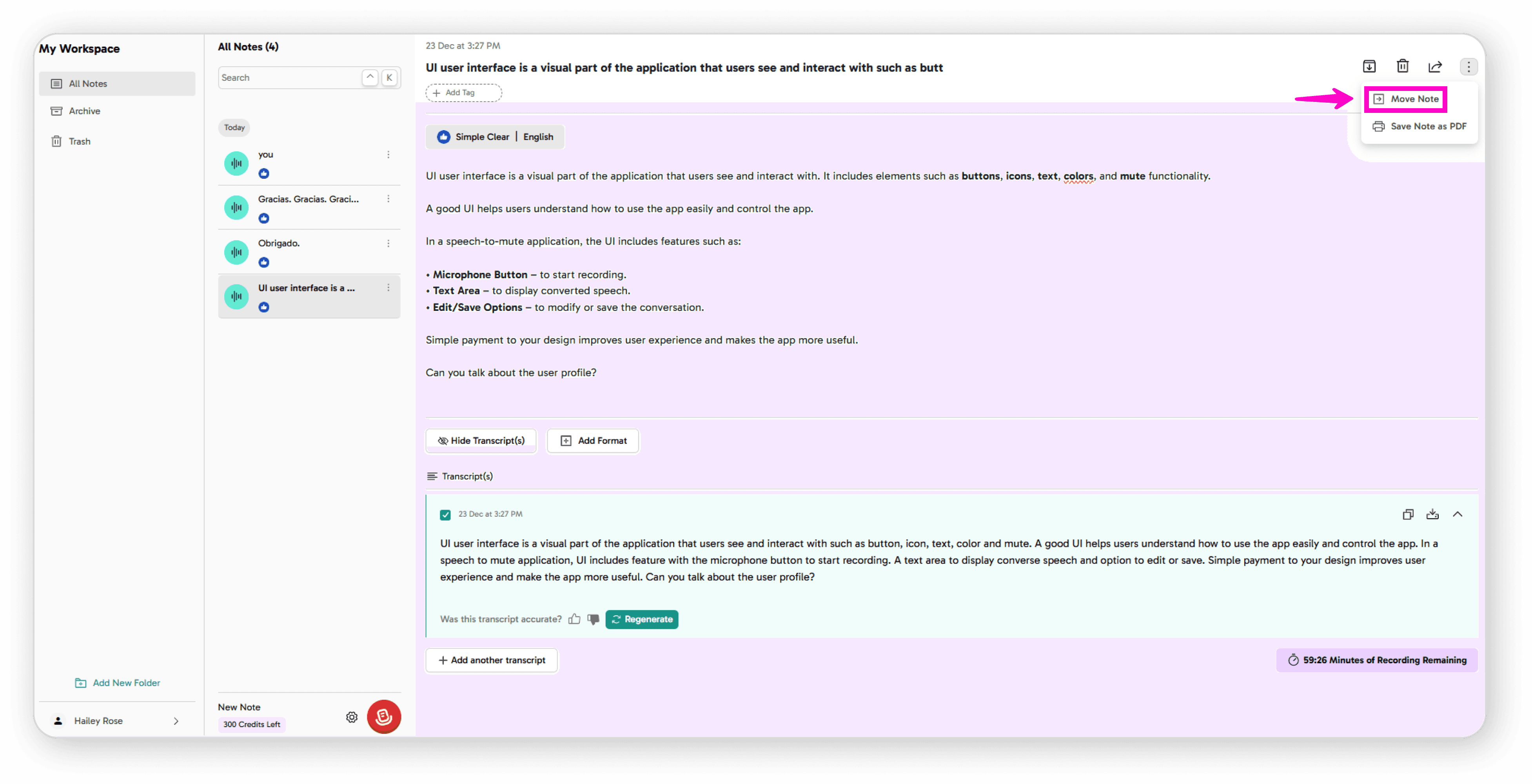
Choose Move Option
Click on "Move Note"
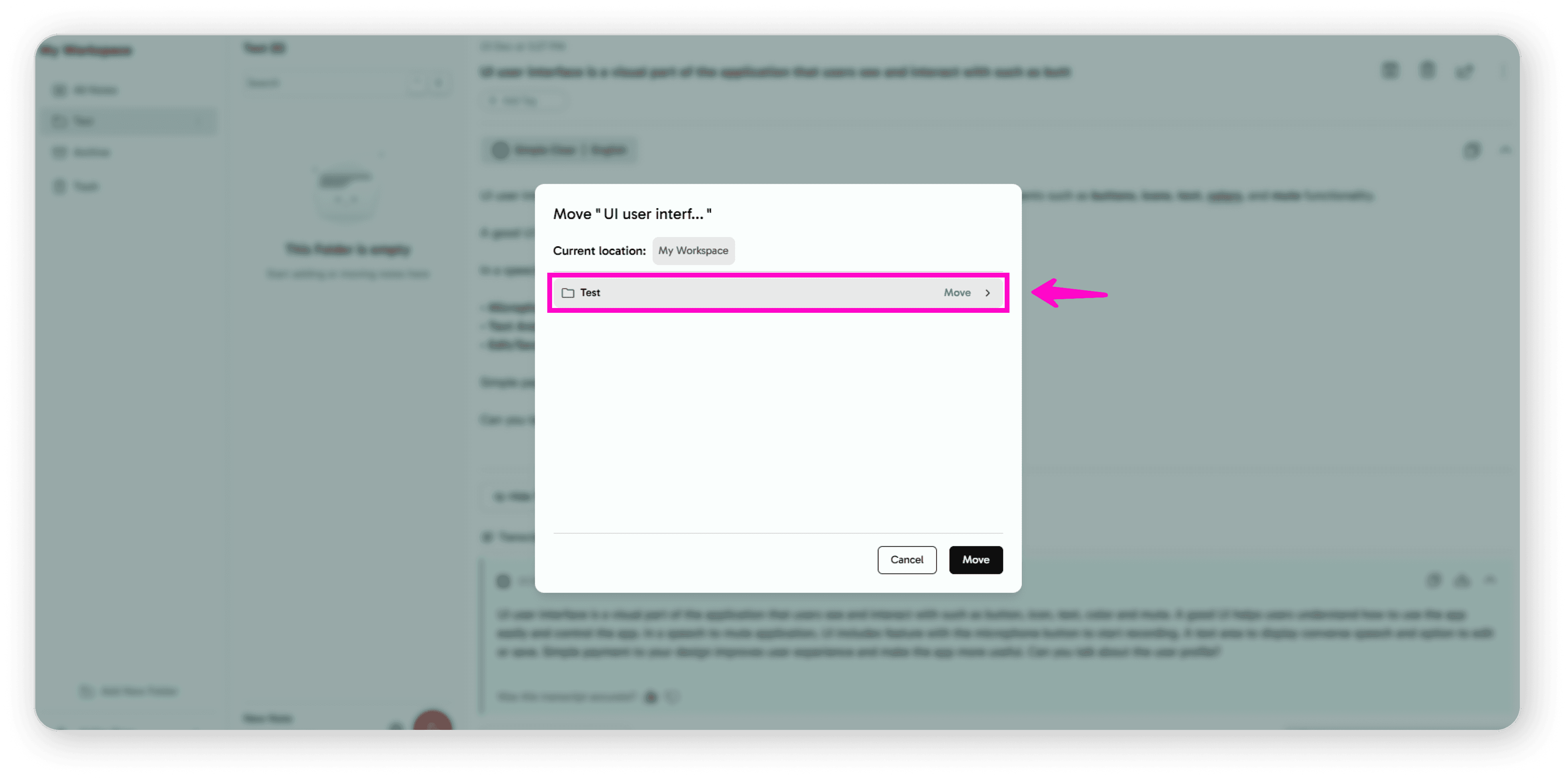
Select Your Destination
You'll see your folder screen with all available folders
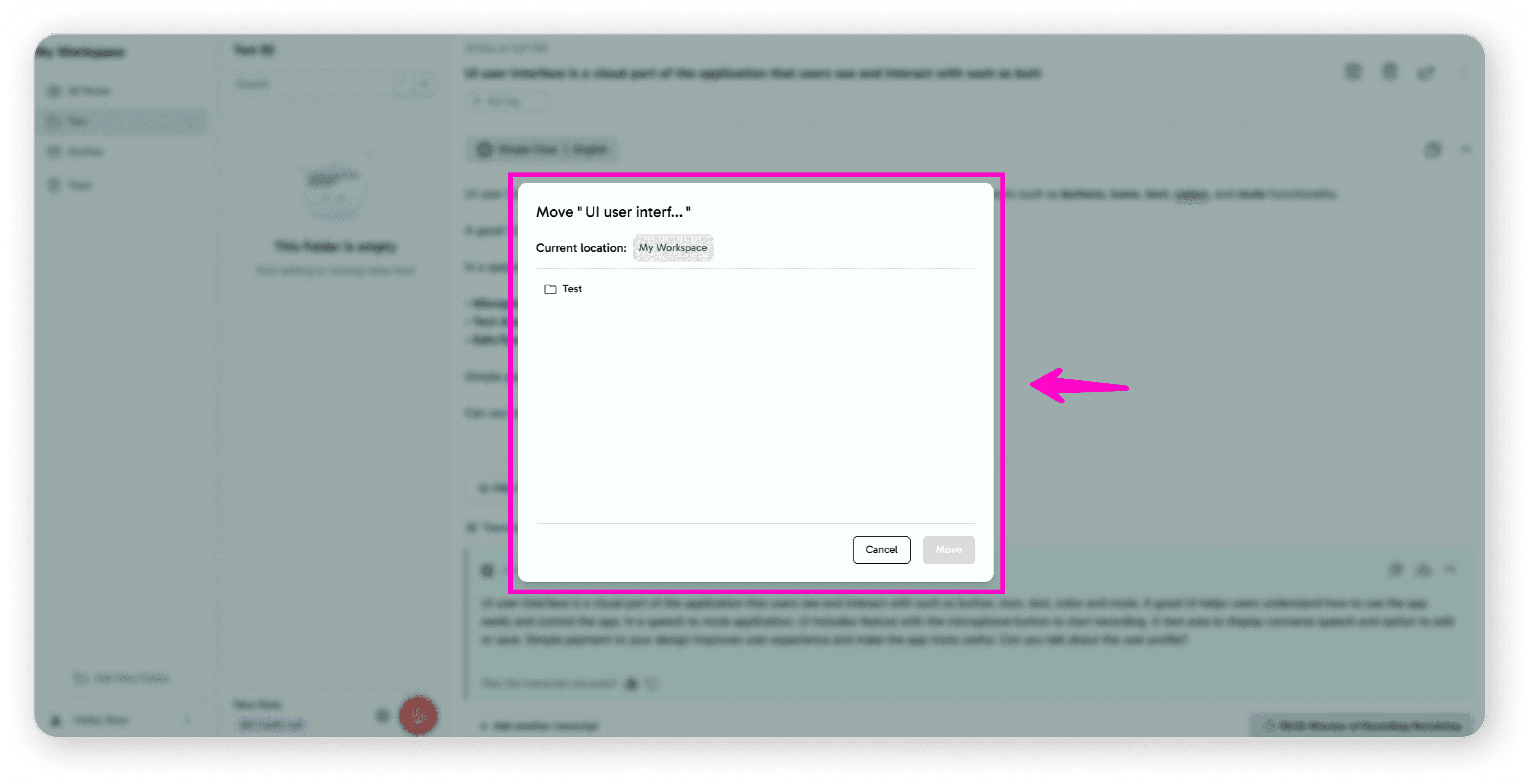
Click on the folder name where you want to move your note
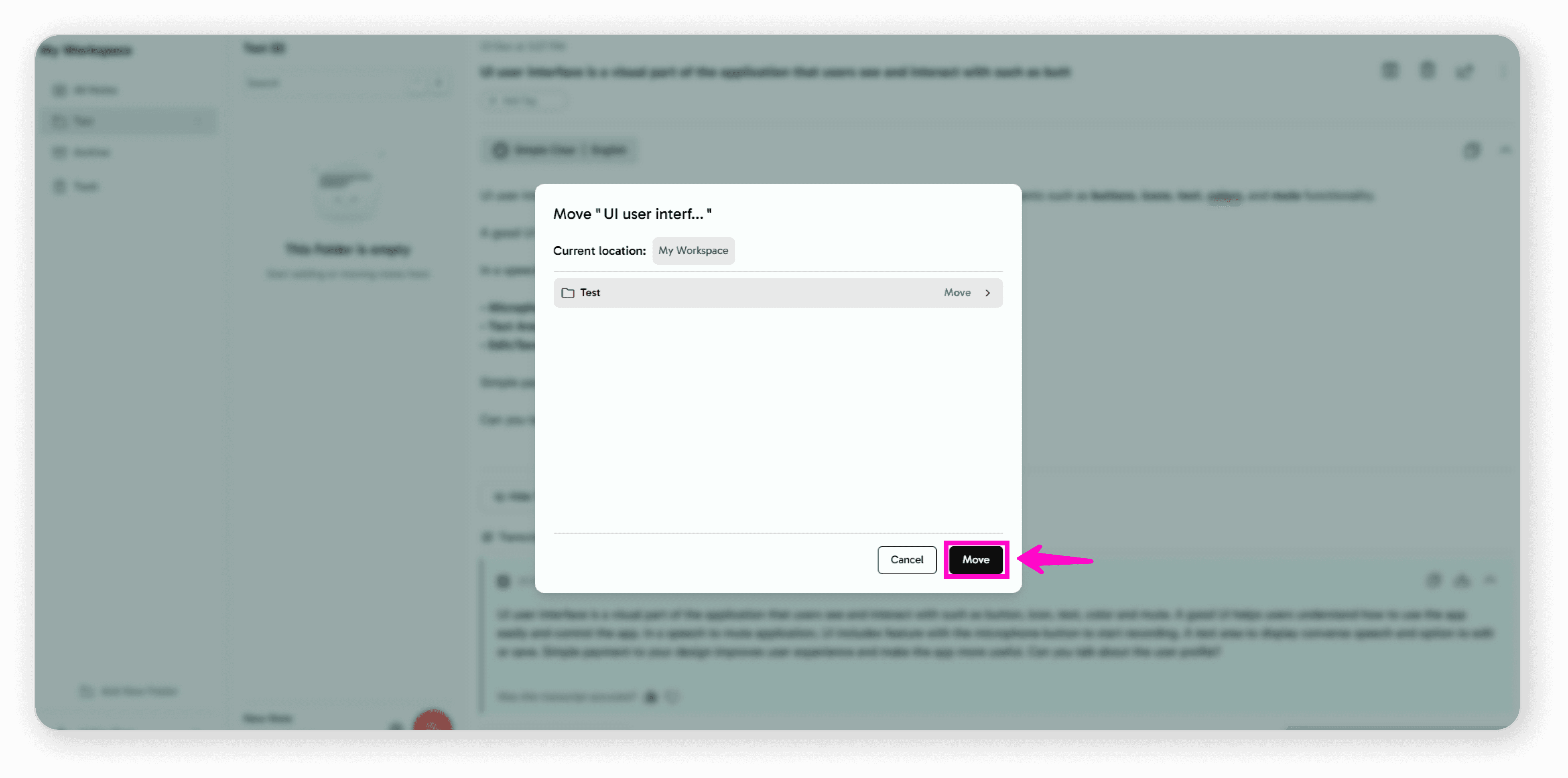
Confirm the Move
Click "Move" to complete the action
Your note is now in the selected folder
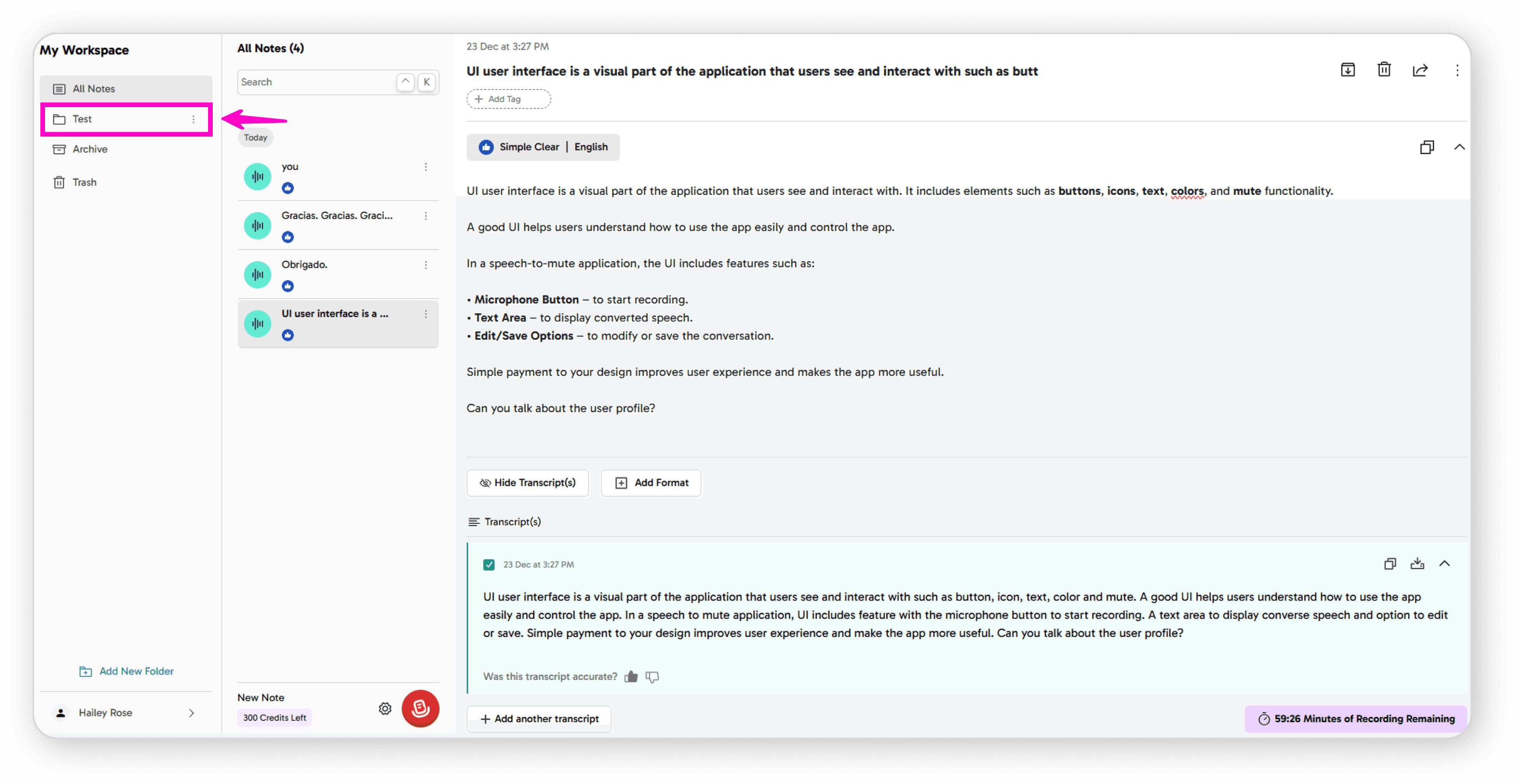
That's it! Your note has been successfully moved to the new folder and is now better organized for easy access.
You can create new folders to organize your notes by topic, project, or any system that works for you.